Simplifying Peer-to-Peer Trading with SwapShop
Industry
Peer-to-Peer Marketplace
Services Provided
SwapShop is a peer-to-peer marketplace built for exchanging goods or completing purchases through external payment methods
SwapShop allows users to exchange items directly with one another through two transaction models: goods for goods and goods for payment.
Users begin a swap through the platform, communicate through direct messaging, exchange payment details when required, provide payment or shipping information, and verify each step before completing the transaction.
Payments are handled outside the platform through services such as Venmo, while SwapShop supports communication, verification, order tracking, and fee calculation throughout the process.
Objective
Creating a Clearer and More Reliable Swap Experience
The primary objective was to design a structured transaction experience for both item exchanges and payment-based purchases.
Support Multiple Swap Types
Allow users to complete goods-for-goods exchanges or pay for an item through an agreed external method.
Improve Transaction Visibility
Give both participants a clear view of payment evidence, shipping information, verification status, and the next required action.
Maintain a Sustainable Platform Model
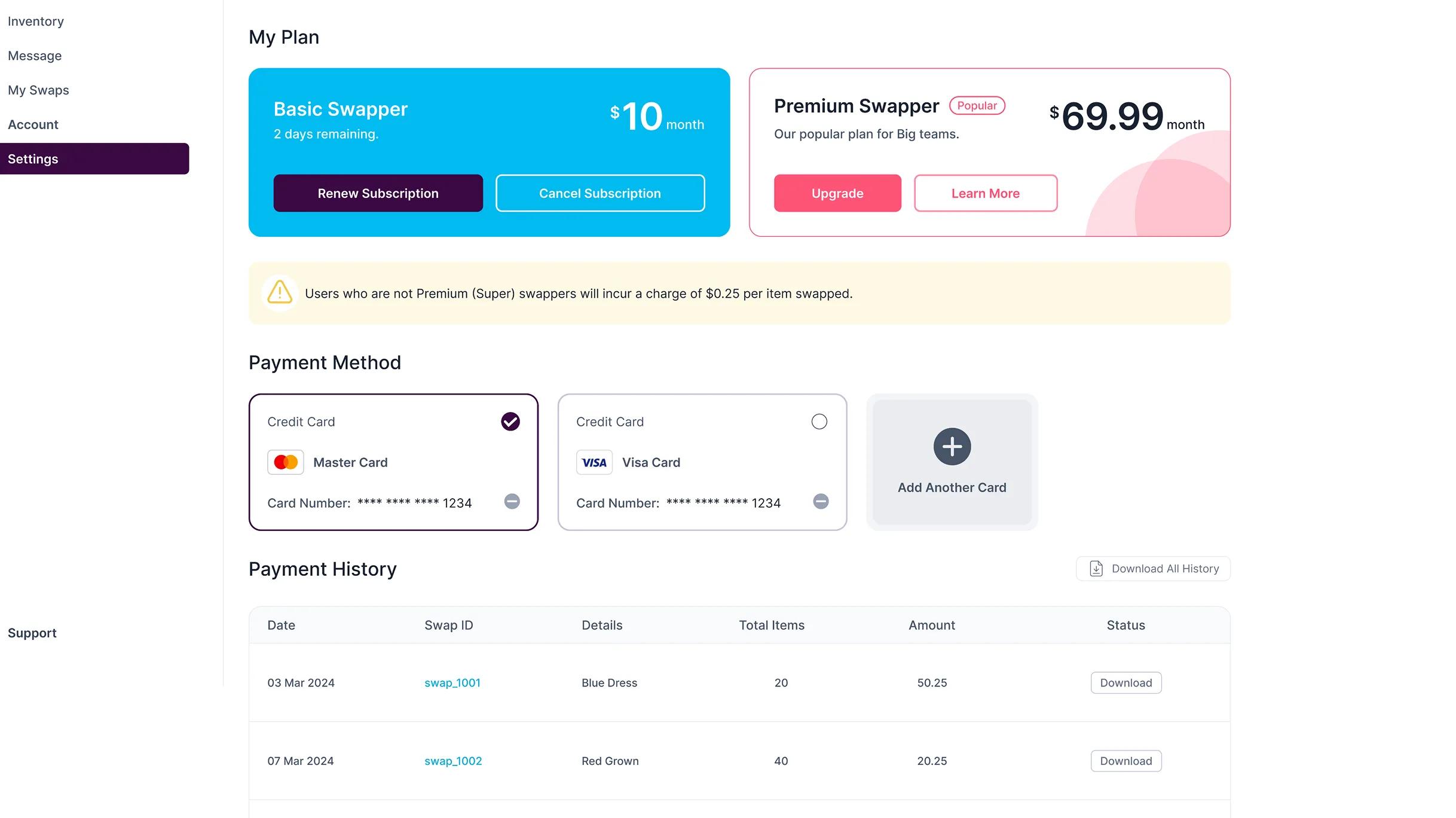
Automatically calculate a 6% platform fee based on the wholesale value of the goods involved in the transaction.
Challenges
Bringing Structure to Transactions That Happen Partly Outside the Platform
SwapShop needed to provide clarity and accountability even though the actual payment could happen through an external service.
Off-Platform Payment Verification
The system needed a reliable way for users to confirm that an external payment had been completed before shipping an item.
Two Different Transaction Models
Goods-for-goods and goods-for-payment swaps required different actions, responsibilities, and verification steps.
Clear Fee Calculation
The platform needed to calculate its service fee consistently using the wholesale value of the exchanged goods.


Feature
Swap Management Dashboard
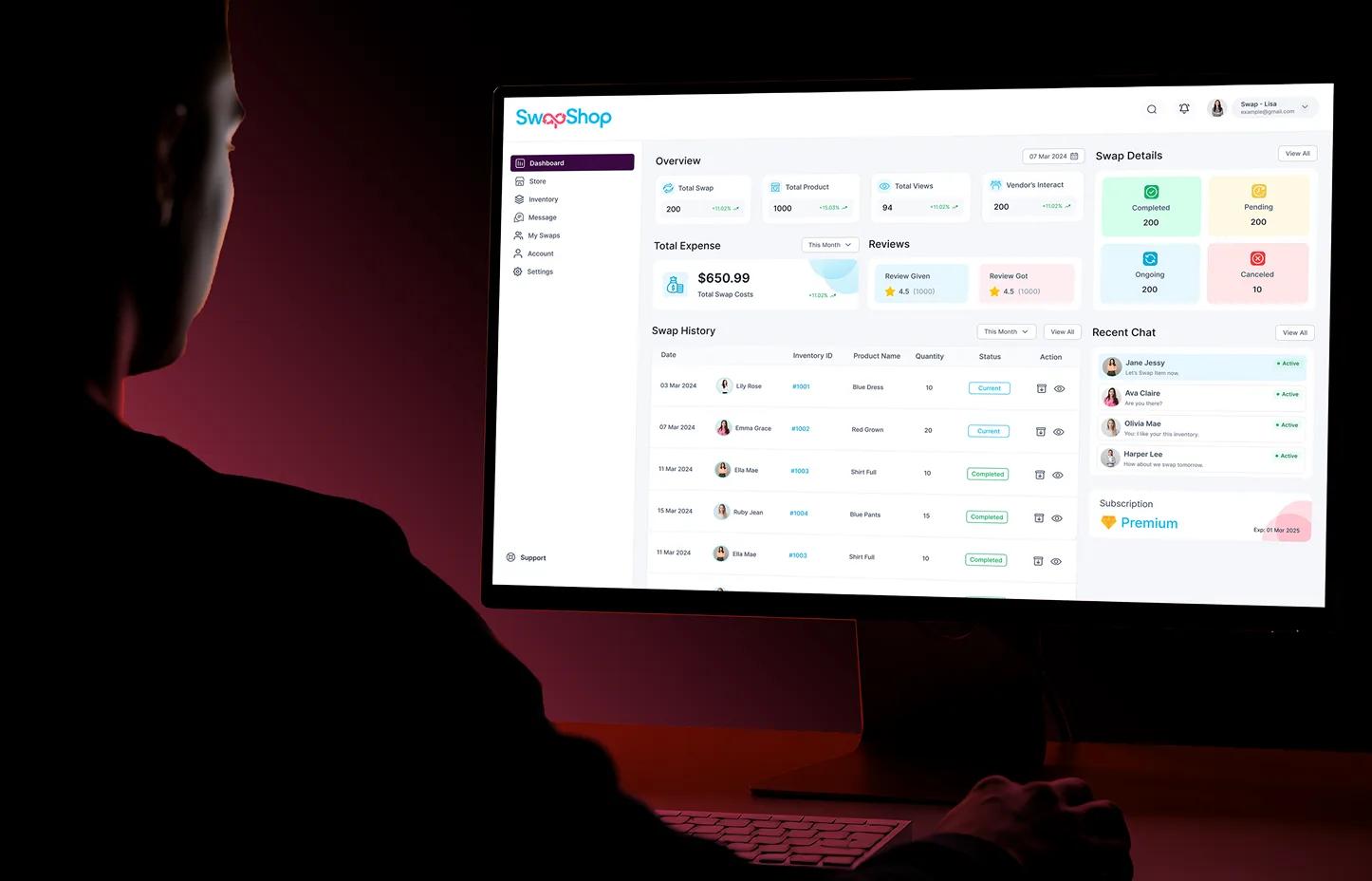
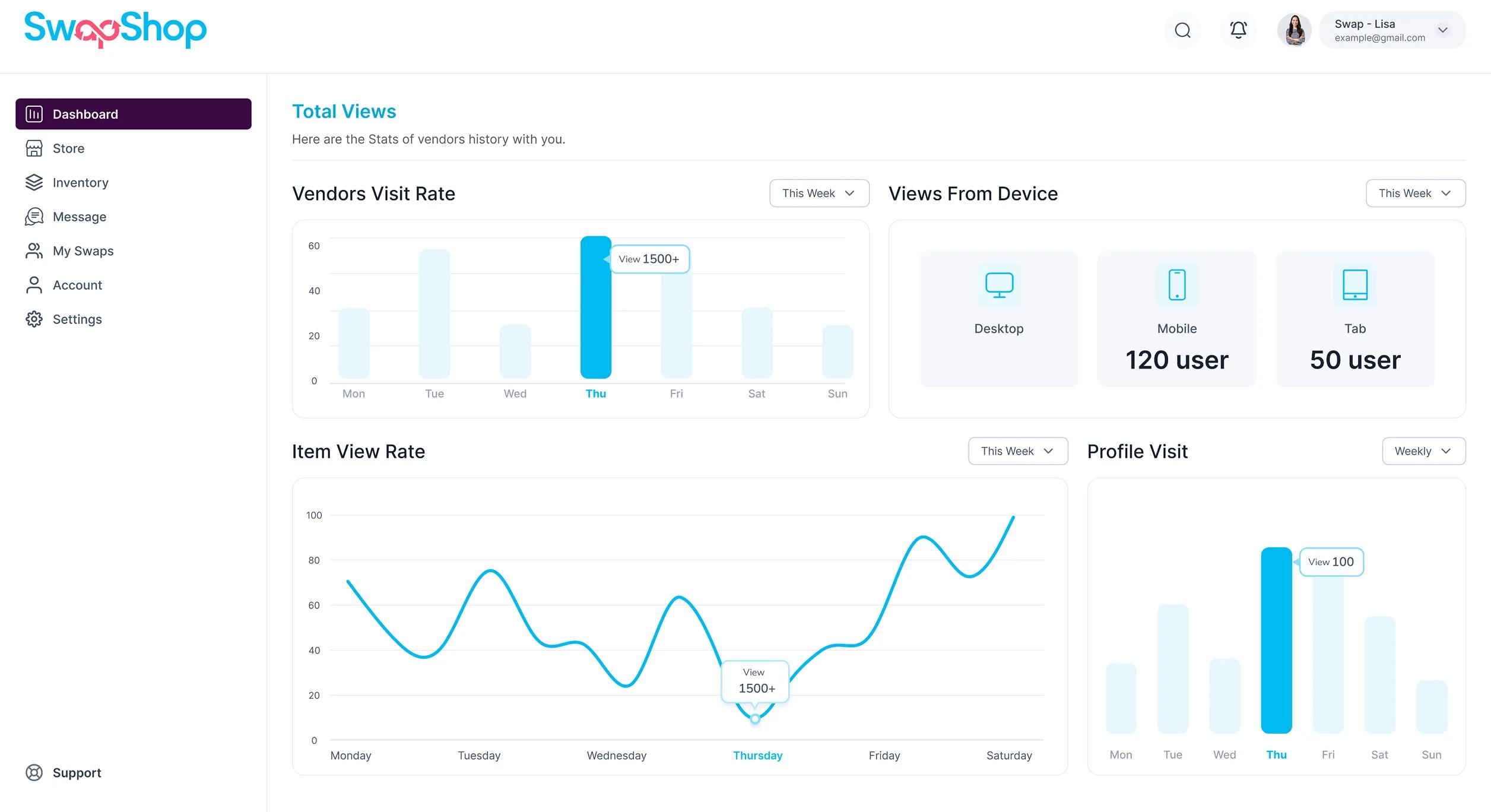
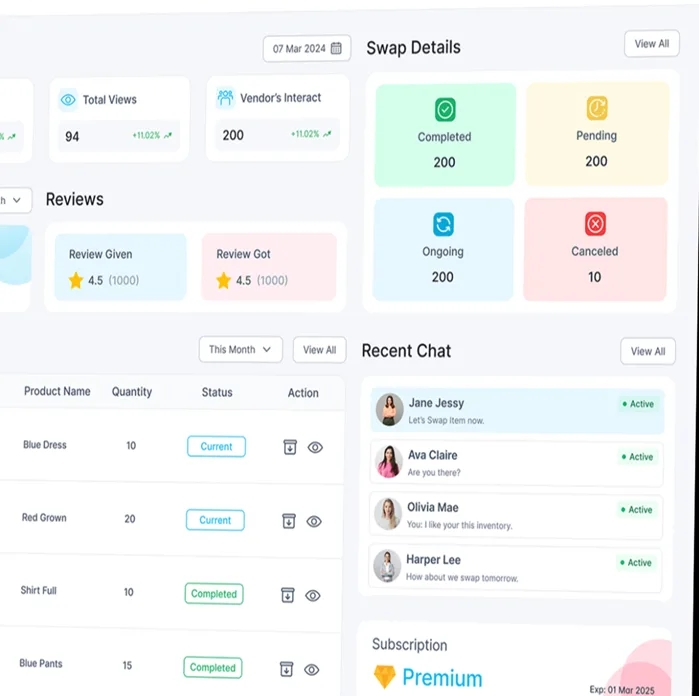
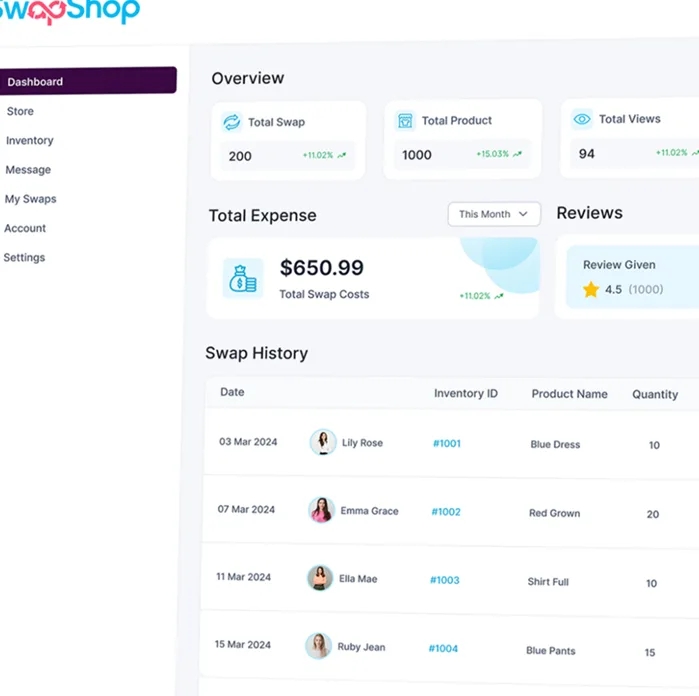
The dashboard gives users a complete overview of their SwapShop activity from one centralized workspace. Users can monitor total swaps, listed products, profile views, vendor interactions, expenses, and transaction statuses without moving between multiple screens.
Swap history, recent conversations, subscription details, and completed, pending, ongoing, or cancelled exchanges remain clearly organized, helping users manage listings, follow active transactions, and respond to other marketplace members more efficiently.
Discover and Connect with Trusted Vendors
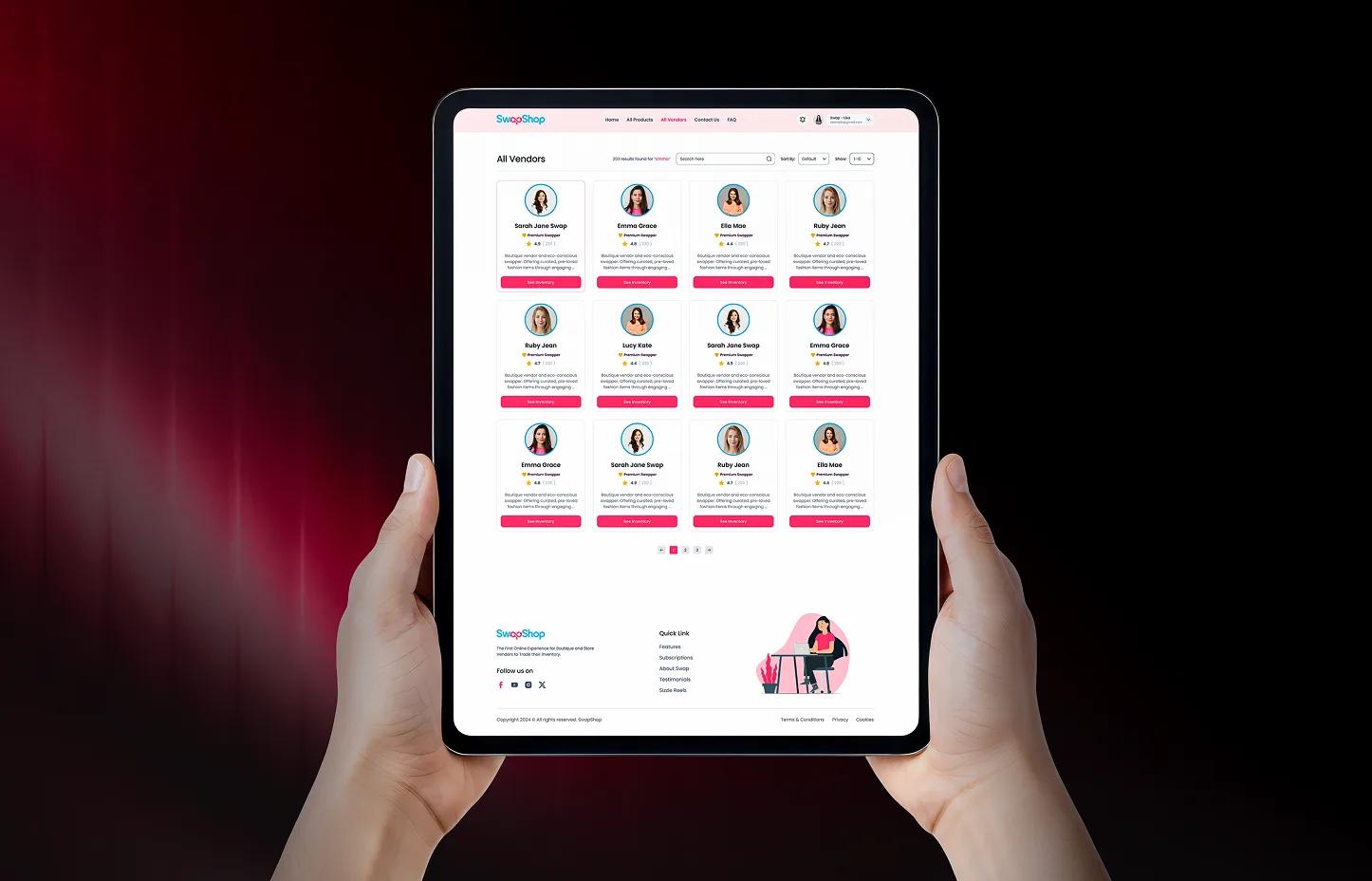
The All Vendors experience gives users a centralized directory of active SwapShop sellers and trading partners. Users can search, sort, and compare vendor profiles based on ratings, activity, listed products, and marketplace reputation.
Each vendor card provides a quick overview and direct access to their inventory, helping buyers discover reliable members, explore available goods, and start new swap opportunities with greater confidence.
Explore All Products in One Marketplace
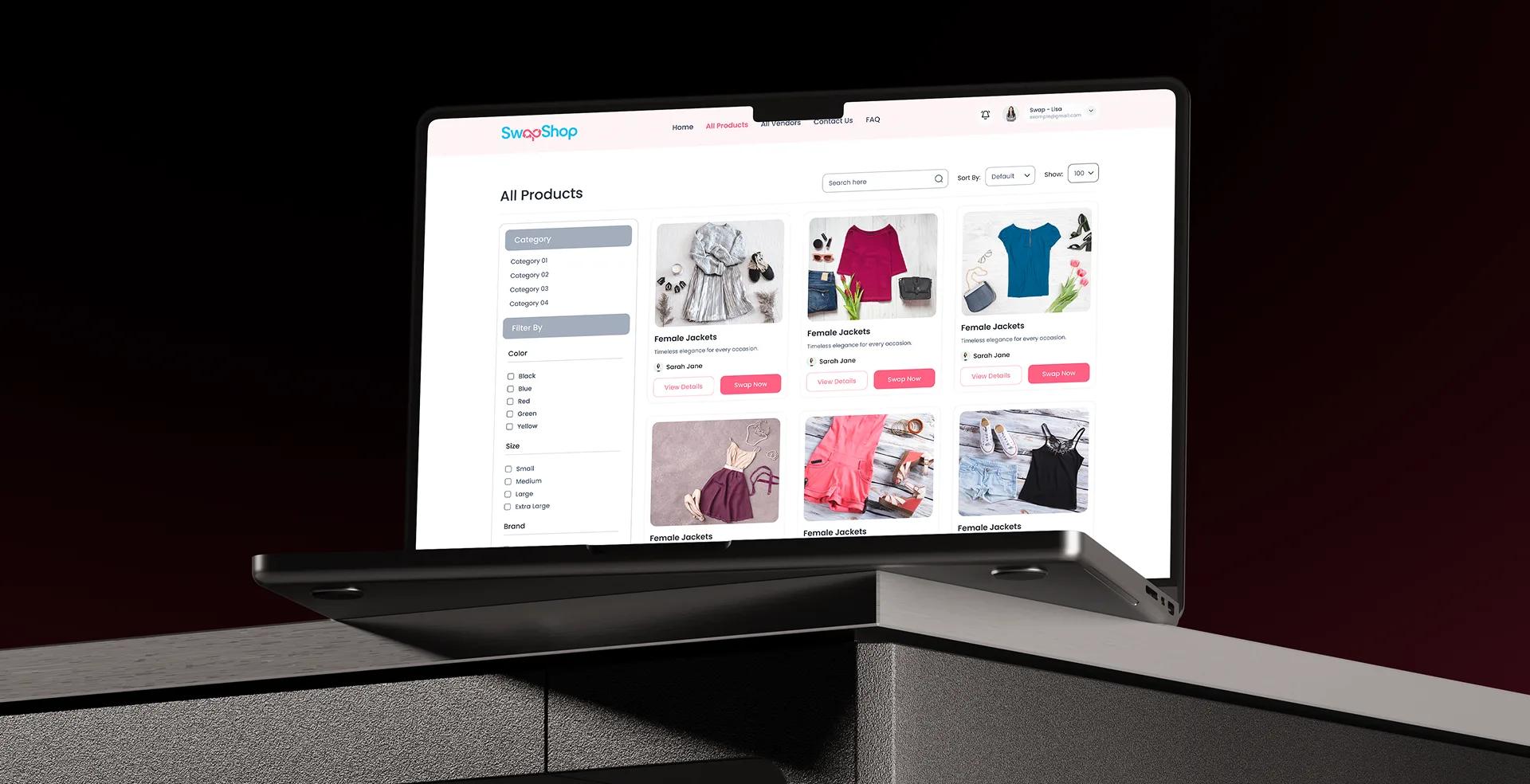
The All Products experience gives users a centralized place to browse every item available for swap or purchase. Users can search products, filter by category, color, size, brand, and other relevant attributes, then quickly compare options before starting a transaction.
Each product card provides essential item information, seller details, and direct actions to view the listing or begin a swap, helping users discover relevant goods and move into the exchange process with less effort.
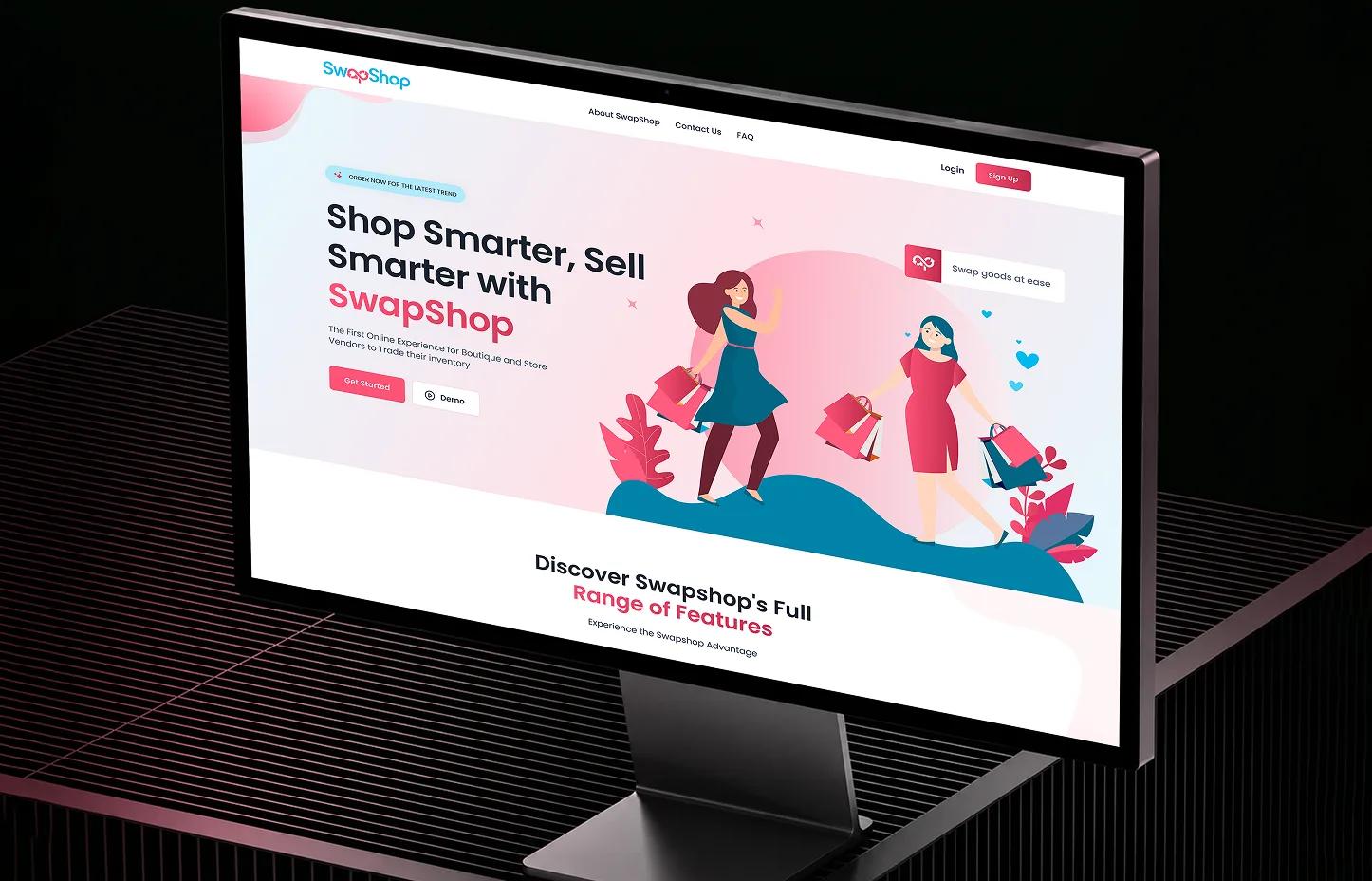
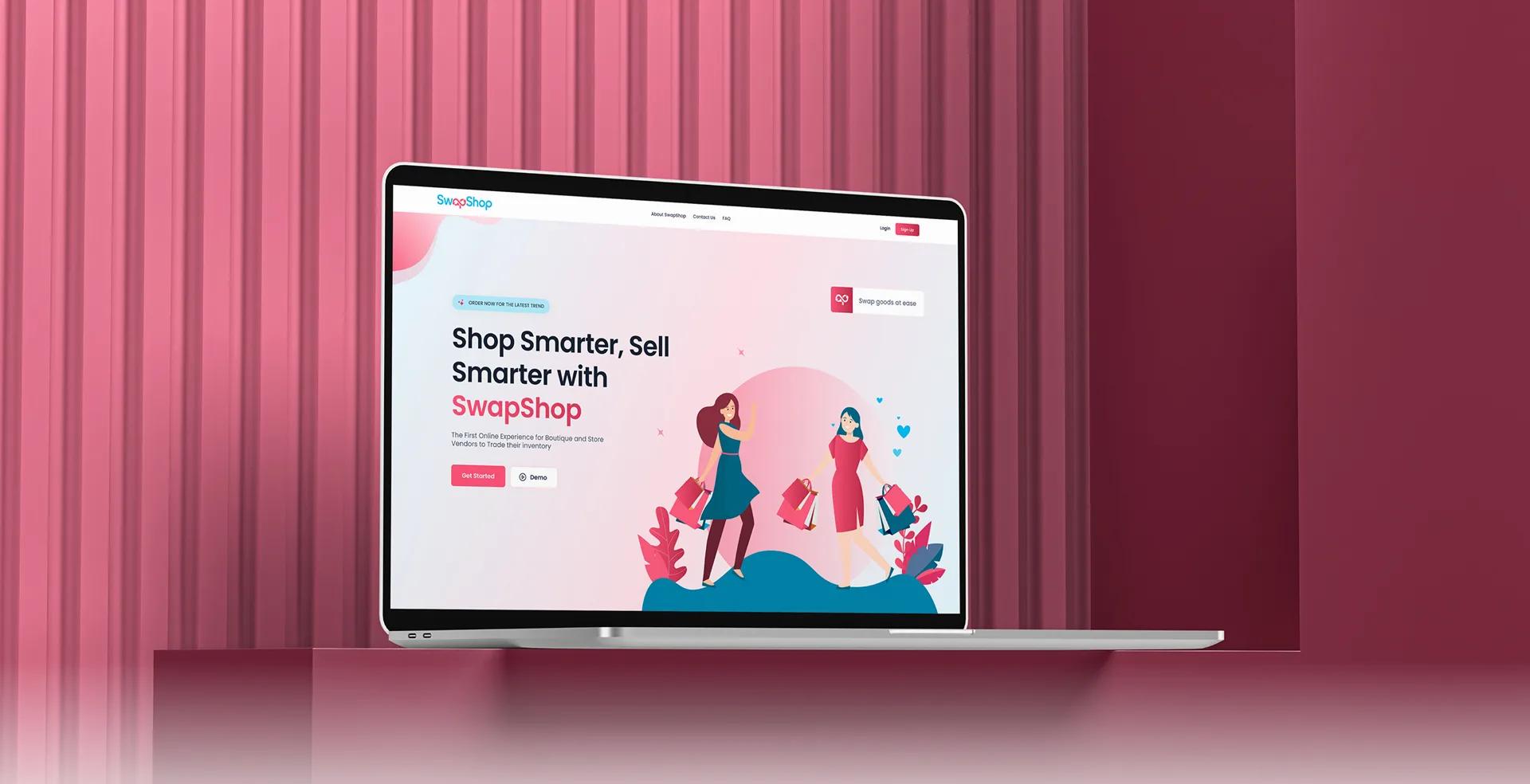
E-Commerce Landing Experience
The SwapShop landing page introduces users to featured products, limited-time deals, popular categories, and active marketplace opportunities through a clear and engaging storefront experience.
Strong promotional content and direct product discovery paths help visitors quickly understand the platform and begin exploring available items. The page also guides users toward browsing products, discovering vendors, creating an account, and starting their first swap with minimal friction.

Inventory Editing and Product Management
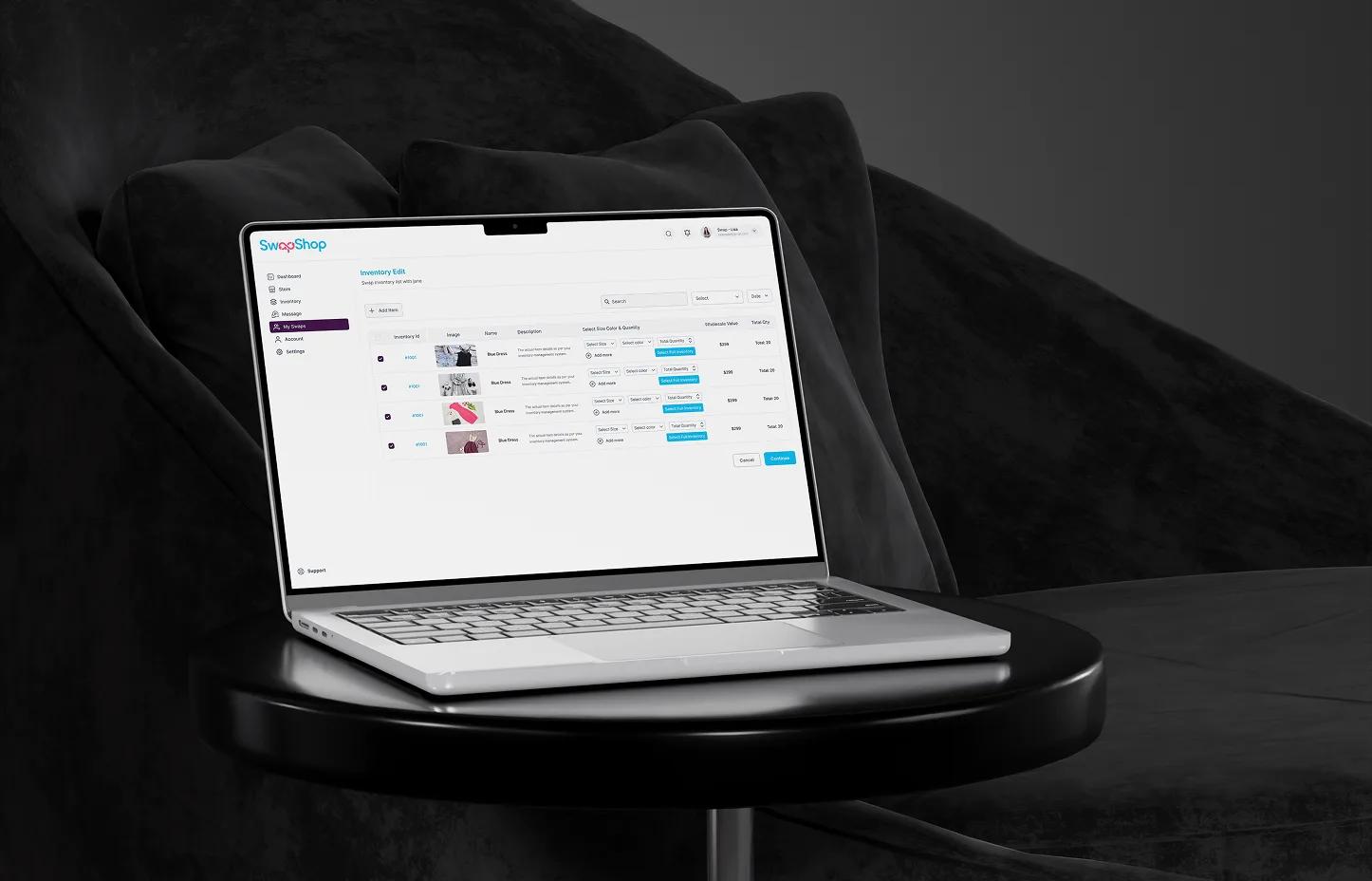
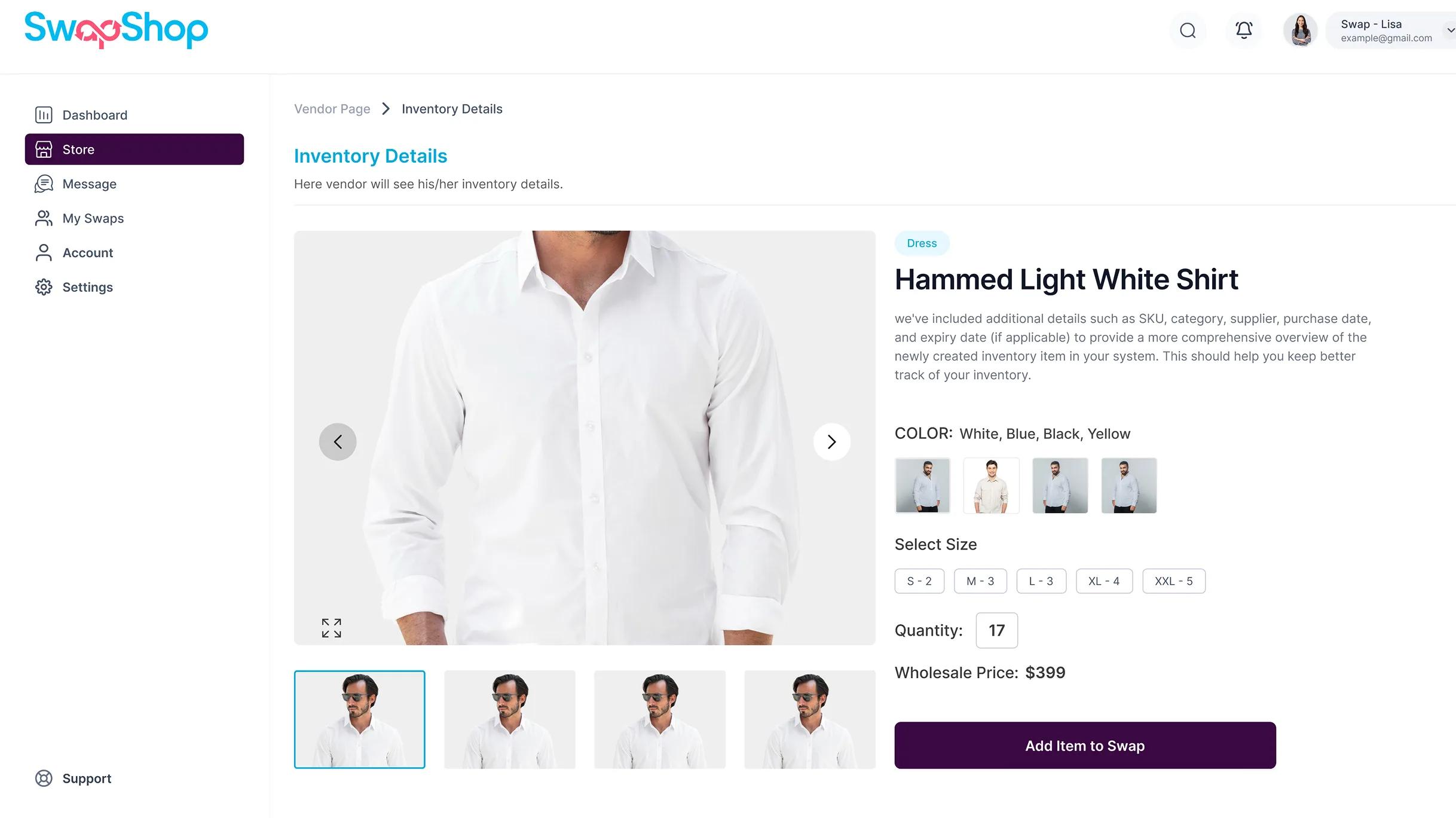
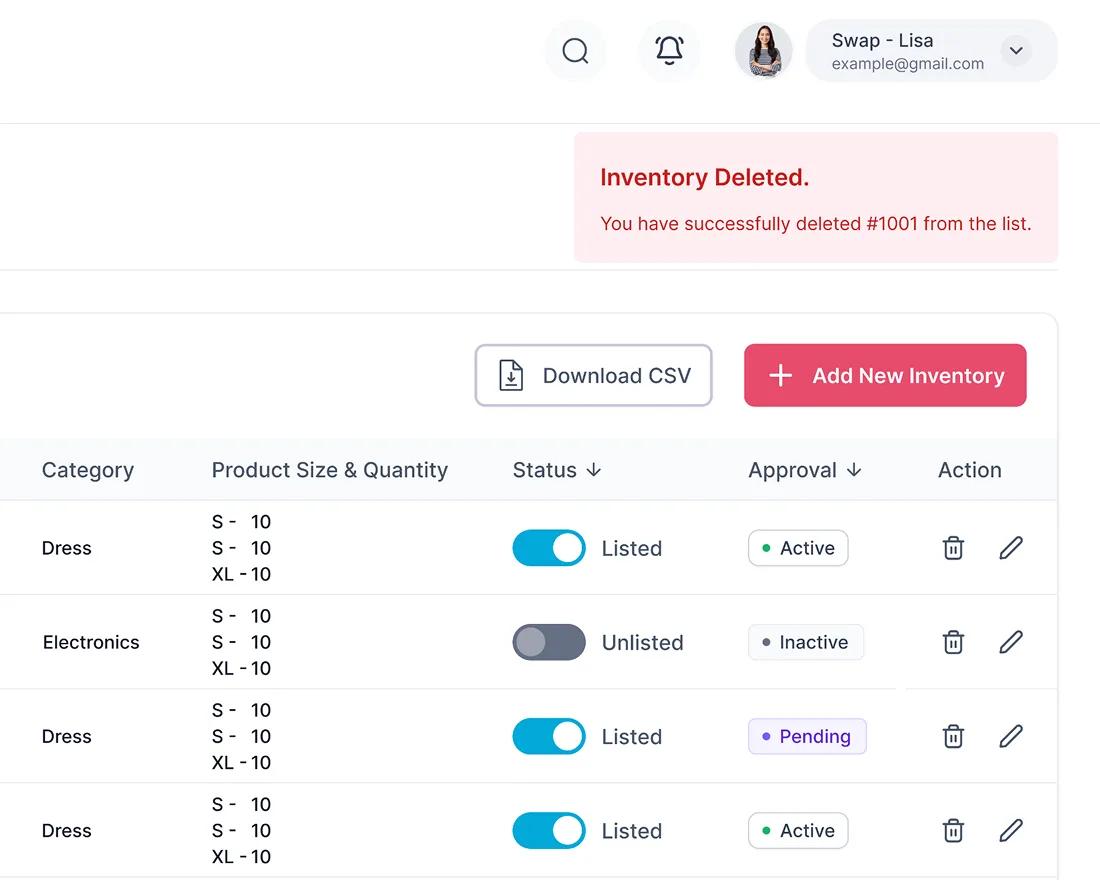
The Inventory Edit experience gives vendors a centralized workspace to review and update every product listing. Sellers can manage product details, categories, quantities, pricing, availability, images, and listing status without recreating items from the beginning.
Clear table controls and quick edit actions help vendors keep inventory accurate, update products faster, and ensure buyers always see current information before starting a swap or purchase.
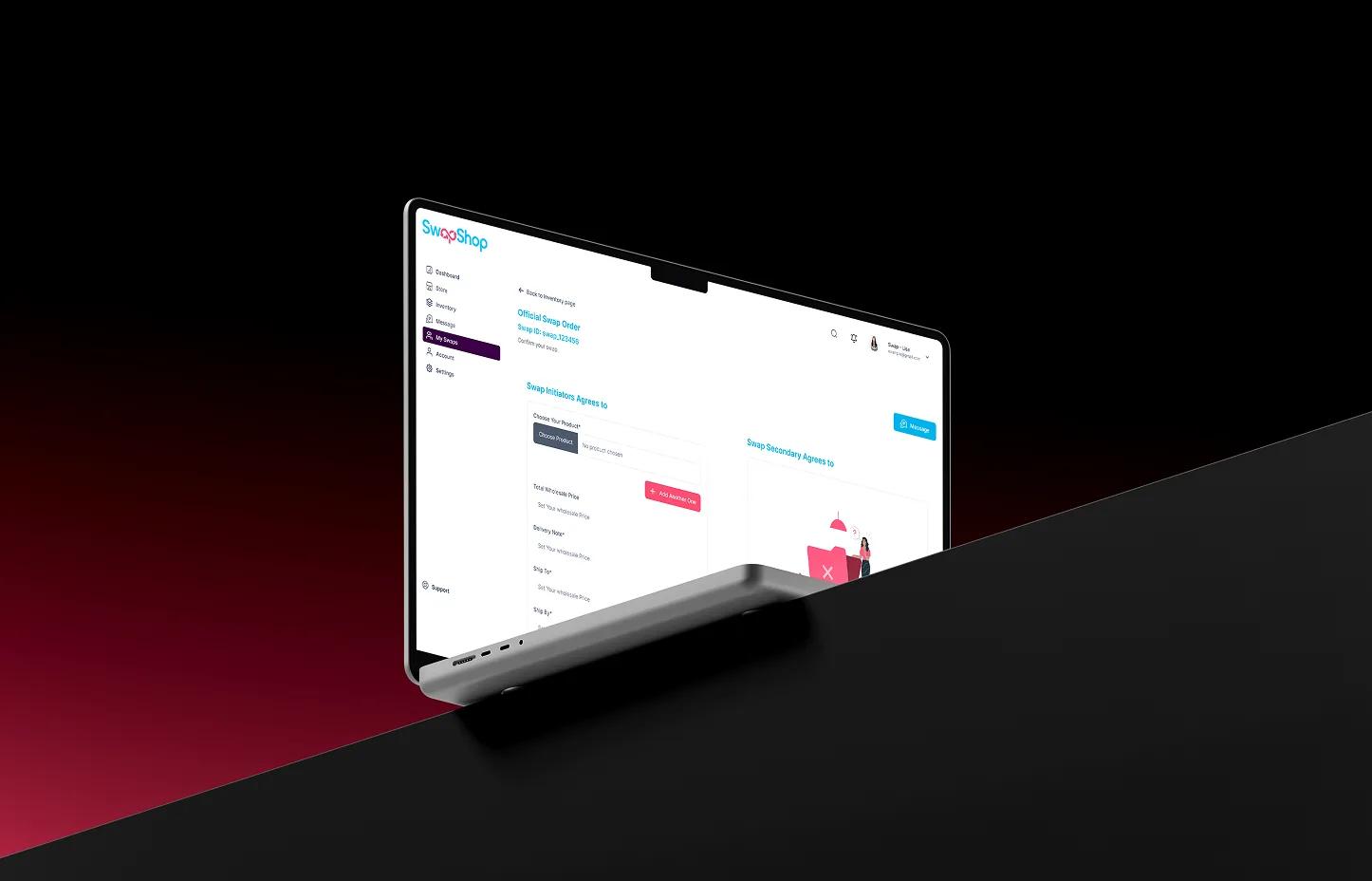
Official Swap Order
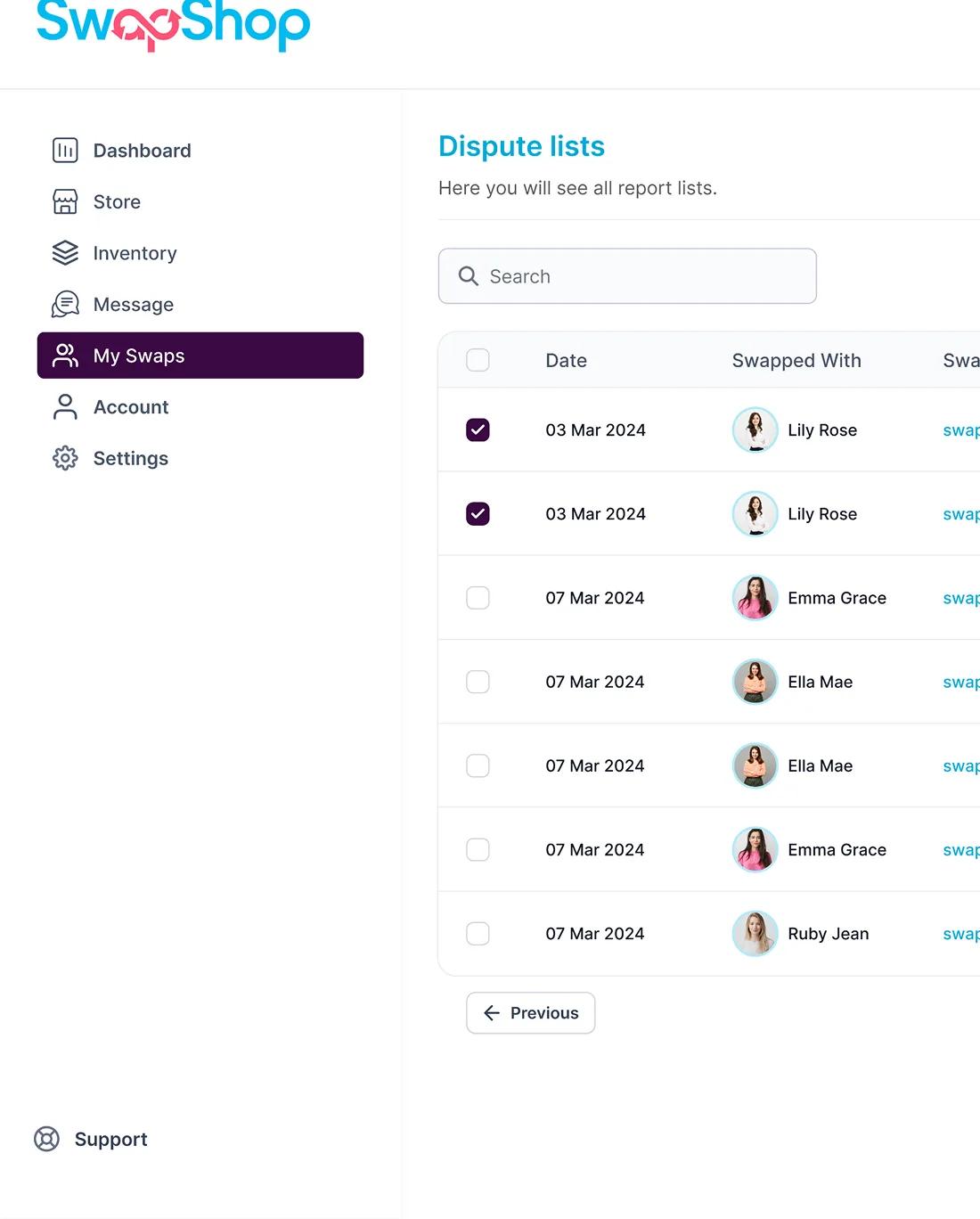
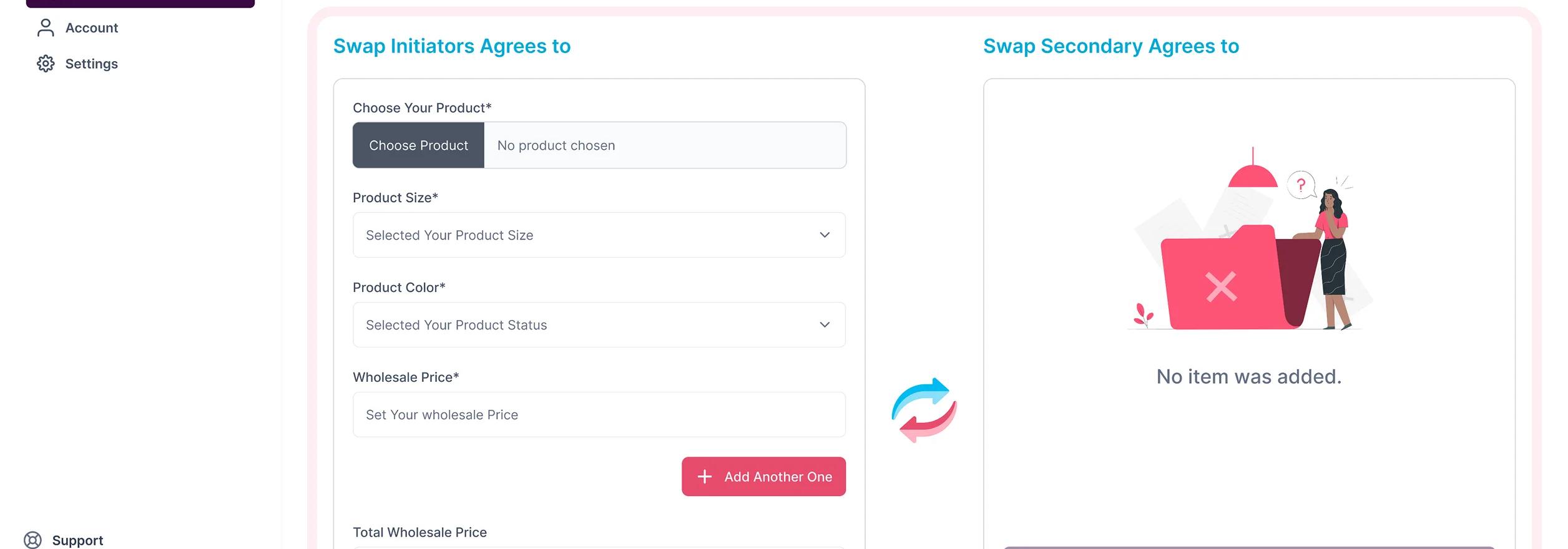
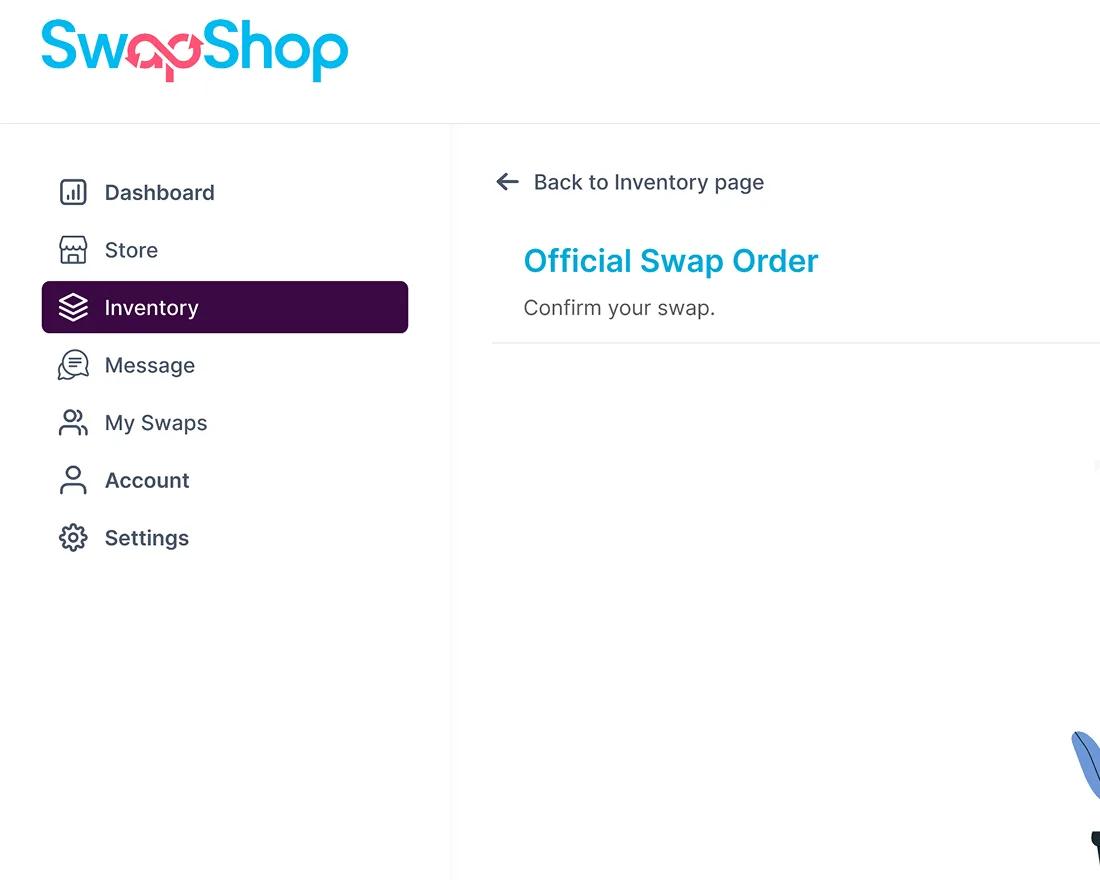
The Official Swap Order creates a structured record for every confirmed exchange on SwapShop. Users can review the selected products, participant details, item values, platform fees, payment evidence, shipping information, and current transaction status from one organized order view.
This documented workflow helps both parties understand their responsibilities, verify completed steps, and move confidently from swap confirmation through payment, shipping, and final completion.
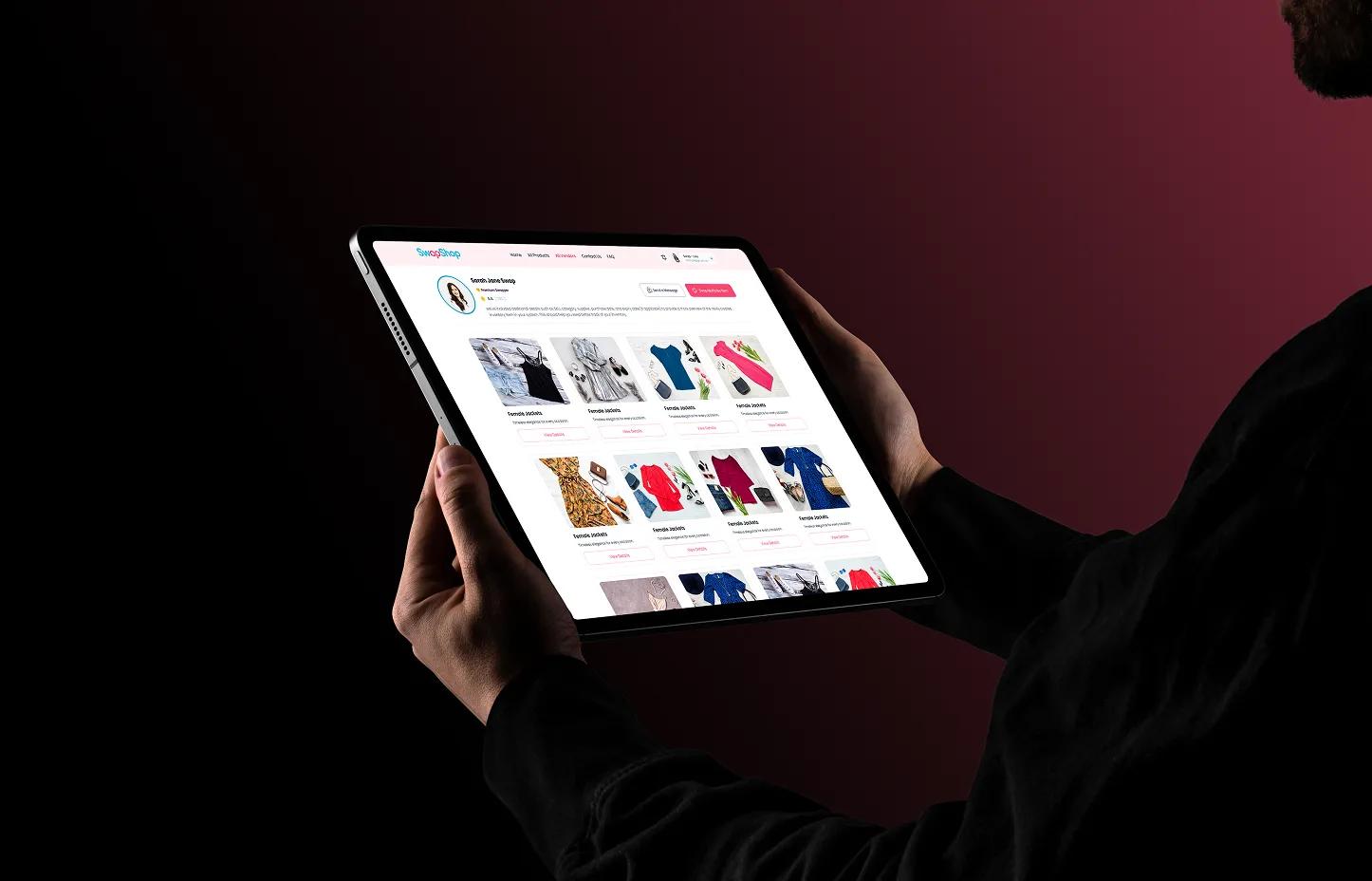
Explore Other Vendor Profiles
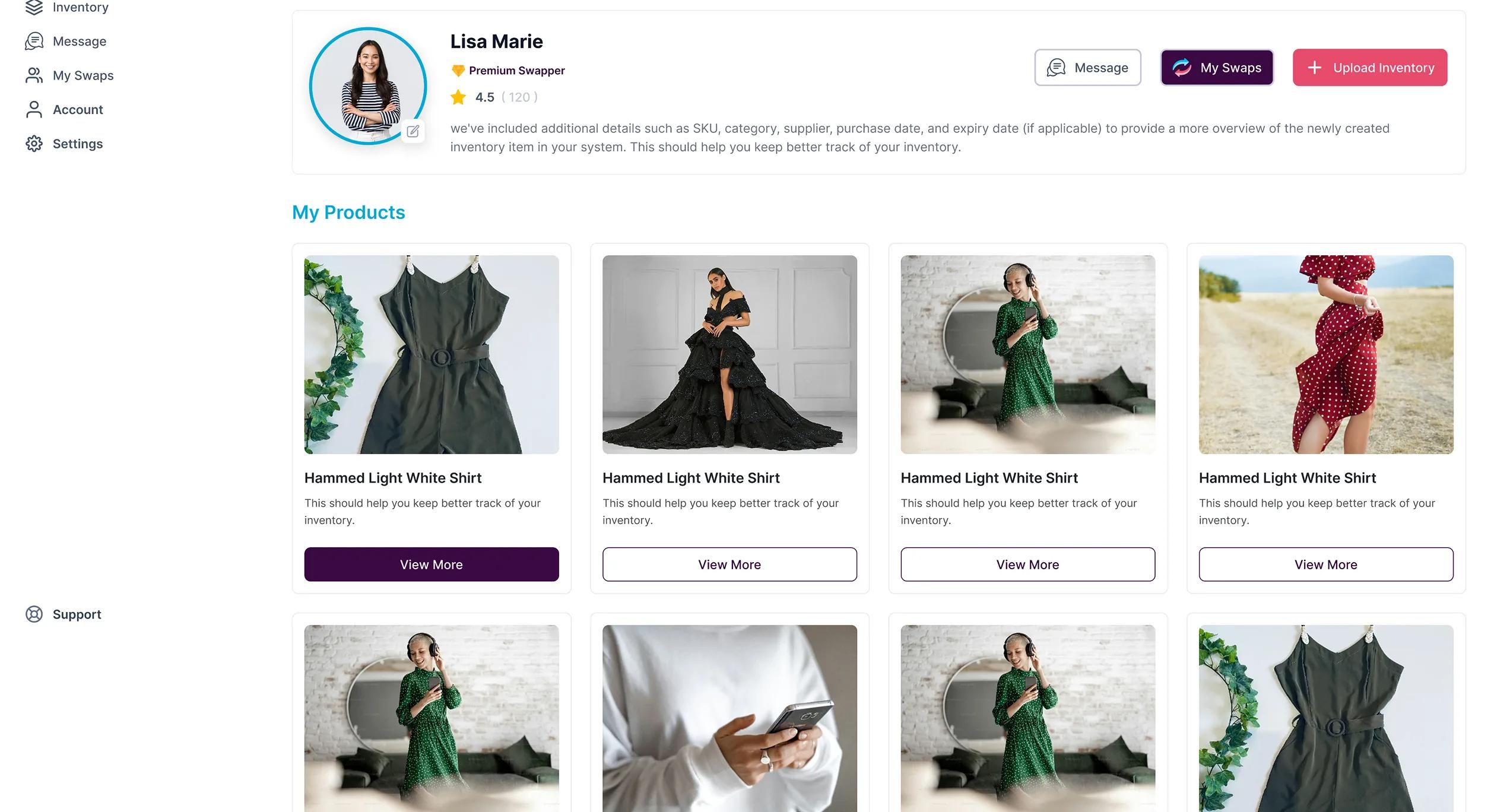
The vendor profile experience helps users evaluate potential swap partners before starting a transaction. Visitors can review a vendor's available products, ratings, marketplace activity, and profile details from one organized page.
This creates greater transparency across the community, helping users discover relevant inventory, compare trusted sellers, and begin new swap opportunities with more confidence.
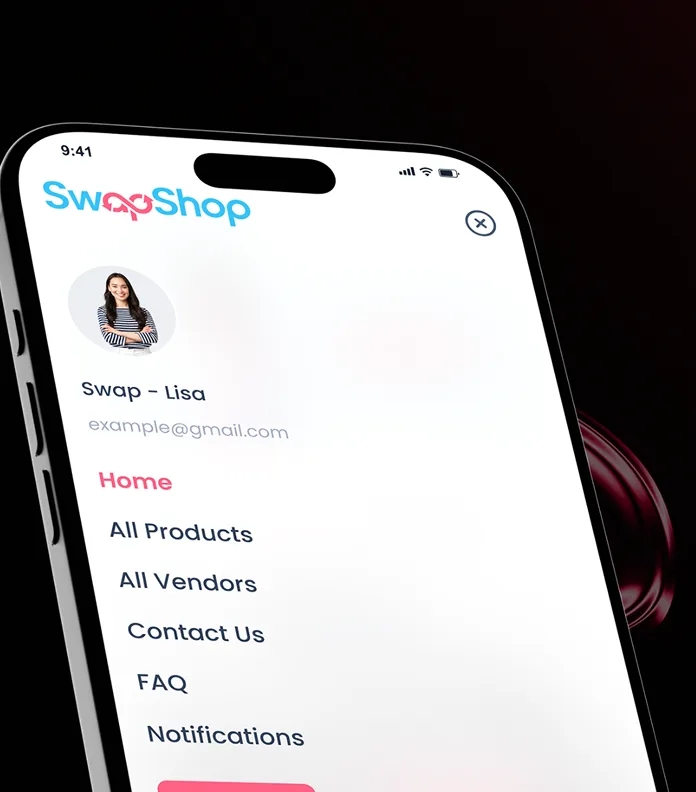
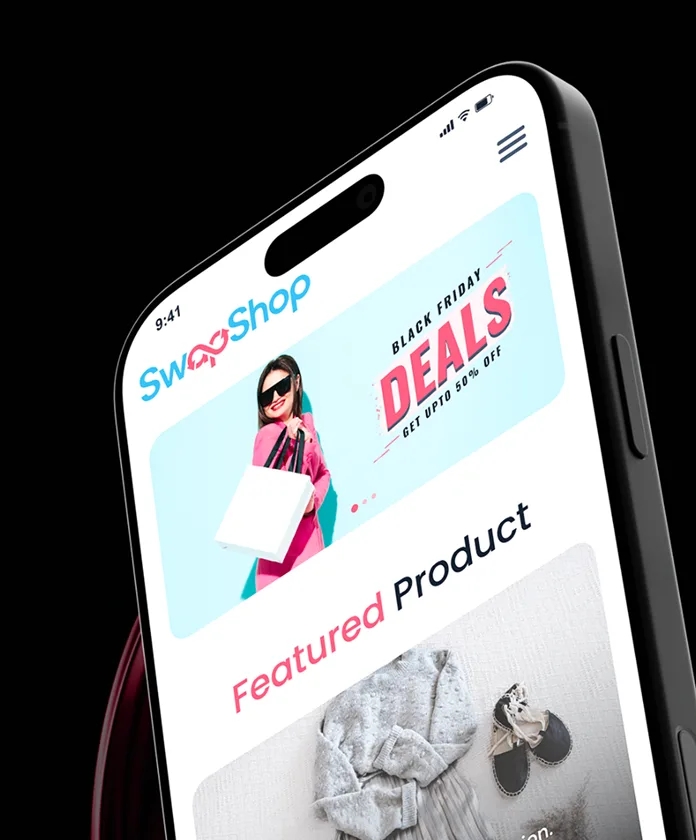
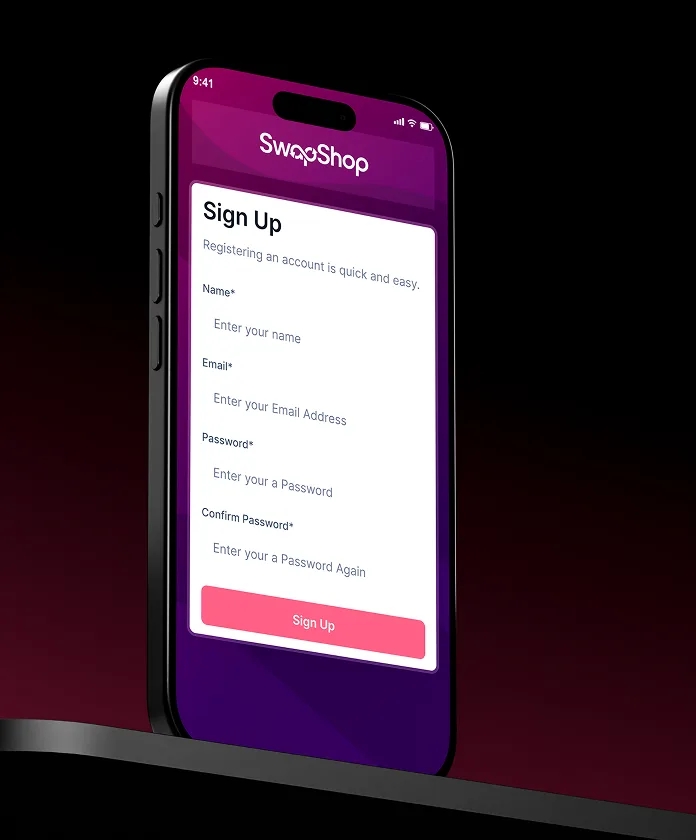
Mobile Responsive Experience
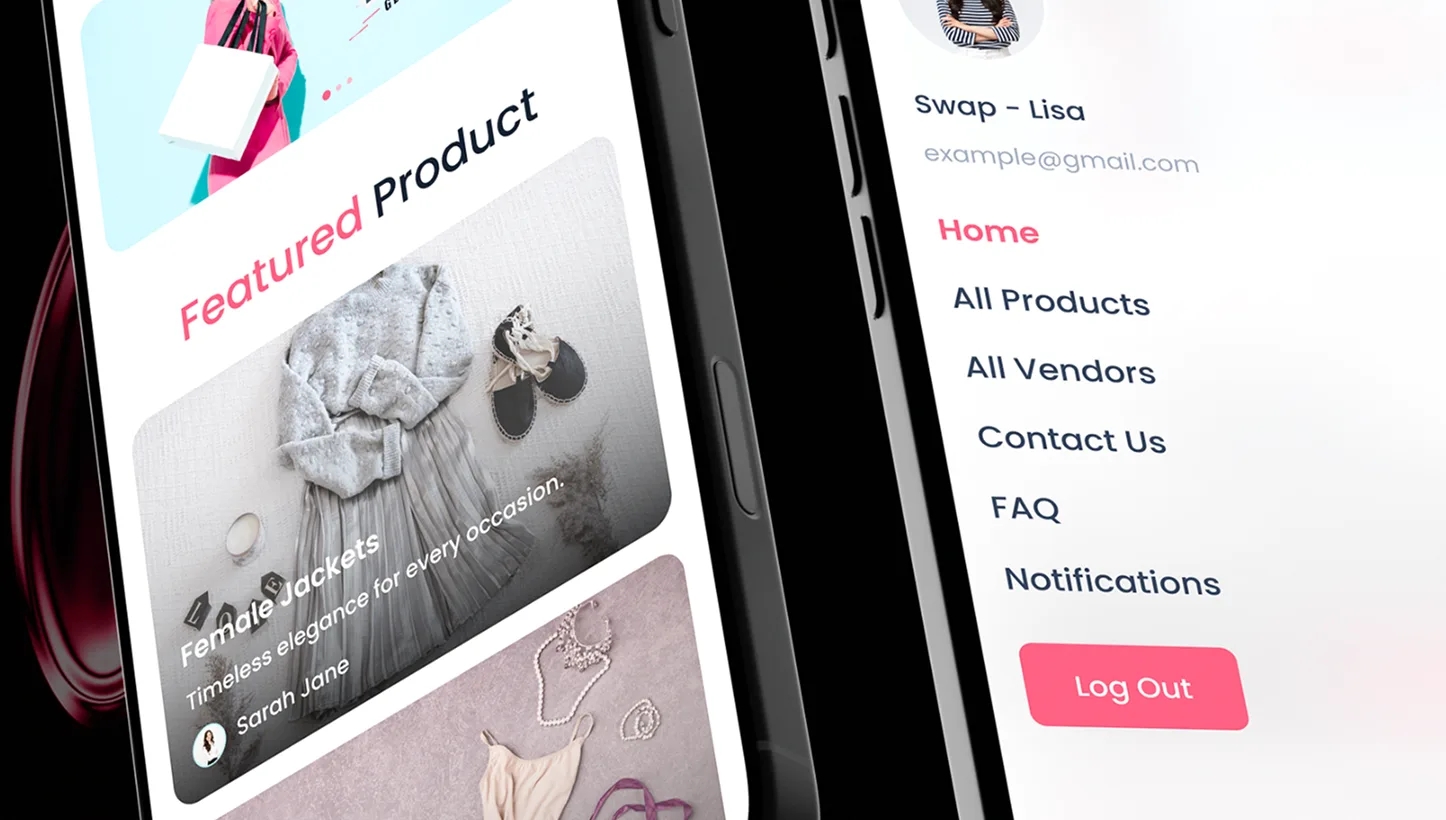
SwapShop gives users seamless access to the marketplace across mobile devices. Users can browse products, explore vendor profiles, manage listings, exchange messages, review swap orders, upload payment evidence, and track transaction progress wherever they are.
The responsive interface keeps navigation, product details, account controls, and swap actions clear on smaller screens, helping users manage every stage of an exchange without relying on a desktop.


Branding
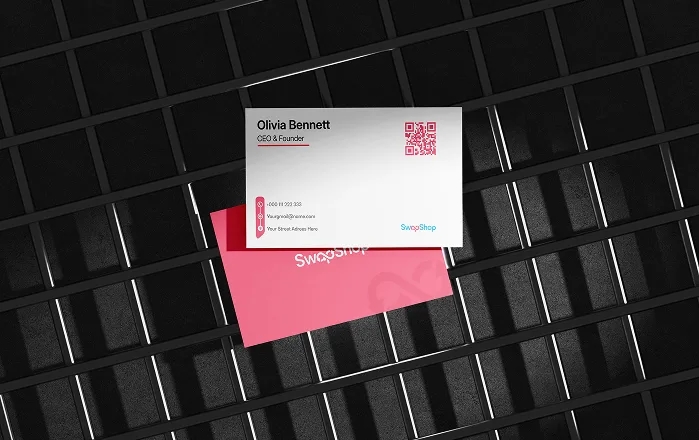
SwapShop's brand identity was designed to feel friendly, energetic, and community-driven while still supporting trust across peer-to-peer transactions. The visual direction combines bold typography, vibrant accent colors, and simple marketplace interactions to make buying, selling, and swapping feel approachable.
Consistent branding across product listings, vendor profiles, messages, swap orders, and mobile experiences helps users recognize key actions, understand transaction status, and navigate the platform with confidence.



Key Result
SwapShop created a more organized and transparent peer-to-peer marketplace experience. The platform made it easier for users to discover products, connect with vendors, manage swap orders, and track every transaction stage from one connected system.
Faster Swap Coordination
Greater Product Discovery
Marketplace Interactions

SwapShop needed a transaction experience that preserved the flexibility of peer-to-peer trading while introducing clearer verification, shipping, and fee-management workflows. The final product structure gave users a more organized path from agreement to completion.

SwapShop needed a transaction experience that preserved the flexibility of peer-to-peer trading while introducing clearer verification, shipping, and fee-management workflows. The final product structure gave users a more organized path from agreement to completion.
A Consistent Marketplace Experience Across Every Screen
From homepage exploration to seller management and administrative oversight, every interface follows a unified design language that prioritizes usability, consistency, and efficiency.
Design System Built for Scale
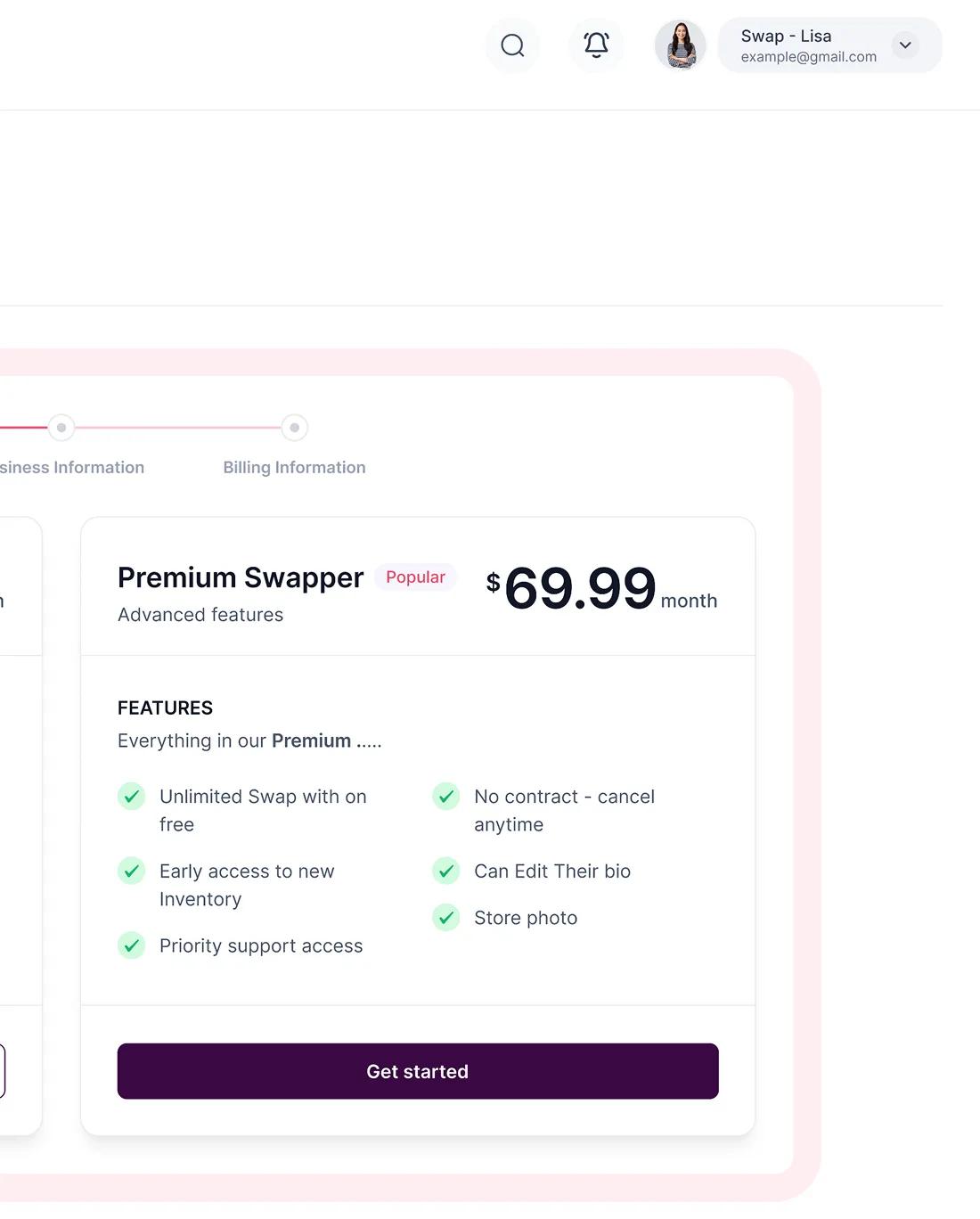
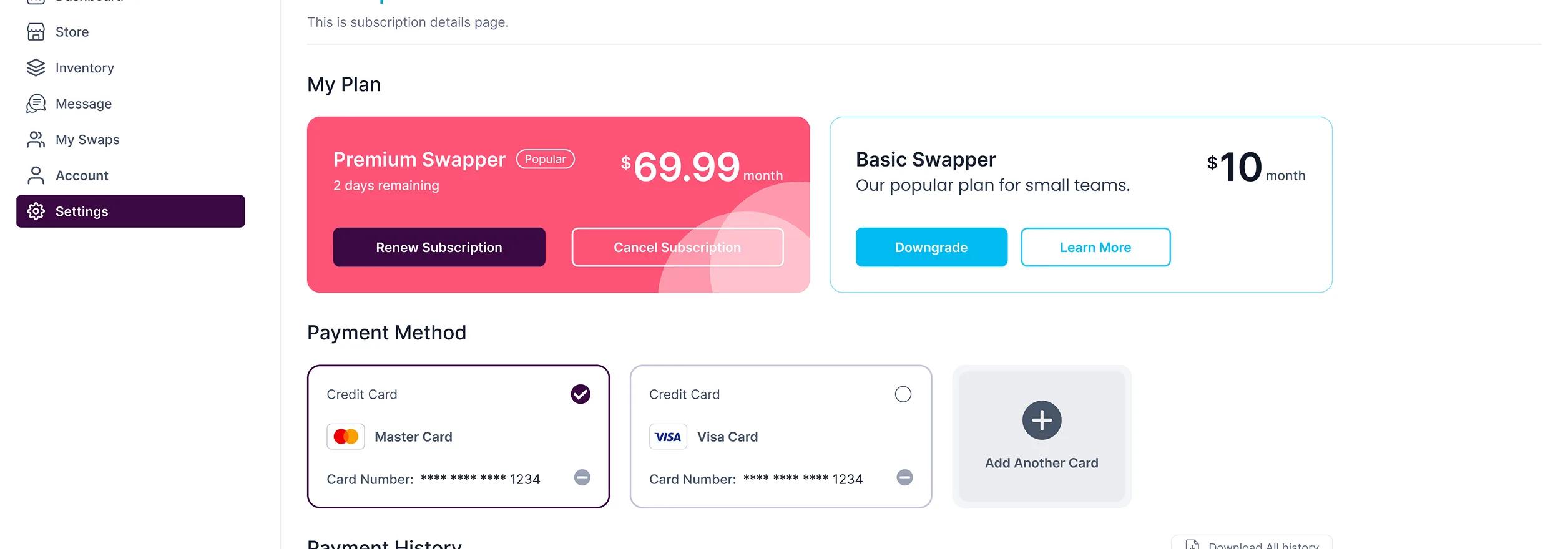
A reusable component library, standardized spacing, typography, color styles, and interaction patterns created a consistent experience across SwapShop marketplace browsing, inventory management, messaging, vendor profiles, swap orders, and account workflows while making future product updates faster and easier to implement.
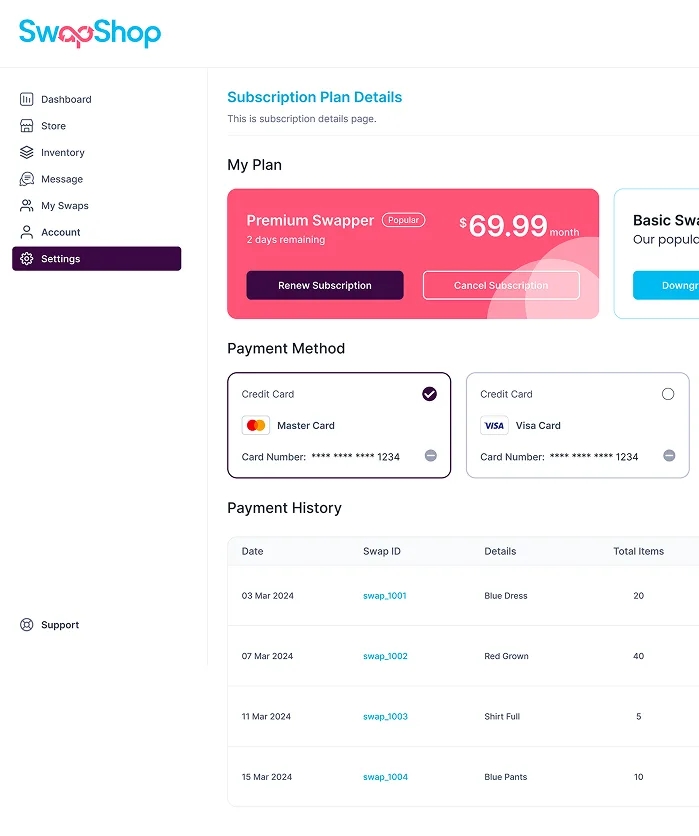

Every Component Designed for Clarity & Consistency
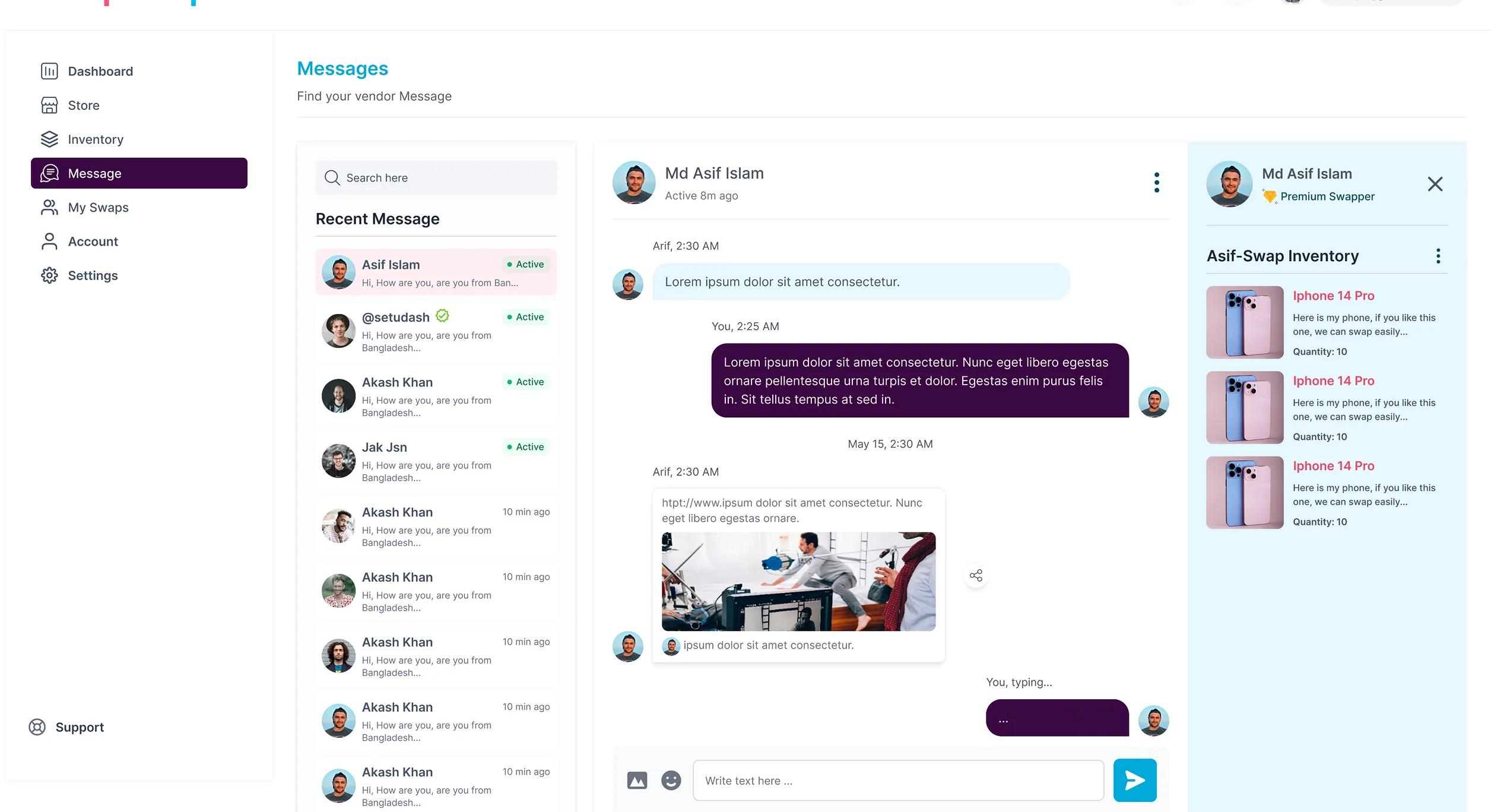
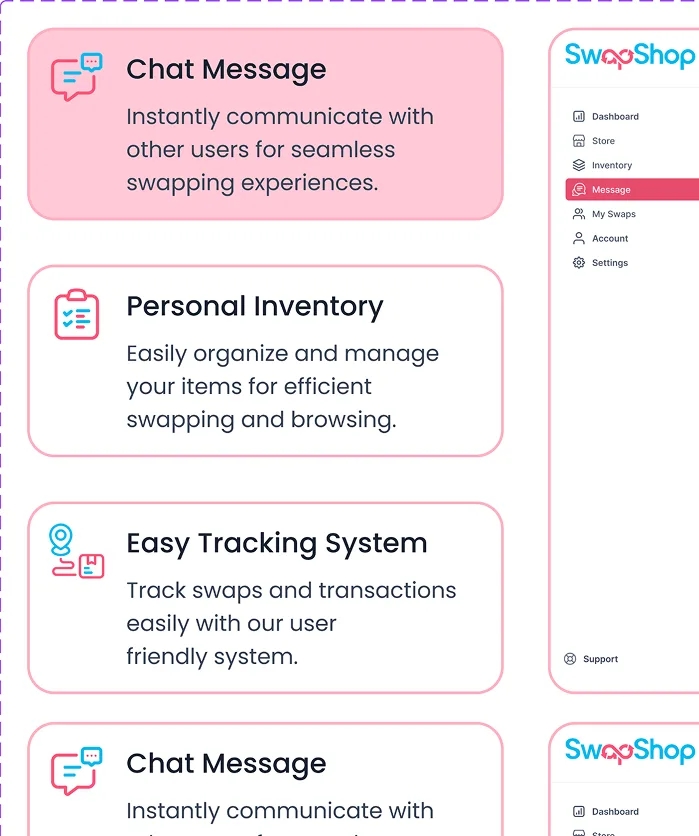
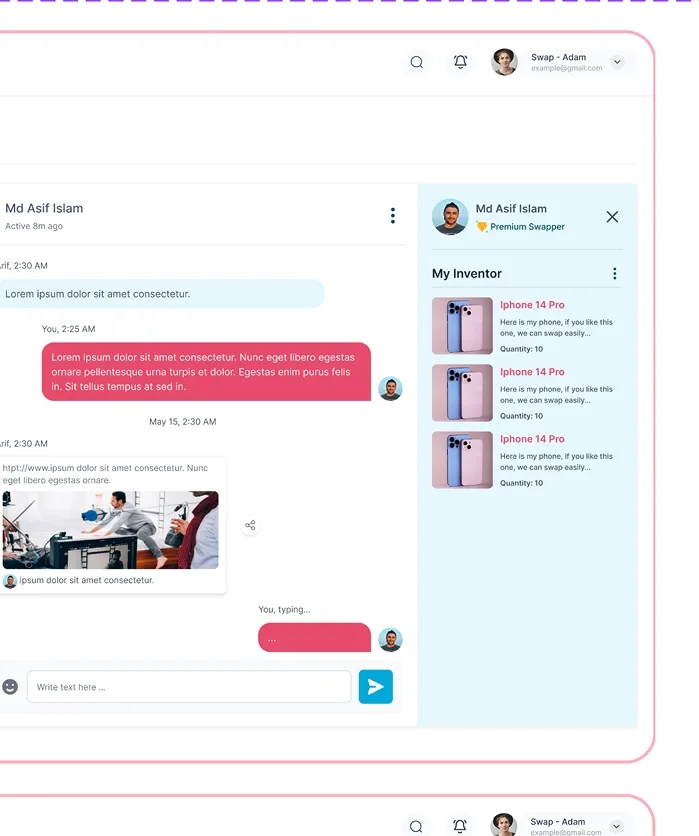
Each SwapShop component was designed to make product discovery, profile navigation, messaging, inventory management, and swap actions easy to understand across devices.
Consistent typography, spacing, icons, buttons, cards, and status patterns create a familiar experience, helping users complete marketplace tasks with less confusion and greater confidence.
Conclusion
SwapShop demonstrates how thoughtful marketplace design can bring structure to peer-to-peer transactions without removing user flexibility.
By supporting product exchanges, off-platform payments, receipt verification, shipping coordination, direct communication, and automatic fee calculation, the platform creates a clearer experience for both participants.
The result is a practical recommerce marketplace built around transparent steps, flexible trading options, and a sustainable transaction model.