- Client-server architecture divides workloads between clients and servers, enabling scalable and efficient systems.
- Key components include clients (requesters) and servers (providers of resources), with communication protocols like HTTP and HTTPS.
- The architecture can be structured as two-tier, three-tier, or multi-tier based on the complexity of the system.
Client-Server Architecture Explained: How Modern Web Systems Actually Work
15 min read
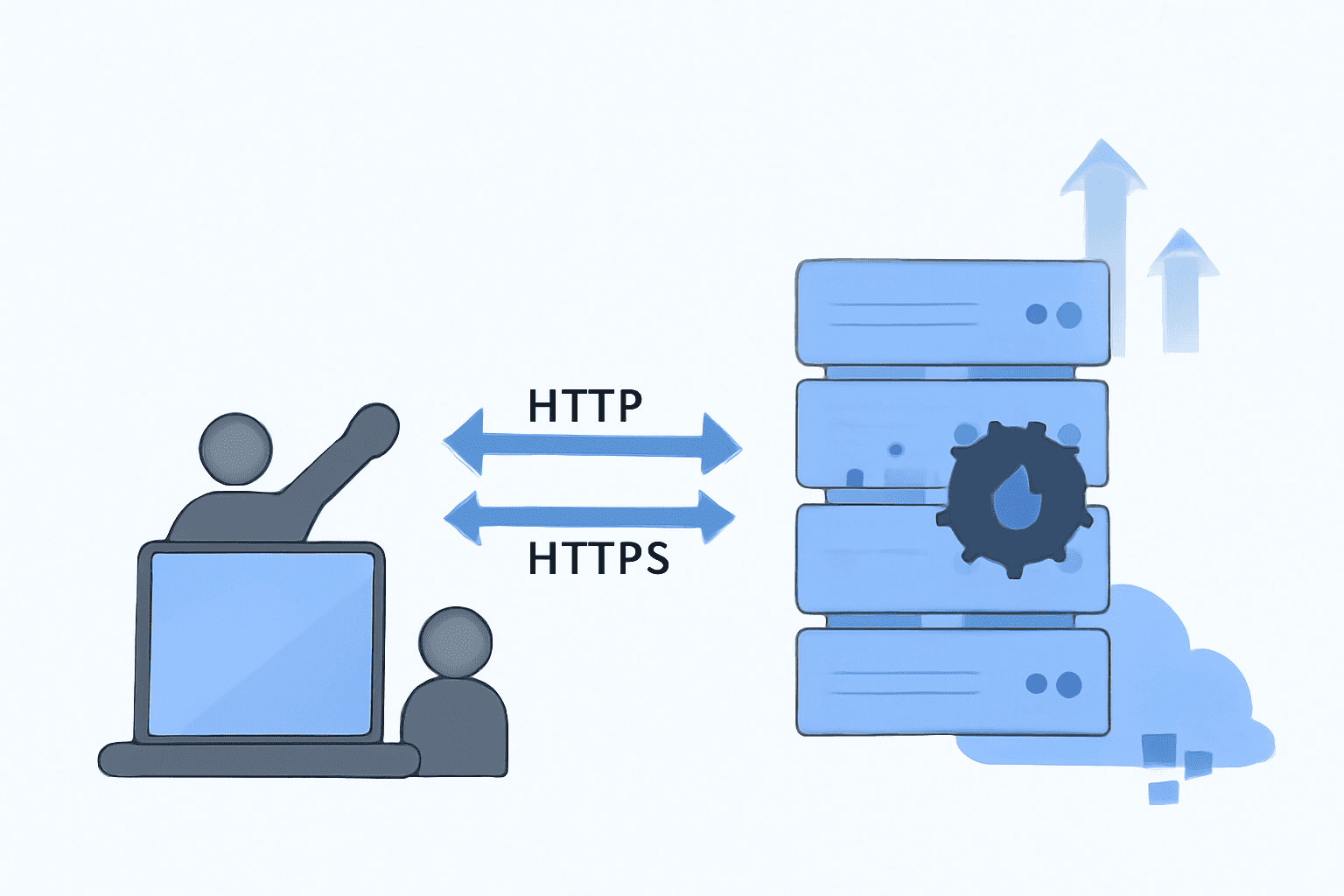
Understanding Client-Server Architecture: A Beginner's Guide
The client-server architecture is a fundamental concept in system design, widely used to build scalable and efficient applications. This article explains the basics of client-server architecture, how it works, and why it's essential in modern computing.
What is Client-Server Architecture?
Client-server architecture is a model where tasks or workloads are divided between providers of resources or services, called servers, and requesters of services, called clients. This architecture forms the backbone of many applications, from web browsing to database queries.
Key Components of Client-Server Architecture
-
Client:
The client is a device or software application that initiates a request for resources or services. Examples include web browsers, mobile applications, and desktop programs. -
Server:
The server responds to client requests, processing and delivering the necessary resources. Servers can host websites, databases, APIs, or other backend services. -
Communication Protocols:
Clients and servers communicate using predefined protocols like HTTP, HTTPS, or WebSocket.
How Does Client-Server Architecture Work?
-
Request-Response Model:
- A client sends a request to the server for specific resources or services.
- The server processes the request and sends back the response.
-
Offline and Online Processing:
- Some systems are designed to work offline with synchronized data, while others require a continuous connection.
- Some systems are designed to work offline with synchronized data, while others require a continuous connection.
-
Logic Distribution:
- Client-side logic handles user interaction and local data manipulation.
- Server-side logic processes complex operations, ensuring data consistency and security.
Examples of Client-Server Architecture
-
E-commerce Websites:
Clients browse products and place orders while the server manages inventory, payments, and order fulfillment. -
Email Systems:
Email clients like Outlook or Gmail request and display emails stored on a mail server. -
Hotel Management Systems:
Clients can book rooms, while the server processes availability and pricing.
Types of Client-Server Architectures
-
Two-Tier Architecture:
- Direct communication between the client and server.
- Example: Database query systems.
-
Three-Tier Architecture:
- Adds a middle layer (e.g., application logic) between the client and server.
- Example: Web applications with frontend, backend, and database layers.
-
Multi-Tier Architecture:
- Involves multiple layers for advanced scalability and separation of concerns.
- Example: Enterprise systems with separate layers for presentation, logic, and data storage.
Advantages of Client-Server Architecture
- Scalability: Servers can be upgraded or added to handle increased client demands.
- Centralized Management: Servers provide a single point for updates, backups, and security.
- Flexibility: Clients and servers can be on different devices, platforms, or locations.
Final Thoughts
Client-server architecture is a cornerstone of modern system design. Whether you're building a simple web application or a complex enterprise system, understanding its principles is essential for developers and architects alike.
If you found this guide helpful, consider like for more insights into system design and architecture. Share your thoughts or questions in the comments below!
Frequently Asked Questions
Client-server architecture offers several advantages: Scalability: Servers can handle increased loads by adding more resources. Centralized Management: Updates, backups, and security configurations are easier to manage centrally. Flexibility: Clients and servers can operate on different devices, platforms, or locations, providing a robust framework for distributed systems.

I work at the point where product decisions, system architecture, and engineering execution meet. At Mediusware, I’m accountable for how technology choices affect reliability, scale, and long-term delivery for our clients.
Featureblogs
Relatedblogs
01
How to Create a Stunning WordPress Website in 2024: Step-by-Step Tutorial02
How Mediusware Empowered Protesters, Strengthened the Economy & Showcased Employee Resilience in the 2024 Movement03
Mastering Error Handling in Rust with Essential Techniques04
Best Practices for Writing Clean Code05
Let's Deep Dive Into Threads with RustAuthorblogs
01
How Digital Agencies Can Deliver Custom Software Without Hiring Developers02
AI in FinTech: Build, Buy, or Integrate? A Founder's Decision Framework03
How to Choose a SaaS MVP Development Company04
How Seed-Stage SaaS Teams Add Engineering Capacity Without Hiring Chaos05
Why Seed-Stage SaaS Startups Struggle to Ship Fast