-
Know the project requirements well before testing.
-
Combine manual and automated testing for better coverage.
-
Test across browsers, devices, plugins, themes, and APIs.
-
Prioritize security, performance, and continuous integration.
Ensuring Quality in WordPress Projects: Testing Best Practices
5 min read
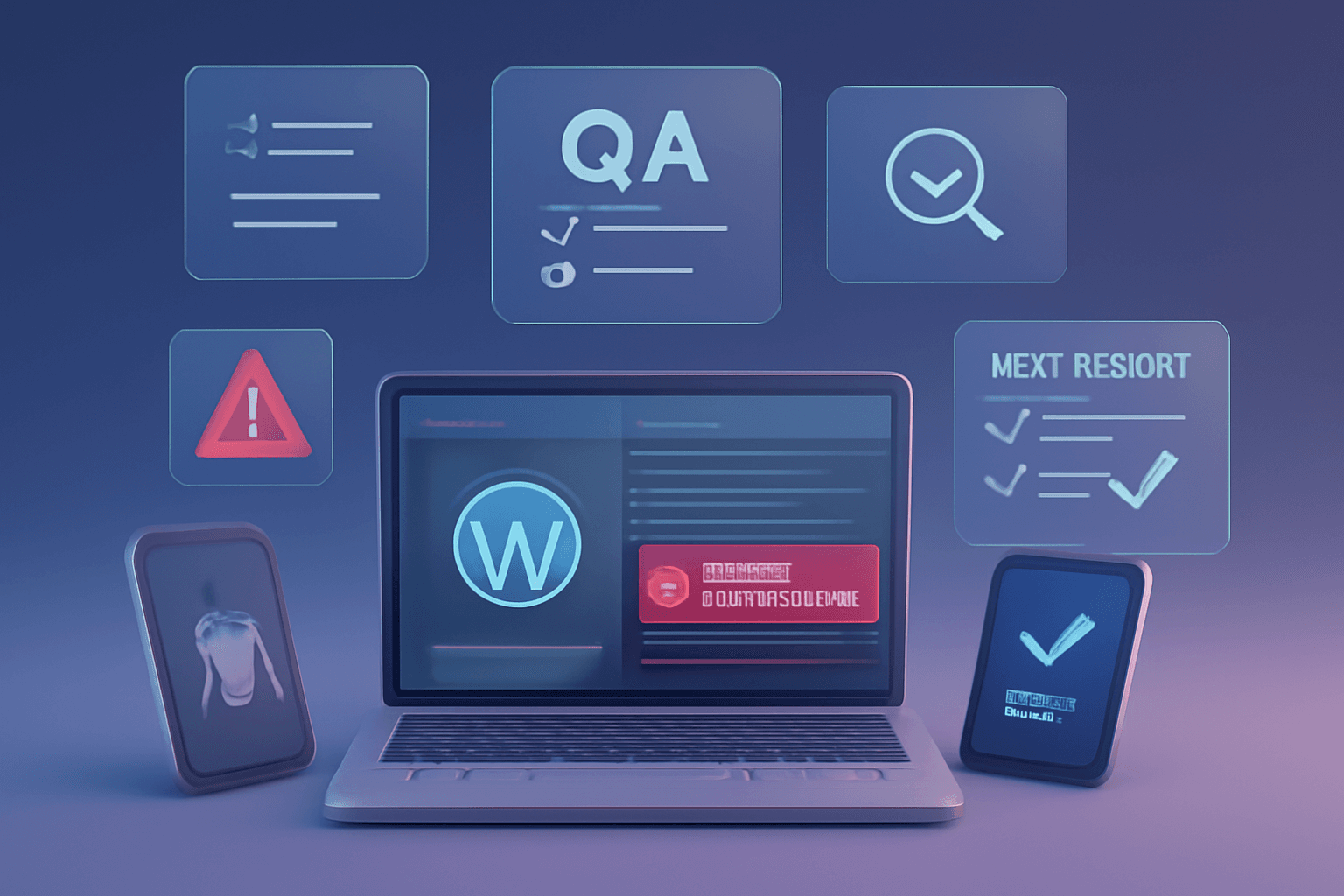
WordPress is a powerhouse, powering over 40% of the websites on the internet. While it's easy to use and customize, ensuring a WordPress site is bug-free, secure, and optimized requires proper testing. Below, we break down the best practices for testing WordPress projects, with practical examples to guide you.
Understand Project Requirements Thoroughly
Before testing begins, it’s critical to deeply understand the project’s features, user requirements, and business goals. This ensures that the testing covers all necessary areas, from functionality to performance.
For Example, if you’re testing a WooCommerce website, knowing that users can check out as guests or registered users helps create specific test cases to ensure both checkout flows work smoothly.
Manual Testing for User Experience (UX)
Manual testing is essential for evaluating your WordPress project's visual elements and user experience. It helps identify usability issues, such as broken links, improper alignment, or visual inconsistencies.
Example: For a WordPress blog with image galleries, manual testing can reveal problems like images not scaling properly on different devices. You can simulate a user browsing the site on various devices and see how the gallery looks on mobile vs. desktop.
Automate Repetitive and Regression Testing
Automating repetitive tests, especially for complex WordPress projects, saves time and improves efficiency. Automated tests are useful for detecting bugs after updates or changes to the codebase, ensuring that existing functionality remains intact.
For example, you can use Selenium to automate testing for a WordPress e-commerce site. Automate the process of adding items to a cart, checking out, and verifying that the purchase confirmation appears without breaking after theme or plugin updates.
Test Across Multiple Browsers and Devices
Users access websites on various browsers and devices, so cross-browser and cross-device testing is essential for ensuring consistent performance. WordPress projects must be compatible with different environments to provide a seamless experience.
For Example, use BrowserStack to test a WordPress restaurant website. Ensure the menu, reservation forms, and contact pages function properly on Chrome, Firefox, Safari, and Edge, as well as on smartphones and tablets.
Conduct Security Testing
WordPress sites are frequent targets for cyberattacks, making security testing an essential component. You must test for vulnerabilities like SQL injection, XSS, and brute force attacks to protect sensitive data and ensure the site is secure.
For Example, run a security scan using WPScan to check a WordPress membership site. Ensure user credentials are securely stored and verify that admin access points are protected from unauthorized access.
Performance Testing
Slow-loading websites can drive users away. Performance testing ensures that your WordPress project is optimized for speed and can handle high traffic without slowing down.
Example: For an online magazine with high traffic, use tools like GTmetrix to identify performance bottlenecks such as large image files, slow-loading JavaScript, or inefficient database queries.
Test WordPress Plugins and Themes Extensively
WordPress plugins and themes can introduce conflicts or cause functionality to break, especially after updates. Thoroughly testing all plugins and themes ensures compatibility and smooth operation.
Example: Test a WordPress store using the WooCommerce plugin with a custom theme. First, ensure the theme doesn’t break product pages, and then check that adding new plugins (like a payment gateway) doesn’t interfere with existing functionality.
Test Database Integrity and Backup Systems
WordPress databases store crucial content, user data, and settings. Testing database integrity ensures that data is stored, retrieved, and backed up correctly. Backup tests ensure that the site can be restored after an issue occurs.
Example: For a WordPress membership site, perform a database integrity test after users register. Test backup plugins, like UpdraftPlus, by restoring the site to ensure data can be recovered if anything goes wrong.
API Testing for Integrated Services
Many WordPress projects rely on third-party APIs, such as payment gateways or social media integrations. API testing ensures these integrations work correctly and handle errors gracefully.
Example: Use Postman to test a WordPress travel booking site integrated with a flight booking API. Check that flight data is accurately fetched, and handle cases where the API may return errors or timeouts.
Incorporate Continuous Integration (CI)
Incorporating Continuous Integration (CI) into your testing workflow allows automated tests to run every time code is pushed to the repository. This ensures that bugs are caught early in the development process, improving efficiency and reducing risk.
Example: For a WordPress development project, use GitHub Actions to automatically run tests whenever new code is pushed to the repository. CI tools help catch issues like plugin compatibility or broken features before they hit production.
Final Takeaway
Testing is the backbone of delivering high-quality WordPress projects. Ensuring the quality of WordPress projects requires a blend of manual and automated testing, with a strong focus on usability, performance, and security. By following these best practices, you can deliver high-performing, secure, and user-friendly WordPress sites that meet client and user expectations.
Frequently Asked Questions
Testing ensures that your WordPress site functions as intended, without bugs or security vulnerabilities. It also helps improve user experience by identifying performance issues, broken links, or compatibility problems across devices and browsers. By testing thoroughly, you can prevent costly errors in production.

We are the Mediusware Editorial Team, passionate about crafting insightful content on technology, software development, and industry trends. Our mission is to inform, inspire, and engage our audience with well-researched articles and thought leadership pieces. With a deep understanding of the tech landscape, we aim to be a trusted source of knowledge for professionals and enthusiasts alike.
Featureblogs
Relatedblogs
01
How to Create a Stunning WordPress Website in 2024: Step-by-Step Tutorial02
How Mediusware Empowered Protesters, Strengthened the Economy & Showcased Employee Resilience in the 2024 Movement03
Mastering Error Handling in Rust with Essential Techniques04
Best Practices for Writing Clean Code05
Let's Deep Dive Into Threads with Rust