Mastering CSS Grid and Flexbox for Complex Layouts
Understanding the Basics
What is CSS Grid?
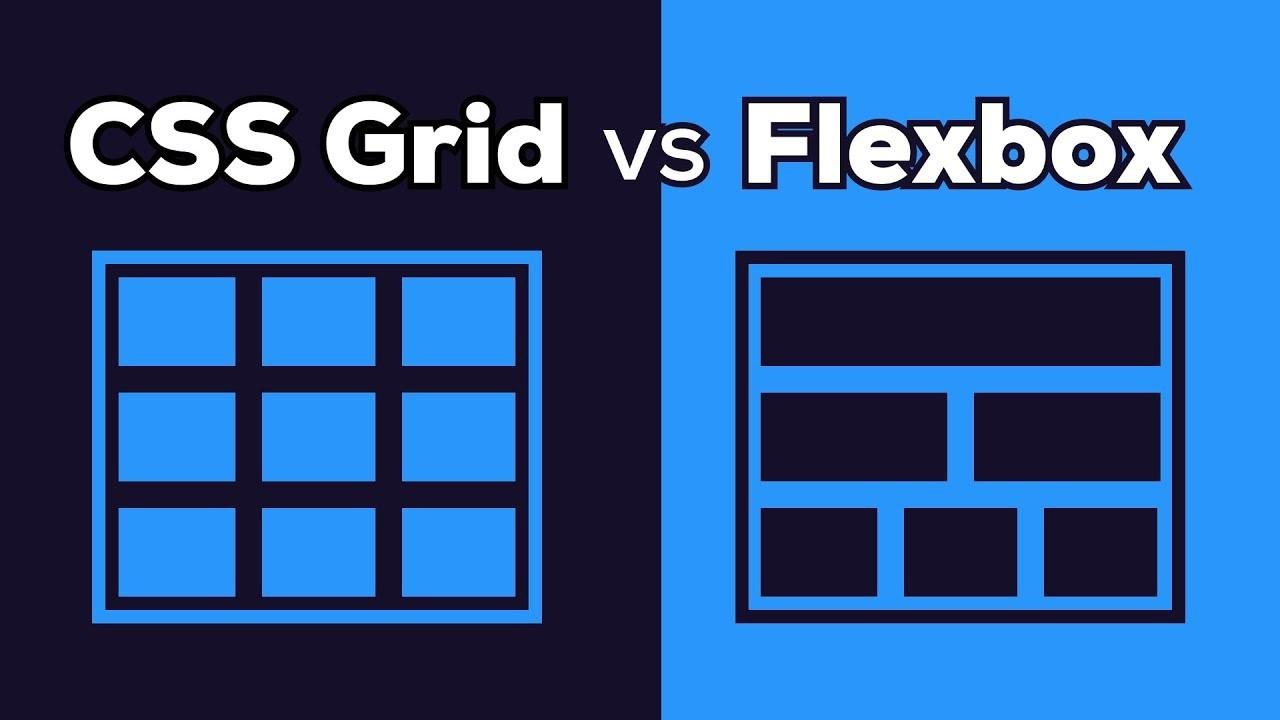
CSS Grid is a two-dimensional layout system that allows you to control both rows and columns in a grid container. You can create responsive layouts with flexible grid items that adjust according to screen size.
.grid-container {
  display: grid;
  grid-template-columns: repeat(3, 1fr);
  grid-template-rows: auto;
  gap: 20px;
}

.grid-item {
  background-color: #f0f0f0;
  padding: 20px;
  text-align: center;
}
What is Flexbox?
Flexbox is a one-dimensional layout system that helps control the alignment, distribution, and spacing of items inside a container. It's perfect for handling rows or columns individually.
.flex-container {
  display: flex;
  justify-content: space-between;
  align-items: center;
}

.flex-item {
  background-color: #ccc;
  padding: 10px;
}
Setting Up a Simple Layout
Let’s start by setting up a simple layout that uses both Grid and Flexbox for a responsive page structure.
Explanation:
- The
grid-template-areasdefine different regions of the layout. grid-template-columns: 1fr 3fr 1frsets up the layout with a flexible sidebar, main content, and navigation.- Flexbox is used within the
header,footer,nav, andsidebarto align and space out the content properly.
HTML Structure:

<div class="grid-container">
  <header class="grid-item header">Header</header>
  <nav class="grid-item nav">Navigation</nav>
  <main class="grid-item main">Main Content</main>
  <aside class="grid-item sidebar">Sidebar</aside>
  <footer class="grid-item footer">Footer</footer>
</div>

CSS (Grid for Layout, Flexbox for Content Alignment):

/* Grid Layout */
.grid-container {
  display: grid;
  grid-template-areas:
    "header header header"
    "nav main sidebar"
    "footer footer footer";
  grid-template-columns: 1fr 3fr 1fr;
  grid-template-rows: auto 1fr auto;
  gap: 20px;
  height: 100vh;
}

.header { grid-area: header; }
.nav { grid-area: nav; }
.main { grid-area: main; }
.sidebar { grid-area: sidebar; }
.footer { grid-area: footer; }

/* Flexbox for Alignment Inside Grid Items */
.header, .footer {
  display: flex;
  justify-content: center;
  align-items: center;
}

.nav, .sidebar {
  display: flex;
  flex-direction: column;
  justify-content: space-around;
}
Frequently Asked Questions
Use CSS Grid when you need to create a two-dimensional layout, meaning you are managing both rows and columns. Grid is ideal for building overall page structures like layouts that involve a header, sidebar, main content, and footer. On the other hand, Flexbox is best for one-dimensional layouts where you only need to manage the items in a row or column, like centering elements, aligning buttons, or organizing items within a component.