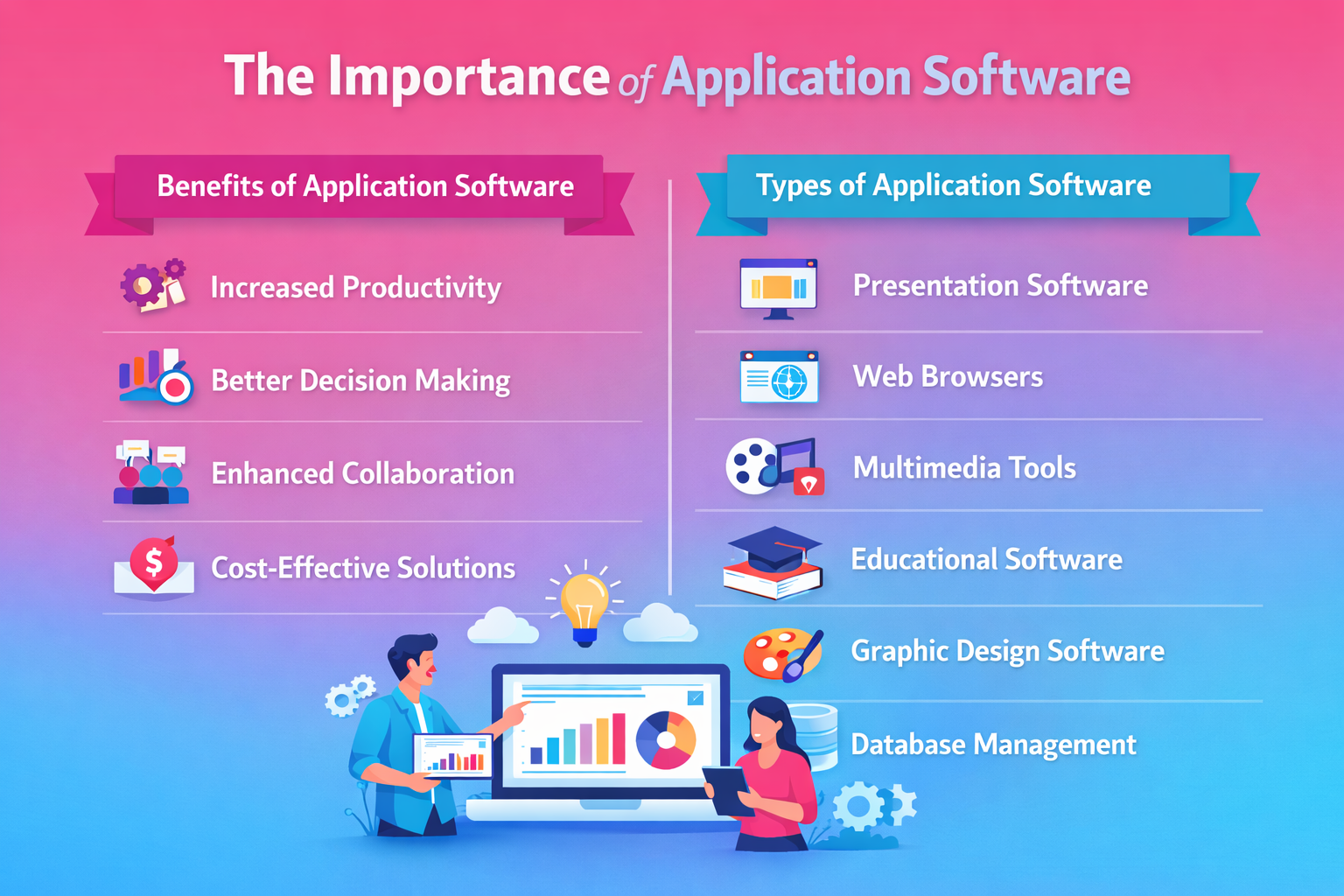
While many of us use software every day, few understand the variety of tools available and how they can serve different purposes. Here’s a breakdown of the main types of application software you might encounter:
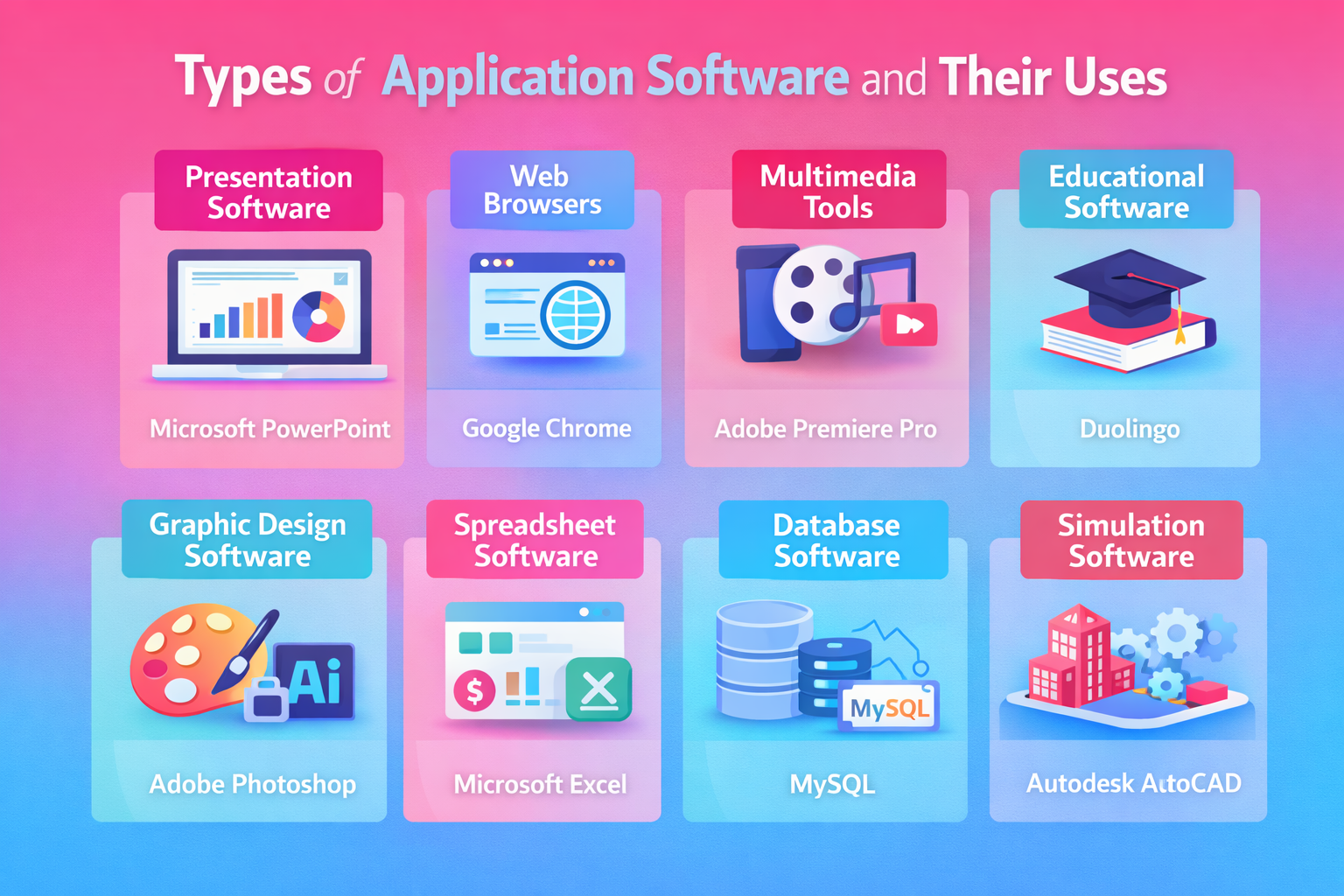
1. Presentation Software
Think Microsoft PowerPoint or Google Slides. Presentation software helps organize text, images, and videos into a cohesive format for meetings, pitches, and webinars. It's essential for visual storytelling and engaging audiences.
- Example: When you’re presenting a business proposal, you don’t want to just read text. With PowerPoint, you can add visuals, animations, and charts that help communicate your message more effectively.
2. Web Browsers
Applications like Google Chrome and Mozilla Firefox allow us to access the internet. Without browsers, we wouldn't be able to explore the web.
- Example: Browsers allow us to research, access information, and connect with people from anywhere in the world.
3. Multimedia Software
This category includes tools like VLC Media Player and iTunes, which help manage and play audio, video, and images. Multimedia software is essential for creating, editing, and viewing content.
- Example: If you're a video editor, you’ll likely use software like Adobe Premiere Pro or Final Cut Pro to cut, edit, and enhance your video projects.
4. Educational Software
Educational apps like Google Earth or Duolingo offer interactive learning experiences, providing knowledge in a fun and engaging format.
- Example: Learning a new language? Duolingo makes it fun and easy, allowing users to track progress, complete lessons, and practice their skills regularly.
5. Graphic Design Software
Adobe Photoshop and Illustrator fall into this category. They’re used by designers to edit and create visual content, from marketing materials to digital art.
- Example: A marketing team might use Canva to design a poster for an upcoming event, ensuring it’s visually appealing and on-brand.
6. Spreadsheet Software
Software like Google Sheets or Microsoft Excel is widely used for data analysis, organizing information, and performing calculations.
- Example: A finance manager might use Excel to calculate budgets, create forecasts, or generate detailed reports based on numerical data.
7. Database Software
Applications like Microsoft SQL Server or MySQL store and manage data. Whether you're running a website or a company, managing large amounts of data is crucial for operations.
- Example: An e-commerce website would rely on MySQL to store customer orders, manage product inventories, and track user behavior.
8. Simulation Software
This type of software simulates real-world scenarios for training, education, or entertainment. Autodesk and TeamViewer are two examples.
Example: Autodesk is used by architects to create digital simulations of buildings, allowing them to visualize the structure before construction begins.