Quick Summary
- Control: Let planners approve changes.
- Access: Match permissions to responsibilities.
- Testing: Separate demonstrations from reliability.
- Scope: Keep each release focused.
Quick Summary

An AI assistant identifies a seating conflict and suggests moving a guest.
The suggestion sounds helpful- until the destination table is already full.
That possibility came up during a product review for an event-planning platform Mediusware was helping improve.
It exposed a decision that reaches beyond seating: which actions should AI recommend, and who should have the authority to apply them?
Professional planners wanted to retain control over seating and meals. Guests needed accessible information and assistance. Clients needed a more restricted planning experience.
Meanwhile, the platform’s CMS, event websites, mobile app, and AI workflows needed to work together.
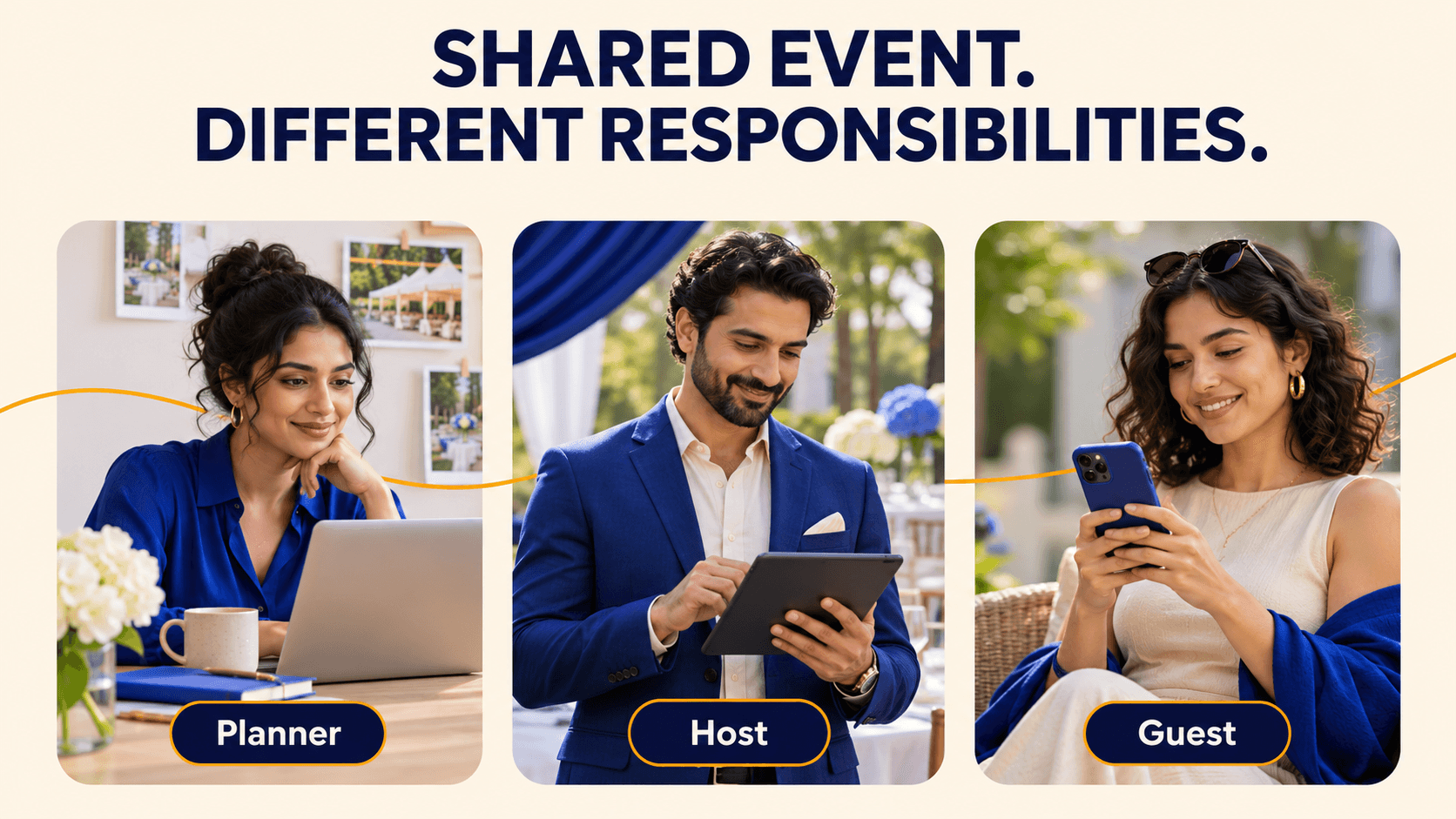
An event platform brings people together around shared information, but their responsibilities differ.
A planner needs to coordinate operational details. A client may need visibility and selected planning functions. A guest needs event information, RSVP access, and a way to ask questions.
Giving everyone the same controls would overlook those differences.
| User | Main need | Authority to define |
| Planner or administrator | Coordinate guests, seating, meals, and requests. | Which operational changes they can make |
| Client or host | Review information and participate in planning. | Which functions remain restricted? |
| Guest | Access details, respond, and request help. | Which personal information they can view or update |
| AI assistant | Answer questions and support workflows. | What it can read, recommend, or change |
These distinctions affected several connected experiences. The planner’s dashboard, guest-facing website, and mobile app could present different views of the same event.
The product challenge was to make those views coherent while preserving appropriate control.
Mediusware’s documented involvement included CMS and dashboard development, WordPress mini-site and template work, mobile app repair, and AI guest-chat implementation.
The engagement also involved clarifying permissions, integration responsibilities, and release scope.
The platform had an earlier development history, including an inherited mobile app with Bluetooth chat that was described as non-working. The available evidence therefore supports a story of improvement and additional development within an existing product.
The workstreams were closely related. Guest information appeared across the CMS, event websites, app, and AI experience. Template changes influenced how event content was presented. Mobile functionality introduced device-specific testing needs.
For a team working across these surfaces, progress requires agreement on more than individual screens. Each workflow needs clear ownership of its information, actions, and handoffs.
The most distinctive product decision concerned AI assistance for seating and meals.
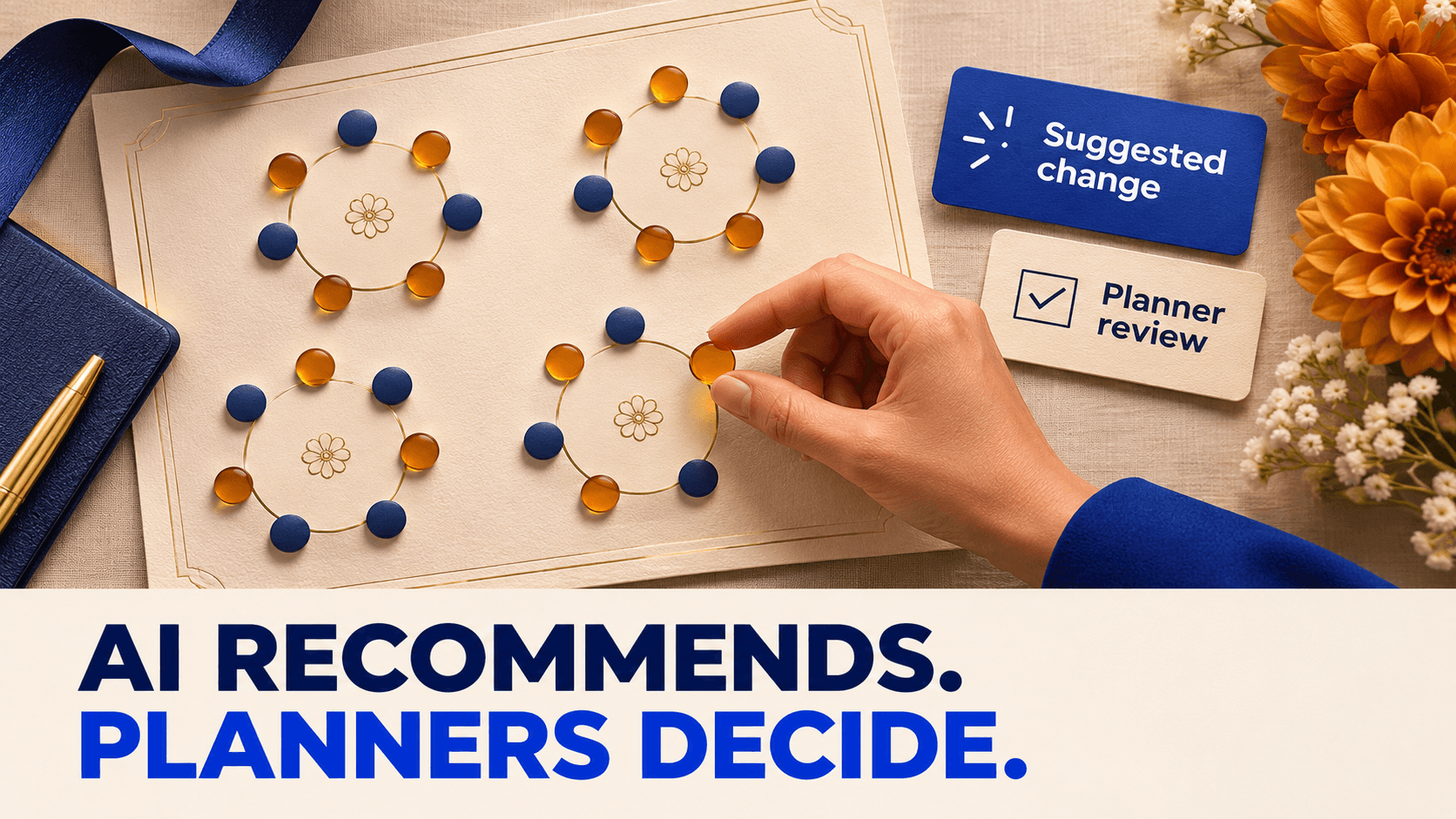
One option was to let AI provide “fix” actions that directly changed event arrangements. The agreed direction in the September 29 review was to remove those implementation actions and present recommendations instead.
The reasoning was practical: a change intended to resolve one issue could create another. A planner might know about capacity, relationships, or arrangements that were not fully represented in the assistant’s immediate context.
The recommendation model preserved a place for AI analysis while leaving the operational decision with the planner.
| Interaction | Intended responsibility |
| Identify a possible conflict. | AI supports review. |
| Explain the concern. | AI provides context. |
| Recommend an adjustment. | AI proposes an option. |
| Assess wider consequences. | Planner reviews |
| Apply the change. | Human-controlled workflow |
The decision is documented. Whether every relevant screen was subsequently updated remains unconfirmed.
The broader principle is supported by NIST’s AI Risk Management Framework, which addresses defining responsibilities for human–AI interaction and oversight. That guidance provides context for the decision; it does not certify this platform or validate its implementation.
For product teams, “AI assistance” needs a precise definition. Answering, recommending, and changing a record are different capabilities, each with different consequences.
Planner feedback also challenged an earlier assumption about client control.
Clients were not intended to operate as unrestricted planners. Their access needed to reflect their role in the event.
That distinction becomes especially important when AI enters the interface. A conversational request should respect the same authority boundaries as a button or form.
For example, a guest asking about their seating assignment and a planner reviewing seating conflicts represent different tasks. The assistant needs to distinguish access to information from authority to change it.
A practical permission model should answer three questions for each workflow:
These are implementation requirements for a similar platform, rather than a claim that every permission check was completed in this engagement.
The documented lesson is that user roles need to shape the workflow itself. Hiding a control in one interface does not fully define what a user or an assistant acting for them may do.
The agreed AI development direction followed this order:
Guest → planner or administrator → restricted client
Guest AI chat was reported complete during the October 26 review. Planner chat was selected as the next priority, with restricted-client functionality following the fuller planner workflow.
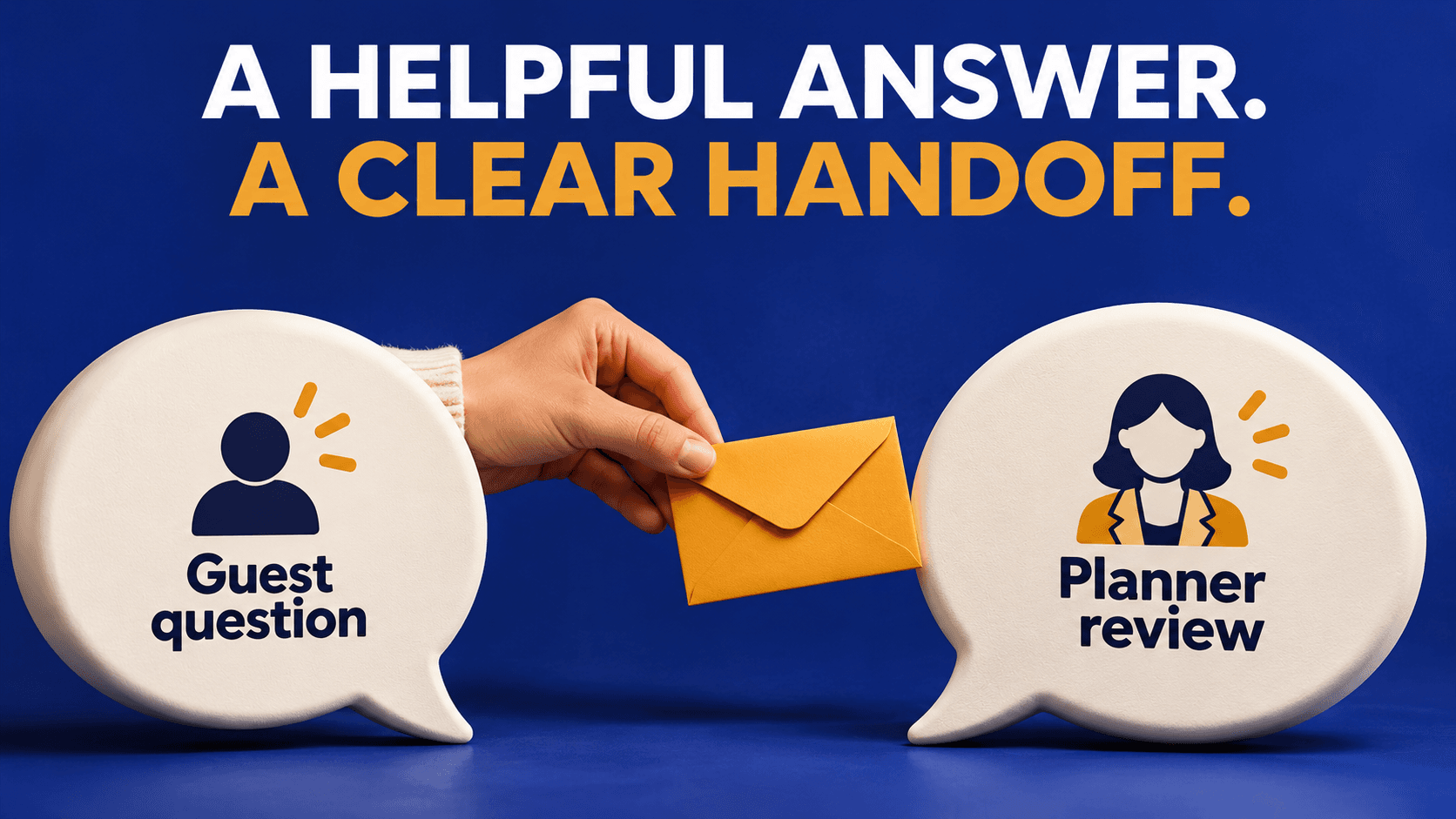
The sequence reflected a dependency: planners needed to handle requests escalated by guests.
A guest assistant could make routine information easier to access, but some questions would still require operational judgment. Developing the planner experience established the next step in that handoff.
The client experience could then be derived with narrower permissions.
This introduced a tradeoff. Client-specific AI functionality would arrive later, while the team first clarified the more complete operational workflow.
The records establish this implementation direction. They do not establish completed delivery of every role-specific assistant.
For teams planning comparable products, the useful question is which workflow must exist for another workflow to function responsibly.
The platform combined administrative tools with guest-facing event websites.
The September review included WordPress template and block-management controls, including the ability to enable or disable sections and support further customization.
Those controls addressed presentation, but presentation depended on event information being available in the right place.
For a connected platform, the team needs to establish which surface owns an update and how it reaches the others. Event details, RSVP information, guest requests, and uploaded media each introduce a handoff.
| Workflow | Ownership question |
| Event information | Where is the authoritative version edited? |
| RSVP | Where is the response recorded and reviewed? |
| Guest request | Who receives it and resolves it? |
| Keepsake upload | Which interface accepts it and where does it appear? |
| Event styling | Who controls it across the website and app? |
The project discussions included clarification around keepsake uploads and AI upload-widget behavior. Event-controlled app styling also remained under estimation.
These details show why integration work needs workflow-level acceptance criteria. A component can look complete while its connection to another surface still needs resolution.
The mobile work provided a concrete development-stage outcome.
The inherited app’s Bluetooth messaging had been described as non-working. During the October 26 review, messages were demonstrated between physical devices without internet connectivity.
Nearby-user discovery and ring functionality were also shown.
That demonstration established a useful milestone: the team could show offline messages moving between devices in the reviewed conditions.
It did not establish performance across every venue, device, or operating condition.
A fuller evaluation would need to examine connection behavior, range, supported devices, interruptions, and battery impact. Nearby-user functionality would also need testing appropriate to its positioning claims.
| Evidence level | What it establishes |
| Working demonstration | The observed interaction succeeded under the demonstrated conditions. |
| Repeatable testing | Defined scenarios succeed consistently. |
| Acceptance testing | Agreed requirements have been evaluated. |
| Production evidence | Behavior is observed in actual use. |
Keeping those levels distinct allows the demonstration to stand as a meaningful result without turning it into an unsupported reliability guarantee.
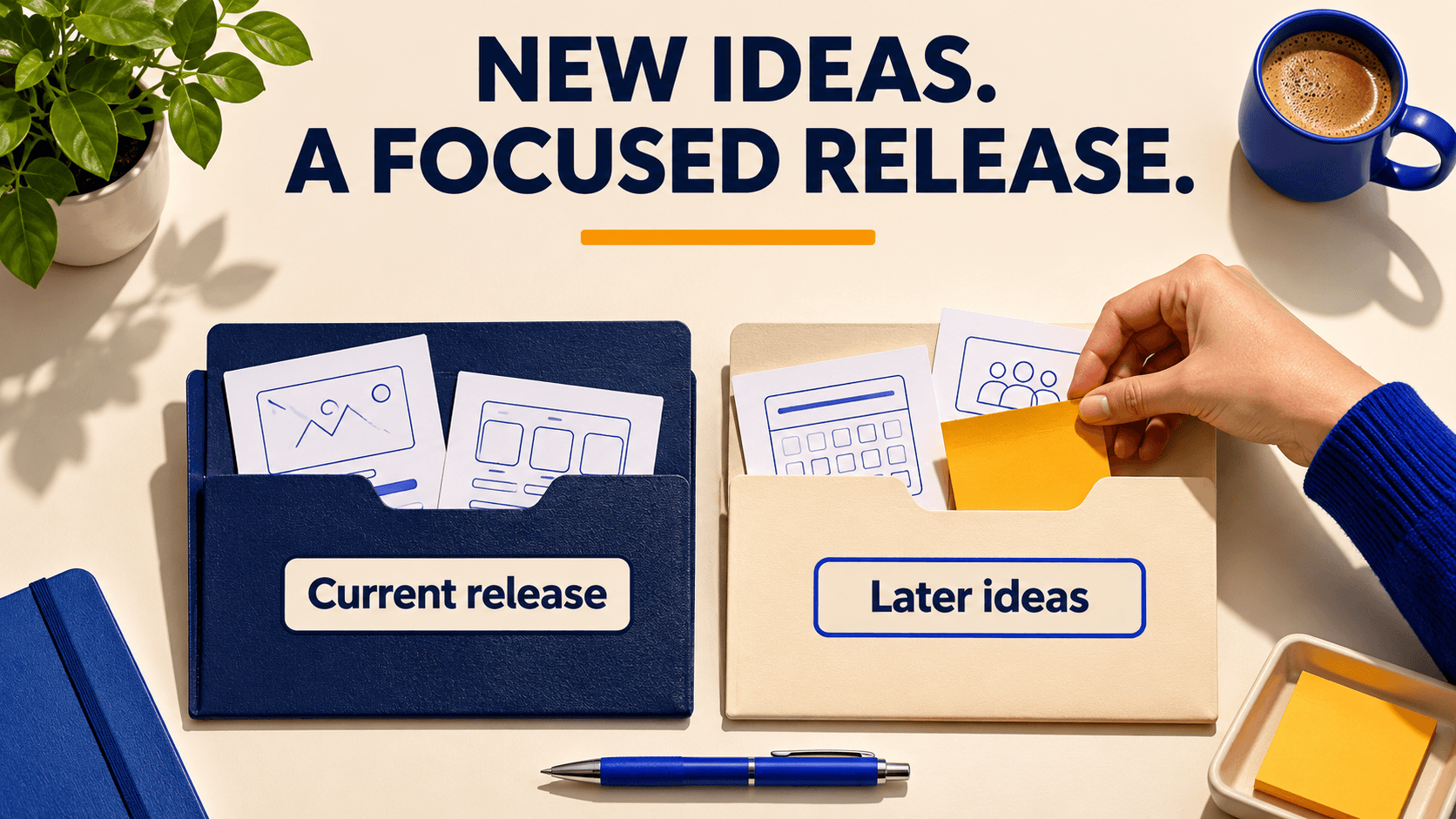
The engagement also faced a familiar product-development problem: newer designs had moved beyond the agreed release scope.
Guest-dashboard expectations and later Figma designs needed reconciliation with R6. Expanded work moved toward R7 rather than being automatically absorbed into the current release.
This was a product decision about what the next release needed to accomplish.
The same discipline appeared in other discussions. General-purpose AI for third-party event systems was deferred. Media integrity checks such as broken links, missing files, and duplicate media were considered for later scope or an add-on, subject to research, effort, and operating cost.
A useful release boundary gives each idea a deliberate status:
| Status | Meaning |
| Current scope | Work required for the agreed release |
| Clarification needed | Behavior must be resolved before implementation. |
| Later release | Valuable work intentionally scheduled afterward |
| Exploration | Feasibility or value still needs investigation. |
The available records support a specific account of progress and decision-making.
They document CMS and WordPress functionality under review, guest AI chat reported complete, and offline Bluetooth messaging demonstrated between physical devices.
They also document product directions: preserve planner authority, restrict client permissions, sequence AI around guest escalation, and protect release scope.
| Area | Supported status |
| Offline Bluetooth messaging | Demonstrated in the October review |
| Nearby-user and ring functionality | Demonstrated; further testing remained relevant. |
| Guest dashboard and WordPress controls | Implementation evidence available |
| Guest AI chat | Reported complete in October |
| Planner and restricted-client AI | Sequenced as subsequent work |
| Automatic seating and meal fixes | Rejected in favour of recommendations |
| Public launch and business impact | Not established |
Promotional percentages, user counts, and app-store mockups do not add reliable outcome evidence to this story. The strongest material is the documented work and the reasoning behind its boundaries.
For event-tech founders and product leaders, that reasoning provides a practical starting point: define who controls each decision, where requests escalate and what must work together in the next release.
Connecting planner, client, and guest workflows while preserving appropriate control.