The first question for a useful cybersecurity dashboard is not "What can we put on the screen?"
It is "What does the user need to decide next?"
Mediusware's documented UX work examined journeys involving technical review, prioritization, investigation, and reporting. The information architecture brought related areas of the product into a navigable experience, while interface work covered dashboards, tables, filters, and status patterns.
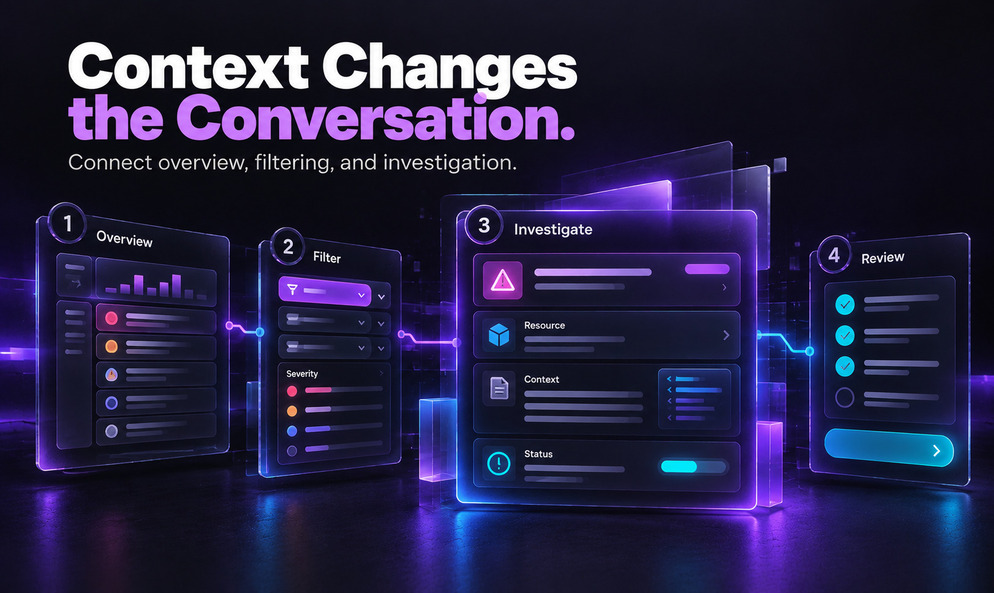
The design focus was to connect overview, filtering, and investigation in one understandable journey.
1. Highlighting What Needs Attention First
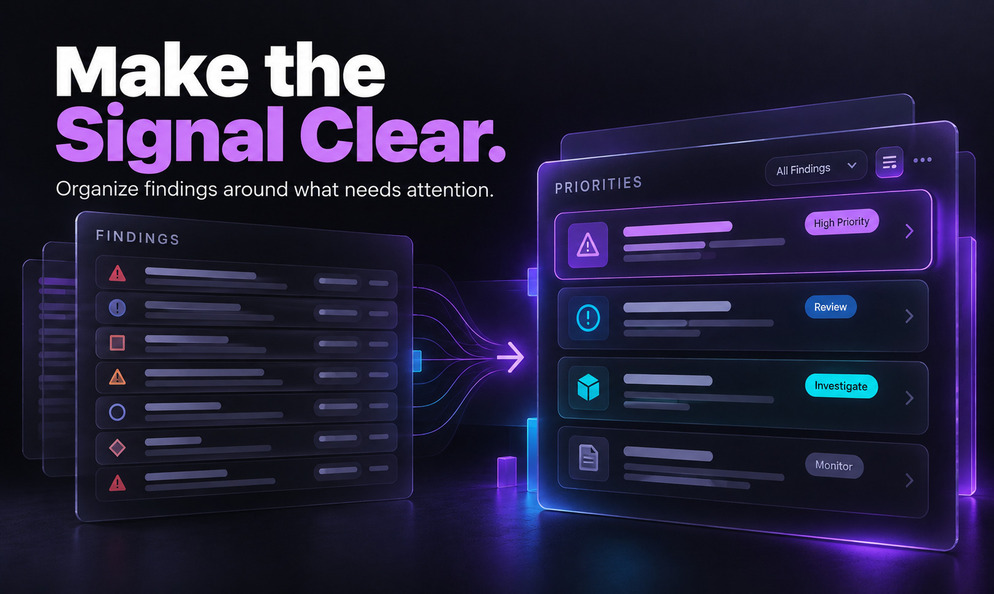
A list of findings is not the same thing as a priority system. When every row receives equal visual weight, the interface asks the user to perform the sorting mentally.
The documented design work used severity-based organization alongside filtering and status indicators. These patterns offer different ways to approach the same information: a broad overview for orientation, a filtered set for a particular investigation, and more focused details for further review.
The tradeoff is straightforward: too little detail hides context; too much obscures the next action. Show the signal first, with supporting evidence available when needed.
Consider a hypothetical dashboard with two warnings: one about possible exposure and another about an operational setting. Neither label alone establishes urgency. This example uses no client findings.
2. Connecting Findings With Useful Context
After selecting a finding, users need context: affected resource, supporting evidence, and current status.
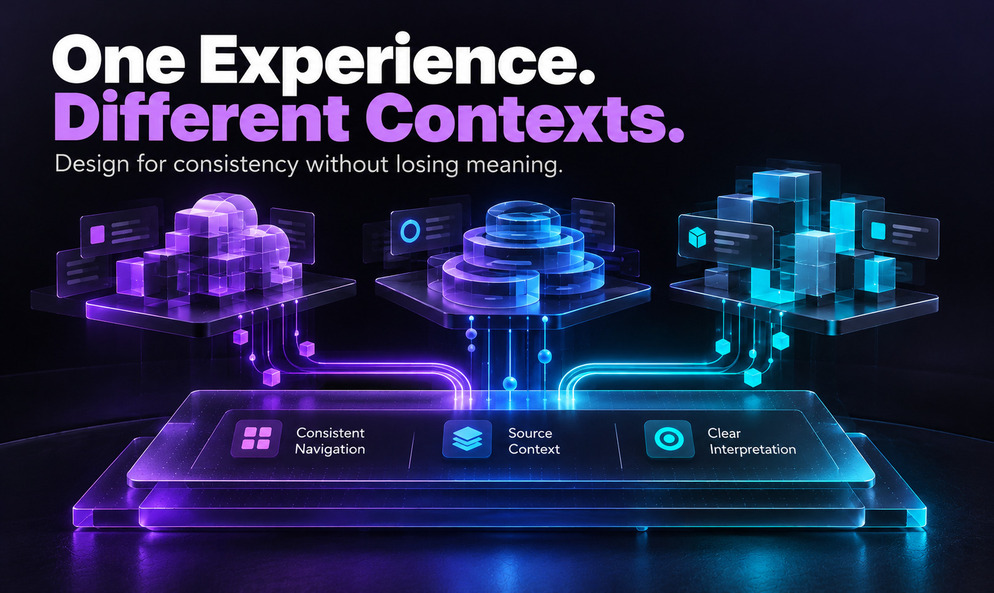
The answer should not require piecing together unrelated screens. In Mediusware's documented interface scope, navigation, tables, detail views, and reusable patterns were part of organizing complex information.
Enterprise UI/UX design connects summaries to investigation without hiding technical detail. This is a design principle, not evidence of faster remediation.