Quick Summary
- Capture: Record customer and job details.
- Schedule: Present timing and assignment.
- Coordinate: Connect office and field tasks.
- Validate: Define checks for each handoff.
Quick Summary

A customer calls to request a service. Before a team member can be assigned, someone needs to know where the work will happen, what the customer needs and when the visit should take place.
Those details connect the first conversation to the work that follows.
Mediusware worked on a business-management platform whose product materials describe customer management, field jobs, scheduling, dispatch and invoicing.
This case study uses a service request as a lens for examining how those documented capabilities relate.
A service request can involve several people. One person receives the inquiry, another coordinates the schedule, and a field worker carries out the job.
The office may need to identify the customer, record the location, and understand the work. The assigned worker needs enough context for the visit. The business may also need to prepare an estimate or follow up with an invoice.
For a founder planning field-service software, the challenge is to give each activity a clear place in the product and define what information is needed at the next step.
The platform’s product materials present customer management, job management, scheduling, dispatch and invoicing within a broader business-management product.
| Product area | Information or activity described |
| Customer management | Customer records and details |
| Job management | Job location, requirements and assignment |
| Scheduling and dispatch | Employee schedules and field-work coordination |
| Estimates and invoices | Commercial information and financial follow-up |
| Mobile access | A field-service experience described in a public app listing |
These areas provide a way to examine the product’s scope. The available sources describe them individually; they do not establish that the full customer-to-invoice journey was tested as one continuous workflow.

A job record gives the office a place to describe work that needs to happen.
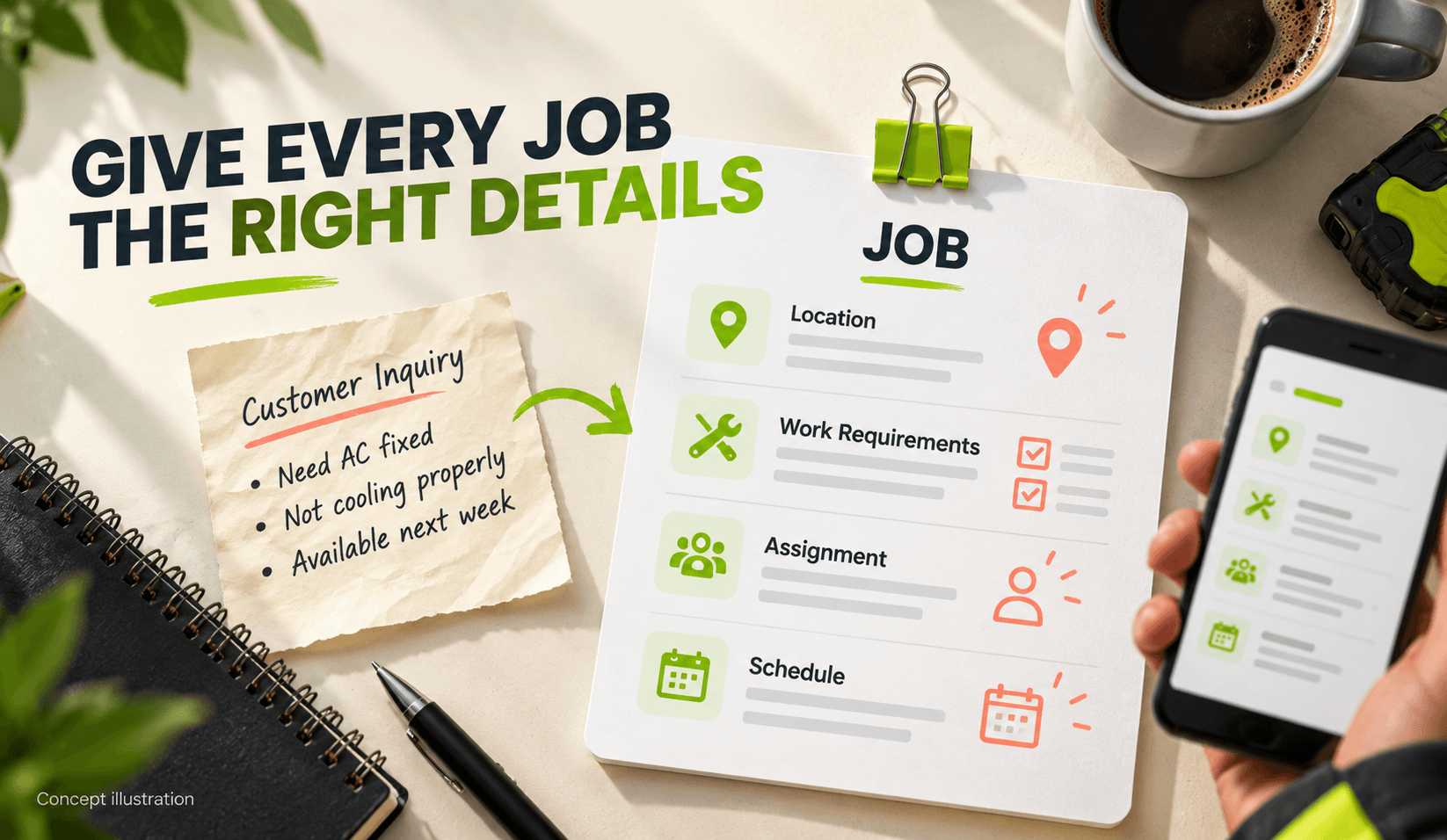
The platform’s public job-management documentation describes creating a field job with:
It also describes viewing scheduled jobs in an employee calendar. The fields show the kind of context that can accompany a service request as a team prepares to assign work.
The customer identifies who needs the service; the address identifies where the work is planned; the description records what needs attention. The assignment and schedule give the job a next step.
For a product team, each detail raises a design and development question: where should it appear, who should be able to change it and how should the next person find it?
The supplied designs show two views of the wider product.
The desktop dashboard places navigation beside summary cards, an order chart and sales-related panels. The mobile home design uses a grid of tiles to present areas such as jobs, customers, invoices, leads, estimates, and the calendar.
The layouts suggest different ways to organize information for each context. The desktop design makes room for several summaries and a larger chart. The mobile design presents product areas as individual tiles.
| View | What the supplied design shows |
| Desk to | Navigation, summary cards, a chart, and sales-related panels |
| Mobile | A tile-based home screen with access points for jobs, customers, invoices and other areas |
These are observations about the supplied designs. Their release status is not established, and the displayed figures should not be treated as customer usage or business results.
A public app listing also describes a mobile field-service experience. It does not establish customer adoption or independently tested reliability.
The platform also describes scheduling and dispatch capabilities alongside estimates and invoices.
These areas address related parts of service work. Scheduling concerns when work is planned; dispatch concerns its assignment; estimates and invoices support the commercial side of the service.
The available documentation does not establish how information moves automatically between every area. A team building a similar product would need to define and test those connections in an identified build.
A useful review could begin with one job: create the record, check the assignment and schedule, then verify which details are available when the team prepares an estimate or invoice.

Mediusware’s published account identifies the platform as a business-management product on which the team worked. The supplied project material describes broader involvement across product and software development.
The documented job workflow illustrates the platform’s approach to customer details, work requirements and assignments. The available material does not establish which individual interactions Mediusware designed, developed or tested.
For buyers, the case illustrates the product questions involved in coordinating customer details, job requirements and assignments.
| Area | Available evidence | Supported conclusion |
| Product direction | Public product pages and supplied materials | The platform is presented around CRM and field-service operations |
| Job management | Public product documentation | Customer, location, requirements, assignment and scheduling are described |
| Desktop and mobile layouts | Supplied design images | Dashboard and mobile product areas are visually represented |
| Mobile experience | App listing and supplied visuals | A mobile field-service experience is presented |
| Mediusware’s role | Company account and supplied project material | Mediusware reports working on the platform; feature-level ownership remains to be confirmed |
| Business outcomes | No verified baseline-and-after record supplied | Measured impact remains unknown |
Start with one job and define the information needed at each handoff.
| Workflow step | Question to answer |
| Customer request | What must the office capture before work can be planned? |
| Job creation | Which location and work details belong on the job record? |
| Assignment | Who can assign or reschedule the work? |
| Field work | What information does the assigned person need? |
| Follow-up | Which details should be available for an estimate or invoice? |
These are recommended planning questions for similar products. They help a team define a workflow that can be demonstrated and reviewed in a specific build.
It is the creation of software for managing service requests, jobs, scheduling and field activities.