Quick Summary
- Track: Organize daily financial records.
- Review: Explore summaries and comparisons.
- Learn: Find dedicated educational resources.
- Navigate: Move through consistent interfaces.
Quick Summary
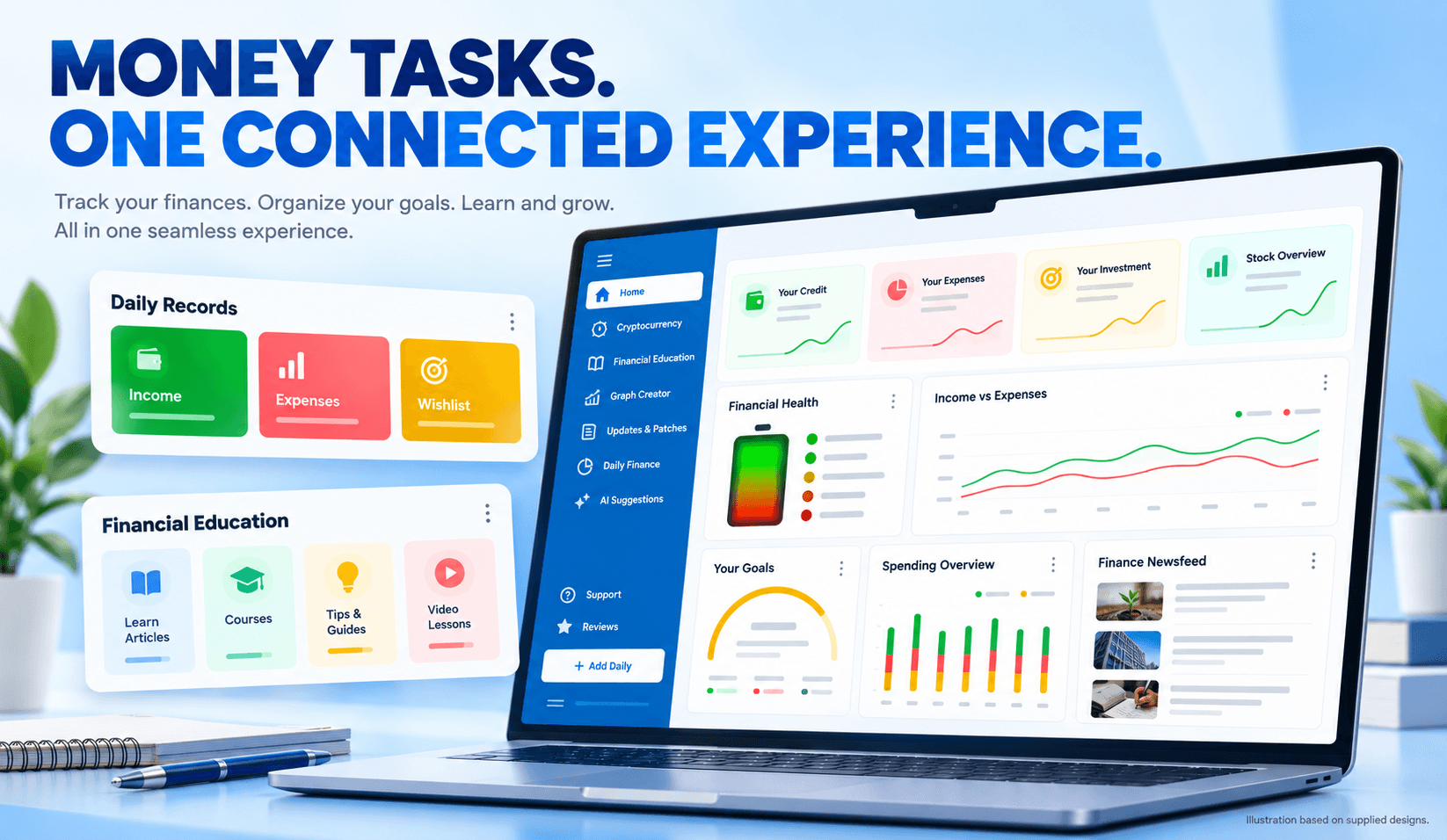
How Mediusware’s product work brought financial records, overview screens and educational content into a consistent interface.
Names and identifying details have been withheld for confidentiality.
An expense entry captures a transaction. A dashboard helps someone review a pattern. Educational content provides somewhere to explore the questions that follow.
A financial education application needs to accommodate all three activities.
For this project, Mediusware contributed design and development work to a platform combining financial tracking, overview screens, learning resources and conversational assistance.
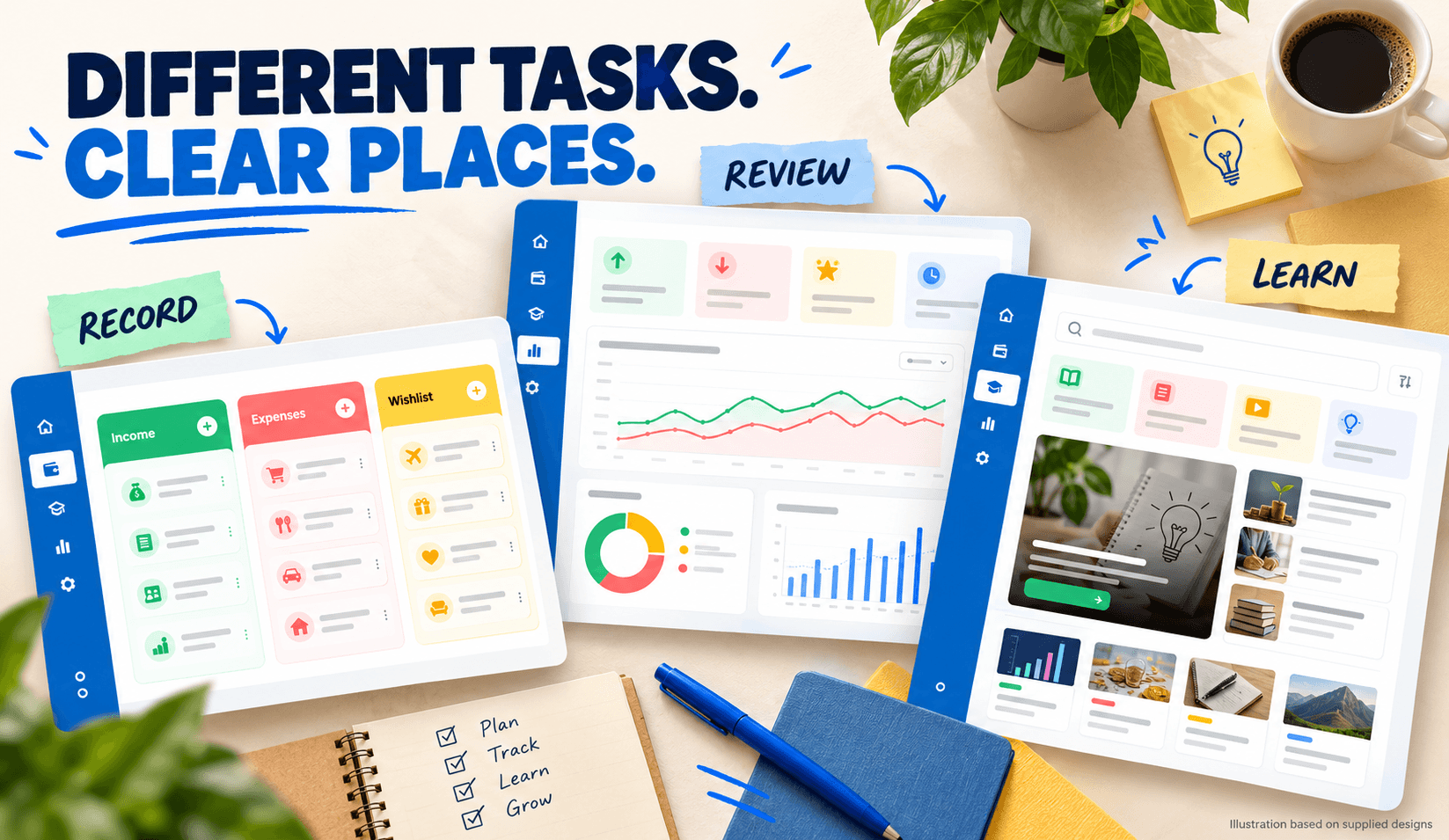
The supplied interfaces reveal the central product structure: separate spaces for recording, reviewing and learning, connected through familiar navigation.
This case study examines that structure through the supplied designs, project account and product documentation.
Recording a bill, reviewing spending and exploring a financial concept require different interactions.
Record management needs clear fields and editing controls. An overview needs hierarchy and comparisons. Educational content needs search and understandable organization.
The supplied layouts separate these activities into distinct sections while retaining a shared sidebar and recurring interface patterns.
For a founder evaluating a similar product, this is an important scope question: which tasks belong together, and which need their own space?
Here, the product’s visible structure provides a concrete answer.
The supplied project account describes Mediusware’s involvement in product strategy, interface design and application development. Client meeting feedback also acknowledges the team’s contribution to building the product.
The interface materials make that involvement tangible through three areas:
| Area | Visible product work |
| Daily finance | Grouped records and entry-management controls |
| Financial overview | Summary cards, charts and goal indicators |
| Education | Search, resource cards and continuation areas |
These examples show how the application organizes its main experiences. The available materials do not establish the exact acceptance status of every pictured feature.
The daily-finance screen divides records into income, expenses and wishlist items.
That distinction gives received money, completed spending and planned purchases separate places in the interface. Add, edit and delete controls support record management within the layout.
The inspected product handbook corroborates the documented workflow: its daily-log section describes recording and managing these three categories.
Consider the difference between buying a laptop and planning to buy one. Those activities carry different meanings for a financial record. The supplied layout reflects that difference by separating expenses from wishlist items.
Detailed entry management also has its own destination, leaving the dashboard available for summaries.
The overview screen changes the level of detail.
Instead of individual records, the supplied dashboard presents summary cards, charts and goal indicators. Financial information is arranged for review across several categories.
The handbook independently corroborates the documented presence of an overview containing financial summaries, targets and related information.
The design also includes a financial-health score. Its calculation method has not been verified, so the score is treated here as an interface element rather than a validated measure of financial wellbeing.
For teams building a comparable dashboard, the next development question is specific: can each displayed figure be traced to the records and calculation rules behind it?
That question connects interface design to implementation and testing.
The supplied education screen uses a content-oriented layout, with search, resource cards and an area for continuing learning.
The shared navigation remains familiar, but the main interaction changes. Users encounter resources to explore rather than financial entries to manage.
This section is supported by the supplied design materials. Its presence in those designs does not establish course completion, issued qualifications or measured educational improvement.
The concrete design contribution is the organization of learning content within a recognizable destination.
For a product team, that creates a clearer set of questions than simply deciding to “add education”:

The inspected handbook also identifies a chatbot section.
Conversation introduces another interaction alongside structured records and educational content: asking a question in natural language.
The evidence supports documenting that interface. It does not establish automatic access to personal financial records, the sources used to answer questions or evaluated response accuracy.
For founders considering similar functionality, those requirements belong in the scope. An assistant’s information access, permitted role and evaluation approach need explicit definition.
A conversational interface becomes easier to assess when those boundaries are clear.
The strongest evidence concerns interface structure and documented workflows.
| Area | Supporting material | Supported conclusion |
| Daily finance | Supplied layout and inspected handbook | Records are organized into income, expense and wishlist workflows |
| Financial overview | Supplied dashboard and inspected handbook | The product documents an overview containing summaries and targets |
| Education | Supplied designs | A dedicated learning interface was designed |
| Conversation | Inspected handbook | A chatbot interface is documented |
| Mediusware’s involvement | Supplied project account and client acknowledgment | Mediusware contributed design and development work |
These materials support a product-design and documented-workflow case study. They do not establish measured business impact, runtime reliability, accepted scope for every feature or a completed native mobile launch.
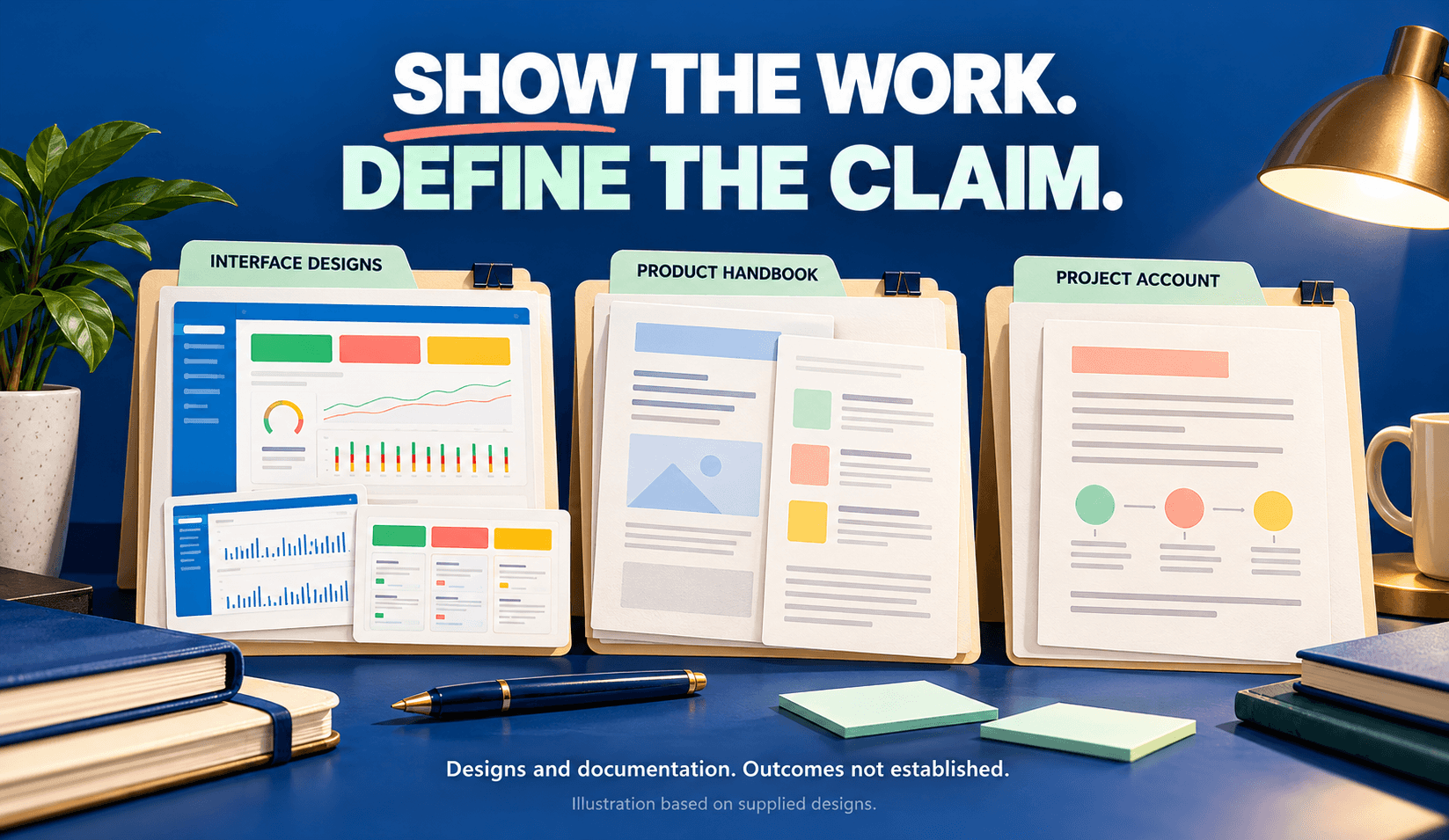
The most useful lesson is to define workflows at the level where they can be implemented and checked.
“Build a financial education app” is a broad ambition. Recording an expense, reviewing a summary and finding a learning resource are specific activities.
The structure examined here separates those activities while preserving continuity across the application.
For a similar project, proposed validation checks could include:
| Workflow | Practical check |
| Records | Can users create, correct and remove entries? |
| Summaries | Do displayed values match their underlying records? |
| Learning | Can users find and return to relevant content? |
| Conversation | Do responses stay within the assistant’s defined role? |
These are recommended checks for comparable products, rather than documented acceptance criteria from this engagement.
They also provide a useful starting point for a development partnership: agree on the behavior, define the evidence needed and validate each milestone.
Financial tracking, dashboard summaries, learning resources and optional conversational assistance, depending on users’ needs.