Logo
Services
Industries
Technologies
About
Case Study
Blog

120+ expert engineers & designers in AI, Web, Mobile.

General Inquiries

hr@mediusware.com+880 1897-661850-51

Discuss Services

sales@mediusware.com+880 1750-020408

Mediusware 2015 - 2026. All Rights Reserved

Company

Our StoriesLeadershipBlogsContactCareerCSR Terms & ConditionsPrivacy Policy

Services

Software DevelopmentWeb DevelopmentMobile App DevelopmentE-commerce DevelopmentQA & DevOpsDigital MarketingArtificial IntelligenceBranding & Visualization

Industries

RetailE-learningTravelHealthcareLogisticsEntertainmentFintechReal Estate

Quick Links

ImpactPartnershipHireToolsPitch DeckEstimatorOur Team

Google Messages Copy and Paste Update: Why This Small Change Matters More Than It Looks

Published on: 12 February, 2026

Last updated on: 21 February, 2026

  • Google Messages is rolling out selective text copying to make everyday messaging faster and more precise.
  • This update reflects how small UX improvements can create a smoother mobile experience at scale.
Google Messages Copy and Paste Update: Why This Small Change Matters More Than It Looks image

Table of content

What is changing in Google Messages?

Why this update actually matters

Why Google is still investing heavily in Messages

What product teams can learn from this

Is the feature live for everyone?

Final thoughts

You May Also Like

01Best Practices for Integrating Agentic AI into Modern UX Design02How SaaS Companies Scale Development Without Increasing Overhead03Why Hiring Developers One by One Slows Down Product Growth04When Your Engineering Team Becomes the Bottleneck in Product Delivery05Why Lean Engineering Teams Are Replacing Large Development Departments
Summarize with AI
ChatGPT
ChatGPT
Google AI Studio
Google AI Studio
Claude
Claude
Grok
Grok
Perplexity
Perplexity

I’ve seen a lot of product updates that sound minor on paper but feel huge in real use. This new Google Messages copy and paste update is one of them.


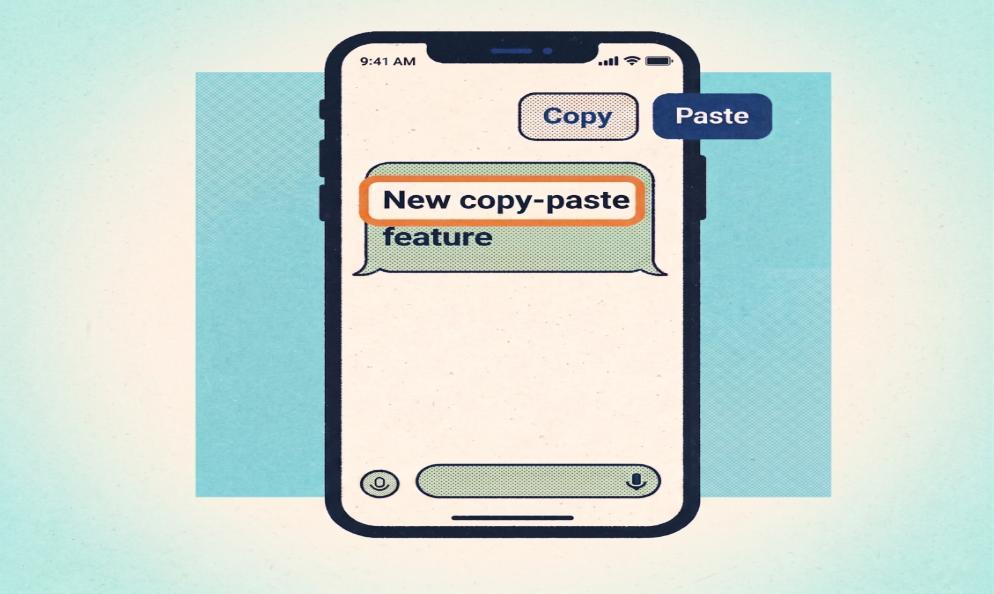
As of March 2026, Google Messages beta is rolling out selective text copying, which means users can finally highlight and copy only part of a message instead of copying the whole thing every time. That may sound small, but for anyone who copies OTPs, addresses, tracking numbers, links, or short instructions from text threads, it removes a daily frustration from one of the most-used apps on Android.


For a product at Google Messages’ scale, even a small usability improvement matters. Google Play lists Google Messages at 5B+ downloads, and Google says the app is powered by RCS and helps “a billion users connect.” Google has also said there are over 1 billion monthly active users with RCS enabled in Google Messages, while RCS traffic in the U.S. now exceeds 1 billion messages per day on average.


That is exactly why this update is worth paying attention to.

What is changing in Google Messages?

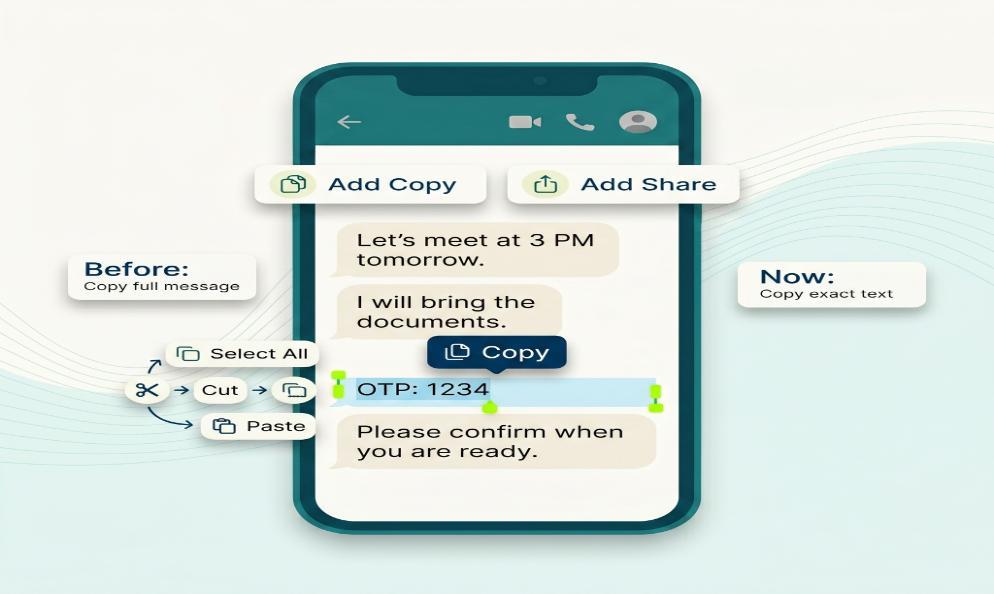
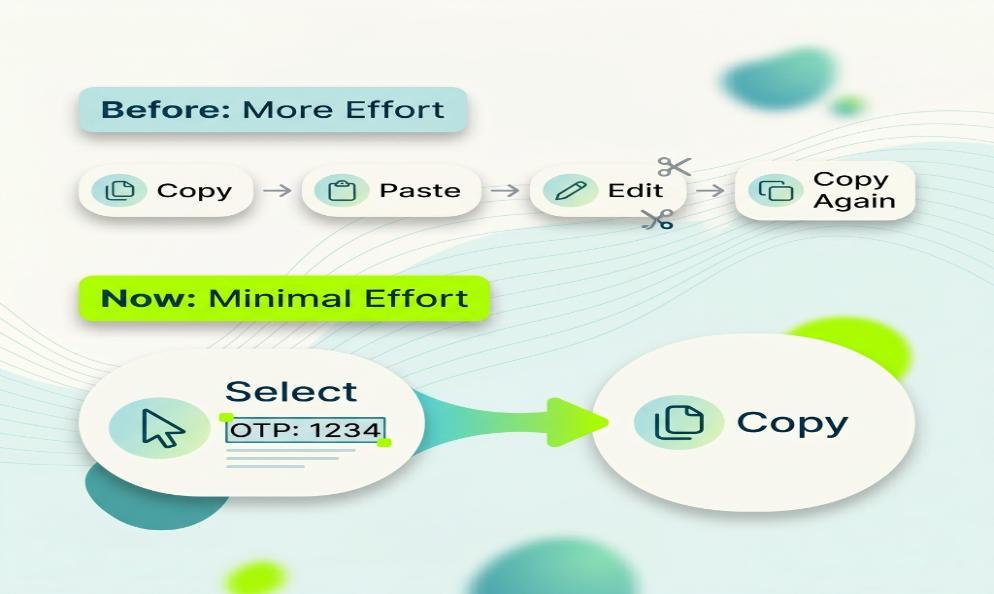
Until now, copying text inside Google Messages was more awkward than it should have been. In many cases, users had to copy the full message and then paste and trim it somewhere else.


According to recent reporting, the beta version of Google Messages is introducing a more precise text-selection flow. Users can long-press a message, drag selection handles, and copy only the exact text they want. Reports also note that the standard full-message copy option still remains available.


That means this is not a replacement. It is an improvement layered on top of the old behavior.

Why this update actually matters

The best product changes are not always flashy. Sometimes they simply remove friction.


Selective text copying is useful because messaging apps are no longer only for casual chat. People use Google Messages to receive login codes, appointment details, business addresses, payment references, delivery notes, and customer communication. When the app forces an all-or-nothing copy action, the experience feels outdated.


This update brings Google Messages closer to the kind of text interaction people already expect in other Android apps. In practical terms, it saves time, reduces copy errors, and makes the app feel more polished for both personal and business use.

Why Google is still investing heavily in Messages

Google Messages is no longer just a basic SMS tool.


Google’s official positioning makes that clear. The company describes Google Messages as its official messaging app for SMS, MMS, and RCS, while highlighting modern features such as richer media sharing and a more advanced chat experience. Google has also continued shipping new features around safety, personalization, and cross-device communication.


When a platform operates at this scale, usability improvements become product strategy. A smoother copy-and-paste experience helps strengthen everyday retention because it improves something users do repeatedly.


That is also a reminder for product teams: sometimes better UX wins not by adding complexity, but by removing one annoying step.


As Sundar Pichai put it:

Google’s long-term product work is about making technology more helpful for everyone. This update fits that exact pattern.

What product teams can learn from this

There is a bigger lesson here beyond messaging.


If your product has frequent, high-volume user actions, small interaction flaws become big experience problems over time. Copying text sounds trivial until millions of people do it every day.


That is why strong mobile and web products are usually built around micro-experience improvements, not only major feature launches.


For teams working on digital products, this is the same principle we apply when building customer-facing platforms at Mediusware. A product becomes stronger when the user can complete common actions faster, with less effort and less confusion.

If you are improving mobile user journeys, our Mobile App Development Services can help. The page is a useful place to explore how better interaction design turns into stronger product outcomes. For browser-based platforms and customer portals, our Web Development Services page covers the same thinking from a web product perspective.

Is the feature live for everyone?

Not yet. Current reports indicate the selective text copying feature is rolling out in beta first, which means broader availability may take time depending on region, app version, and rollout pace. That is normal for Google Messages, since many features appear first in testing before they reach stable release.

Final thoughts

I think this Google Messages copy and paste update is a good example of what thoughtful product improvement looks like.


It does not try to impress users with a loud announcement. It solves a real annoyance that should have been fixed earlier.


And when your product serves billions of installs, over a billion RCS-enabled monthly users, and messaging volume at national scale, those “small” fixes are not small at all. They shape how people feel about the product every single day.

Author
We are the Mediusware Editorial Team, passionate about crafting insightful content on technology, software development, and industry trends. Our mission is to inform, inspire, and engage our audience with well-researched articles and thought leadership pieces. With a deep understanding of the tech landscape, we aim to be a trusted source of knowledge for professionals and enthusiasts alike.
Mediusware Editorial Team

Content Team at Mediusware

Get the best of our content straight to your inbox!

By submitting, you agree to our privacy policy.

What is changing in Google Messages?
Why this update actually matters
Why Google is still investing heavily in Messages
What product teams can learn from this
Is the feature live for everyone?
Final thoughts
Navigate
What is changing in Google Messages?Why this update actually mattersWhy Google is still investing heavily in MessagesWhat product teams can learn from thisIs the feature live for everyone?Final thoughts

Get the best of our content straight to your inbox!

By submitting, you agree to our privacy policy.

Featureblogs

01Haptic Feedback: Why Touch is Becoming the Most Powerful Experience in Tech02The 12 Most Powerful LLMs: Powering Tomorrow’s Tech Landscape03Is Golang Still the Right Choice in 2025?0412 Best AI Tools to Outperform ChatGPT05C# vs. Java: Key Differences, Advantages, and Future Prospects

Relatedblogs

01Best Practices for Integrating Agentic AI into Modern UX Design02How SaaS Companies Scale Development Without Increasing Overhead03Why Hiring Developers One by One Slows Down Product Growth04When Your Engineering Team Becomes the Bottleneck in Product Delivery05Why Lean Engineering Teams Are Replacing Large Development Departments

Authorblogs

01How SaaS Companies Scale Development Without Increasing Overhead02Why Hiring Developers One by One Slows Down Product Growth03When Your Engineering Team Becomes the Bottleneck in Product Delivery04Why IaaS Is No Longer Enough in the AI Era05Vue Performance Optimization: A Practical Guide