Highlights
- Learning: Keep instructions clear.
- Profiles: Separate each child’s progress.
- Toolkits: Extend learning beyond screens.
- Access: Clarify purchase and setup.
Highlights
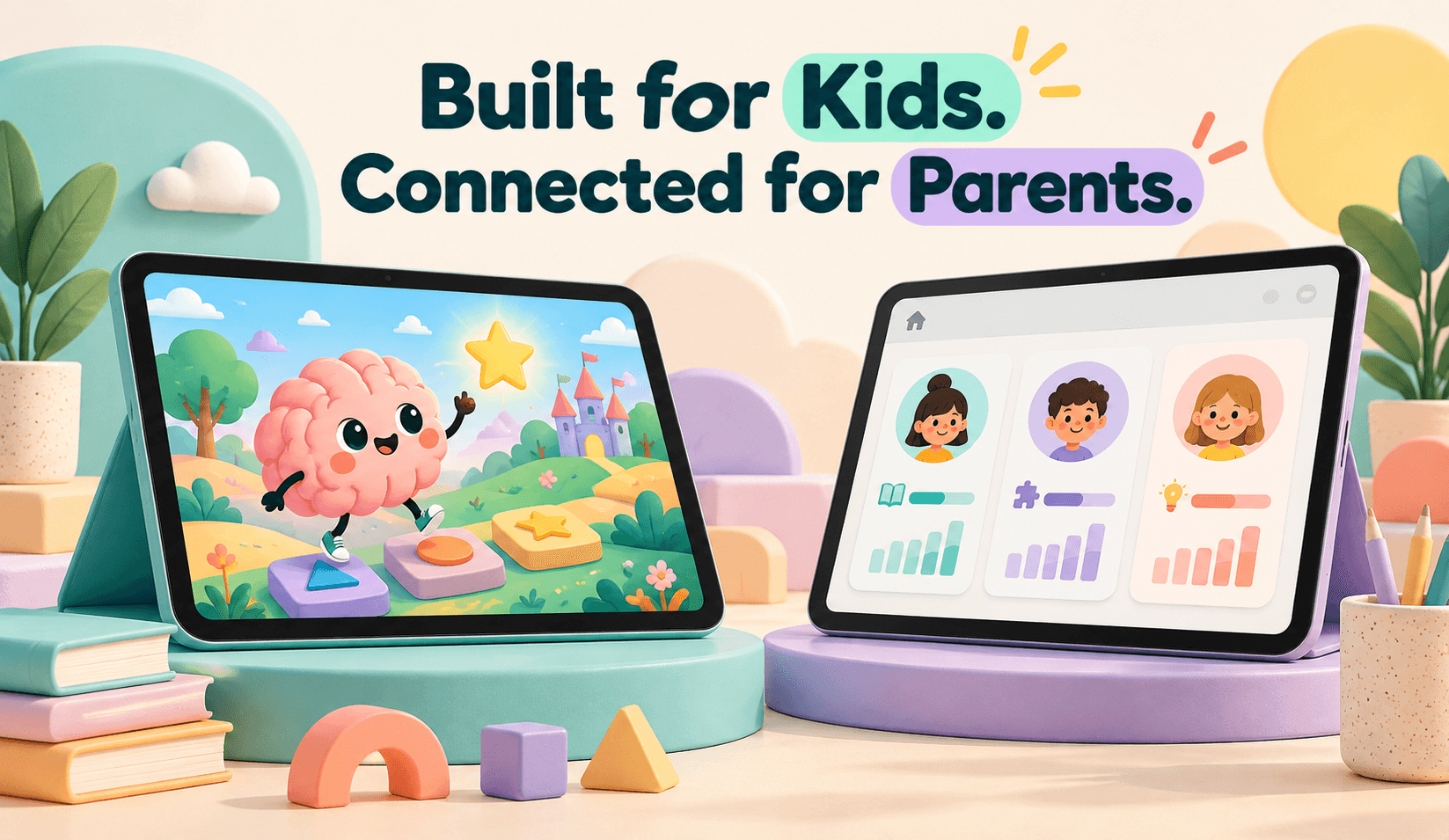
A child opens a learning activity. A parent purchases access.
They use the same product, but they need different things from it.
The child needs to understand the instructions, explore an activity, and recognize what to do next. The parent needs to understand the offer, manage access, add children, and find resources that support learning at home.
For one occupational-therapist-created educational program, connecting those experiences became a central product challenge.
Mediusware’s work covered interactive learning, parent and child profiles, personalized printable toolkits, payments, and supporting account workflows. The specialist creator supplied the educational expertise, wording, and content direction.
This case study examines the reported work and the decisions behind it. The client is anonymized, and the available evidence does not establish improved conversion, retention, or clinical outcomes.
The platform was designed for children aged 6–12, with parents and caregivers supporting their participation.
Its educational content covered the brain, body, emotions, sensory preferences, and practical self-regulation tools. Turning that material into software required decisions about language, interaction, navigation, and the role of the adult.
An explanation that makes sense during a conversation with a specialist may need additional support on a screen. Instructions need to remain understandable while the learner decides where to click, what to select, and how to continue.
Children’s needs also deserve attention beyond the appearance of an interface. UNICEF’s Responsible Innovation in Technology for Children initiative provides a broader reference for incorporating children’s well-being into digital play design. It offers relevant context, rather than an evaluation of this platform.
Parents, meanwhile, have responsibilities outside the learning activity. They purchase access, manage profiles, and help children revisit resources.
The product needed to connect both sets of tasks:
| Children needed to | Parents needed to |
| Understand activity instructions | Understand the program and access options. |
| Explore videos, games, and quizzes. | Purchase and manage access |
| Continue through learning modules. | Add and switch child profiles. |
| Choose and revisit practical tools. | Review progress and supporting resources. |
The engagement also encountered operating problems. Parents reported difficulty purchasing, navigating profiles, and adding children. Some people created accounts without completing payment.
Those issues showed that the learning experience and the path into it both needed attention.
The supplied project account describes custom design and development followed by ongoing refinement.
Mediusware’s contribution extended across product discussions, UX/UI, engineering, motion and content implementation, testing, and production support.
| Work area | Reported contribution |
| Product discovery | Clarifying module flows, onboarding, and purchase journeys |
| UX and interface design | Learning activities, parent and child dashboards, toolkits, and payment screens |
| Development | Profiles, learning progression, authentication, payments, and supporting email integration |
| Motion and media | Implementing animations, videos, and interactive presentations around client-provided content |
| QA and support | Testing, investigating issues, reviewing staging changes, and coordinating releases |
The creator owned the specialist educational content. Mediusware helped translate that content into a digital product.
The records support a six-module learning program with interactive activities, videos, games, quizzes, individual progress, and parent resources. They do not establish that every proposed enhancement was released in the same version.
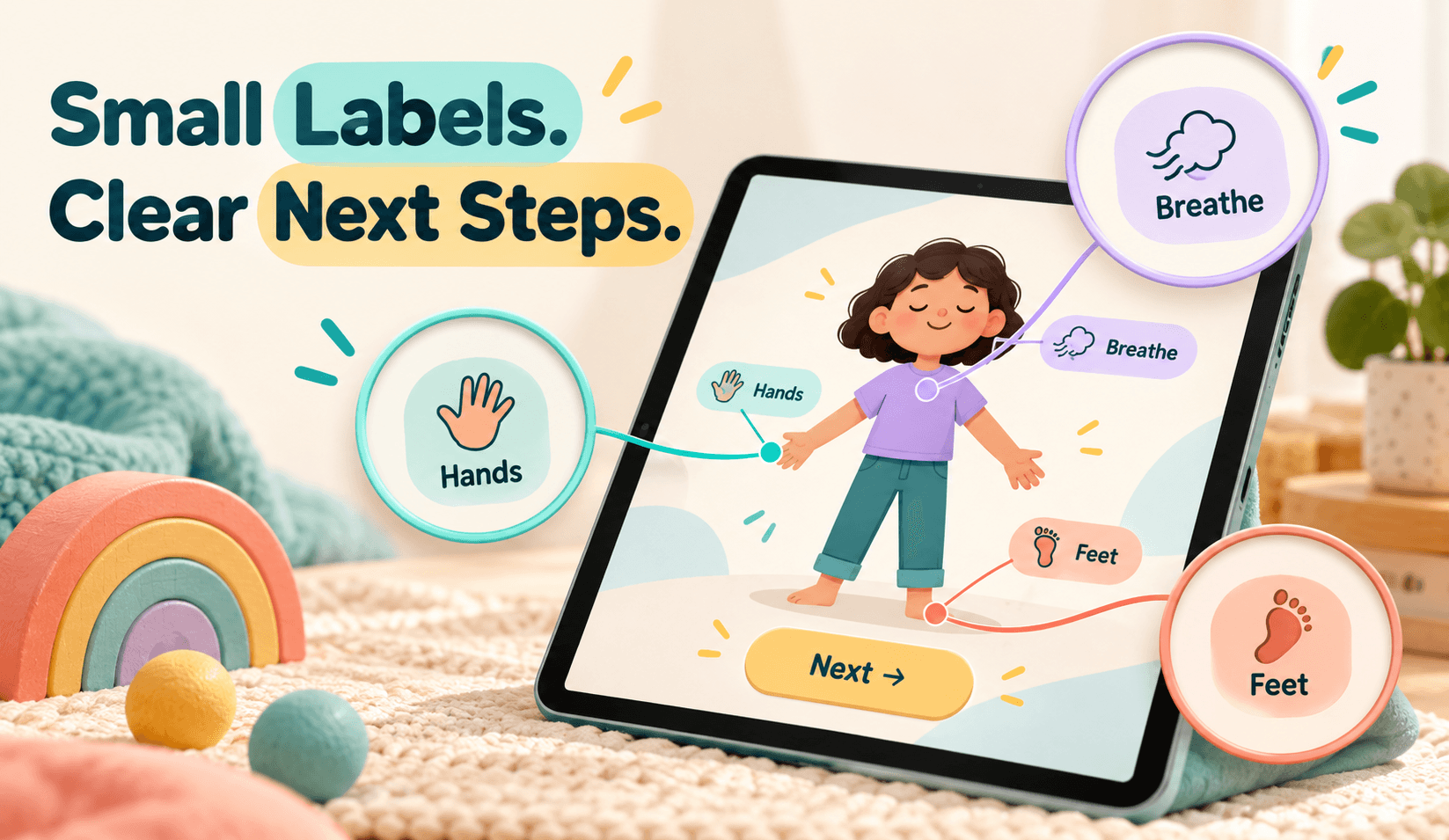
One of the clearest design decisions involved labels on body-check visuals.
During a design review, the team considered removing supporting text for a cleaner appearance. The agreed direction retained the labels because children needed them to understand the visual and choose what to do next.
Removing text may simplify a composition while making an activity harder to interpret. A visual can attract attention without explaining its meaning or the action expected from the learner.
In this activity, the labels helped connect what children saw with the choice they were being asked to make.
This reasoning aligns with W3C’s cognitive accessibility guidance on using clear, visible labels, which recommends familiar wording placed near the relevant control.
That guidance supports the design principle; it does not establish the platform’s accessibility conformance.
W3C The useful question was, "Which explanation does the learner need at this moment?"
For similar products, that question can guide reviews of instructions, icons, and interactive controls. Teams can examine whether learners understand the activity, recognize their choices, and know how to continue.
The project account documents the label decision and its reasoning.
It does not provide a measured comparison of comprehension before and after the change.
A family account can contain learners with different preferences and different progress.
The platform addressed this through parent-managed child profiles and individual progress tracking. Parents could manage access while entering the relevant child’s learning experience.
The parent account handled family administration. Each child’s profile represented their own participation.
That distinction shaped what the interface needed to make clear:
These are useful review questions for family-oriented software. The presence of profiles alone does not demonstrate that every switching or progress scenario works correctly.
Profile navigation and adding children appeared among the operating difficulties reported during the engagement. The work continued beyond creating screens into reviewing how families moved through them.
Individual learning needs a clear account structure and understandable transitions between users.
The program included a personalized printable toolkit alongside parent guides and supporting resources.
This gave the learning journey an output that families could return to after an activity ended.
The supplied materials describe children exploring practical tools and building a collection informed by their selections and preferences.
The toolkit could then support further discussion and use at home.
From a product perspective, this connected three parts of the experience:
| Stage | Product purpose |
| Explore | Introduce activities and possible tools. |
| Select | Let children identify relevant preferences and choices. |
| Revisit | Make selected resources available beyond the lesson. |
The printable format extended access beyond the device. A family could consult a resource without reopening the full learning sequence.
That is a meaningful feature description, but it remains separate from an effectiveness claim. The available evidence does not establish that toolkit use produced a measured improvement in emotional regulation.
The supported contribution is the connection between learning activities, personalized resources, and parent-supported use.
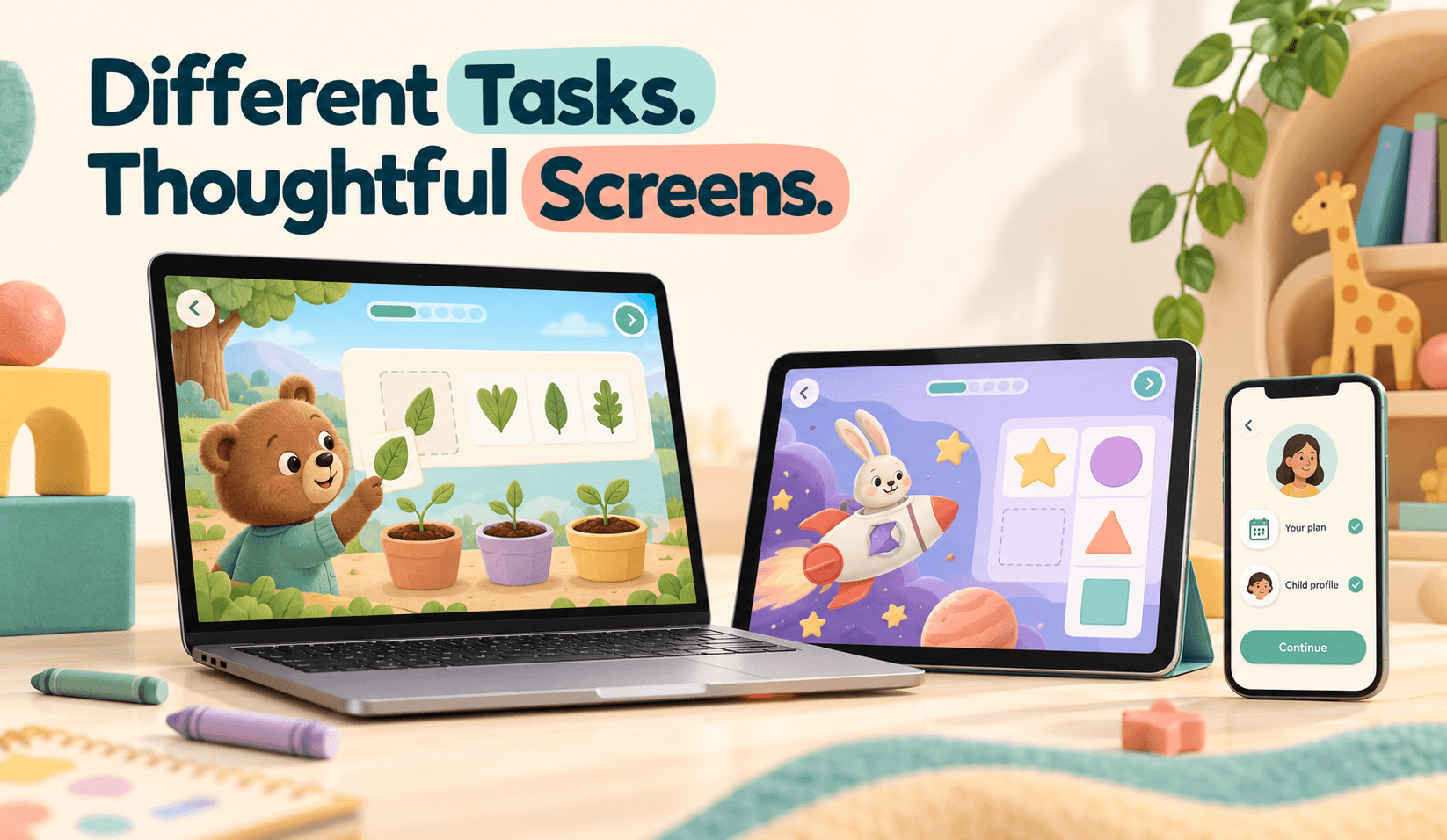
The intake describes a tablet and laptop priority for children’s learning.
Parents still needed usable purchasing and account screens on phones.
Those requirements belong to different tasks within the same service. A child working through an interactive activity may need space for instructions, media, and controls. A parent arriving from a message or advertisement may need to understand the offer and manage access from a smaller screen.
The reported direction recognized both situations.
For product teams, this suggests reviewing device support by task:
These are recommended checks for comparable products. The supplied material does not establish comprehensive device testing or accessibility conformance.
An educational product can have substantial content and still leave a parent unsure how to begin.
During launch and iteration, the project account records difficulties with purchasing, profile navigation, and adding children. Account creation did not consistently lead to completed payment.
The team consequently reviewed onboarding, payment journeys, and how the offer was explained.
A useful conceptual journey is:
Understand the program → choose access → create or verify an account → pay → add a child → begin learning.
This describes the responsibilities that need to connect, rather than a verified sequence of the latest production screens. Each transition introduces a question for the parent.
After account verification-
W3C’s guidance on multi-page forms recommends organizing longer processes into logical stages and informing users about their progress. This provides a useful reference when reviewing purchasing and account-setup journeys.
When the connections between steps are unclear, a parent may complete one task without knowing another remains.
The commercial model also evolved during the engagement. Records describe free first-module access, changes to module-release timing, and weekly-payment functionality. The current combination of payment options requires confirmation.
The evidence supports continued work on purchase clarity and access. It does not establish that a particular revision increased conversion.
One payment-management discussion provides a smaller example of scope control.
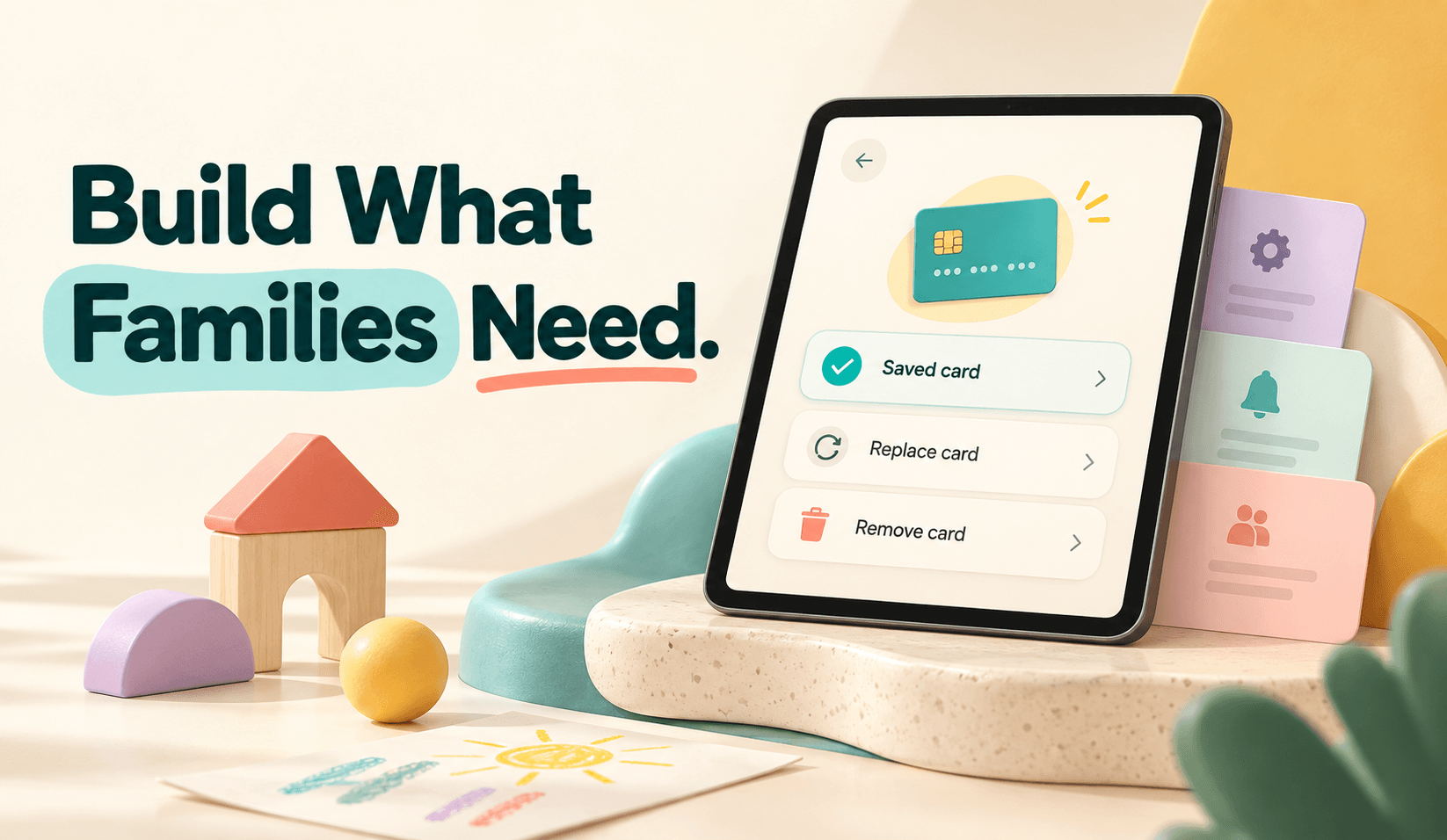
During an August review, the agreed design supported one saved payment card per account, with replacement and removal, rather than multiple saved cards.
The team identified additional backend work associated with multi-card management.
The decision limited payment-management options while reducing implementation complexity. Its final production deployment remains unconfirmed.
For founders, the useful consideration is whether an additional option solves an immediate user need strongly enough to justify the work it introduces.
That judgment needs to reflect the actual product. In this engagement, the recorded discussion shows the team making the tradeoff explicit.
The platform became commercially available, and the client reported purchases. At least one completed child journey was also discussed.
Those observations establish early use. They do not establish a purchase-conversion rate, an overall completion rate, or a growth trend.
The engagement continued through onboarding, profiles, payments, learning flows, and support. An October internal update reported work complete from Mediusware’s side while awaiting client confirmation.
| Area | Supported account |
| Product availability | Families could access a paid online learning program and parent resources. |
| Learning experience | Six modules and interactive learning workflows were described. |
| Early use | Purchases and at least one child's completion were discussed. |
| Iteration | Account, payment, profile, and learning-flow refinements continued. |
| Delivery status | Internal completion was reported, with client confirmation pending. |
| Outcomes | Improved conversion, retention, profitability, and clinical effectiveness were not established. |
A stronger assessment would need original records and defined measurement periods.
Useful product measures could include purchase completion, successful child setup, activity participation, program completion, and support requests by issue. Learning or clinical-effectiveness claims would require an appropriate evaluation beyond these operating measures.
The next step in understanding impact is to connect reported implementation with reliable evidence of how families use the product.
For founders turning specialist content into educational software, this engagement highlights 5 questions:
These questions help define the software around the people using it.
In this project, a retained label, an individual child profile, and a printable toolkit each served a specific purpose.
Together with purchasing and account workflows, they formed the practical structure around the creator’s educational content.
The reported work included interactive learning, parent and child profiles, printable toolkits, payments, authentication, and ongoing testing.