Highlights
- Operations: Manage design workflows.
- Commerce: Keep storefronts optional.
- Branding: Preserve designer identity.
- Visualization: Arrange selected products.
Highlights
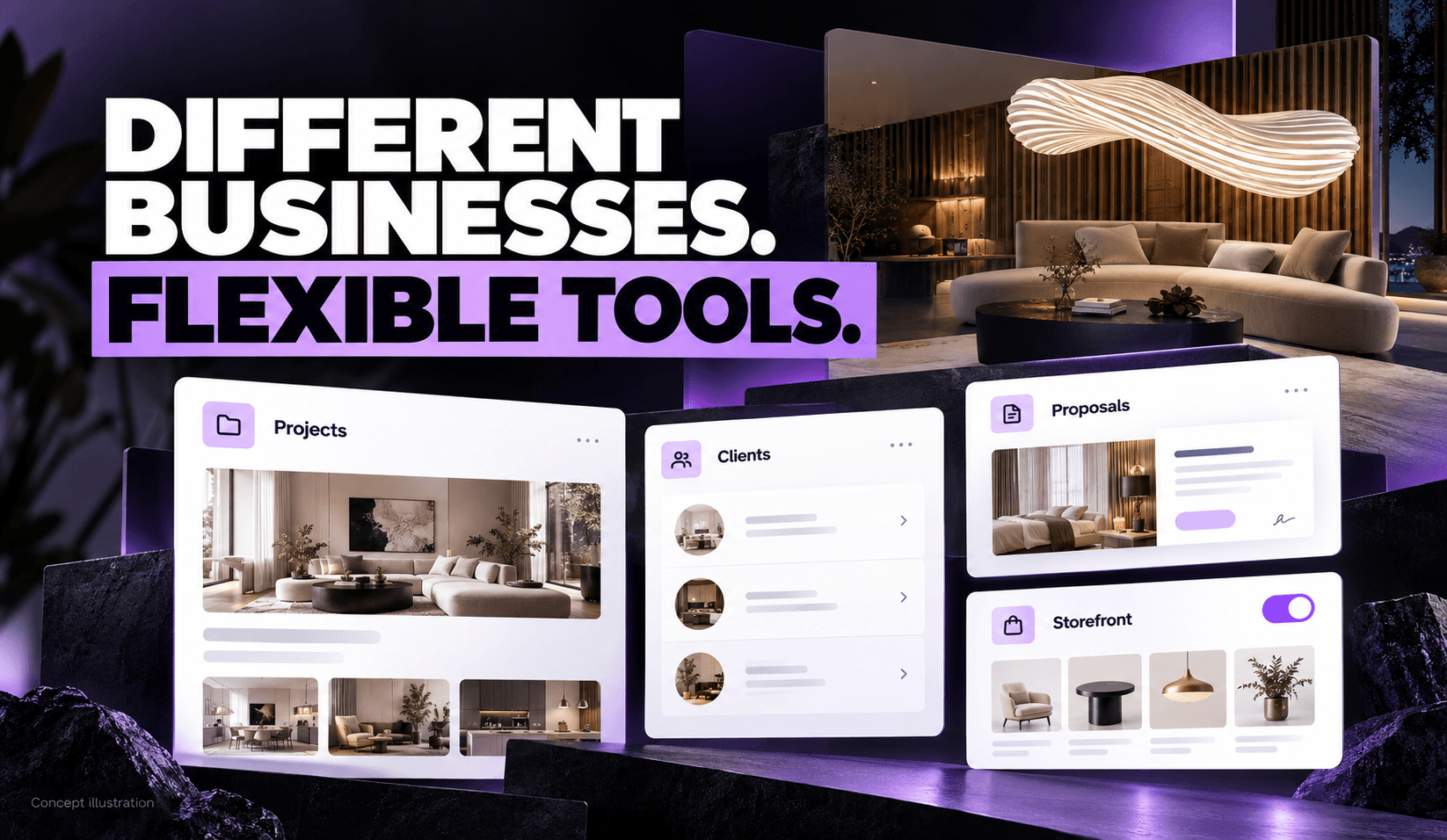
An interior designer may need better software for managing projects, presenting ideas and sending invoices without wanting to run a public online store.
That distinction became an important product question in this engagement.
The client wanted a platform for design businesses, with opportunities for product sales alongside operational tools. But the client also explained that an e-commerce-first proposition could alienate experienced designers whose services depend on personal relationships.
Mediusware demonstrated configurable plans that could separate business-management access from storefront and order-management functionality. Related reviews covered designer-branded customer access and a mood board for arranging selected product imagery.
The resulting development story centers on a specific challenge: how to support different business models within one platform.
Interior-design work spans creative and commercial tasks. A designer may need to organize customer information, coordinate projects, present products, prepare proposals, and issue invoices.
Some businesses also want to publish a catalogue and sell products online. Others prefer to manage product selection and purchasing through a private client relationship.
The client’s explanation made this difference explicit. A public shop could be useful for one designer and a poor fit for another.
That meant the platform’s breadth needed to become configurable. Its positioning and access controls had to accommodate designers seeking operational software as well as those interested in commerce.
The business hypothesis was clear: give designers a useful starting point without requiring them to adopt every part of the platform. Whether that approach improved adoption or encouraged later upgrades has not been measured in the supplied records.
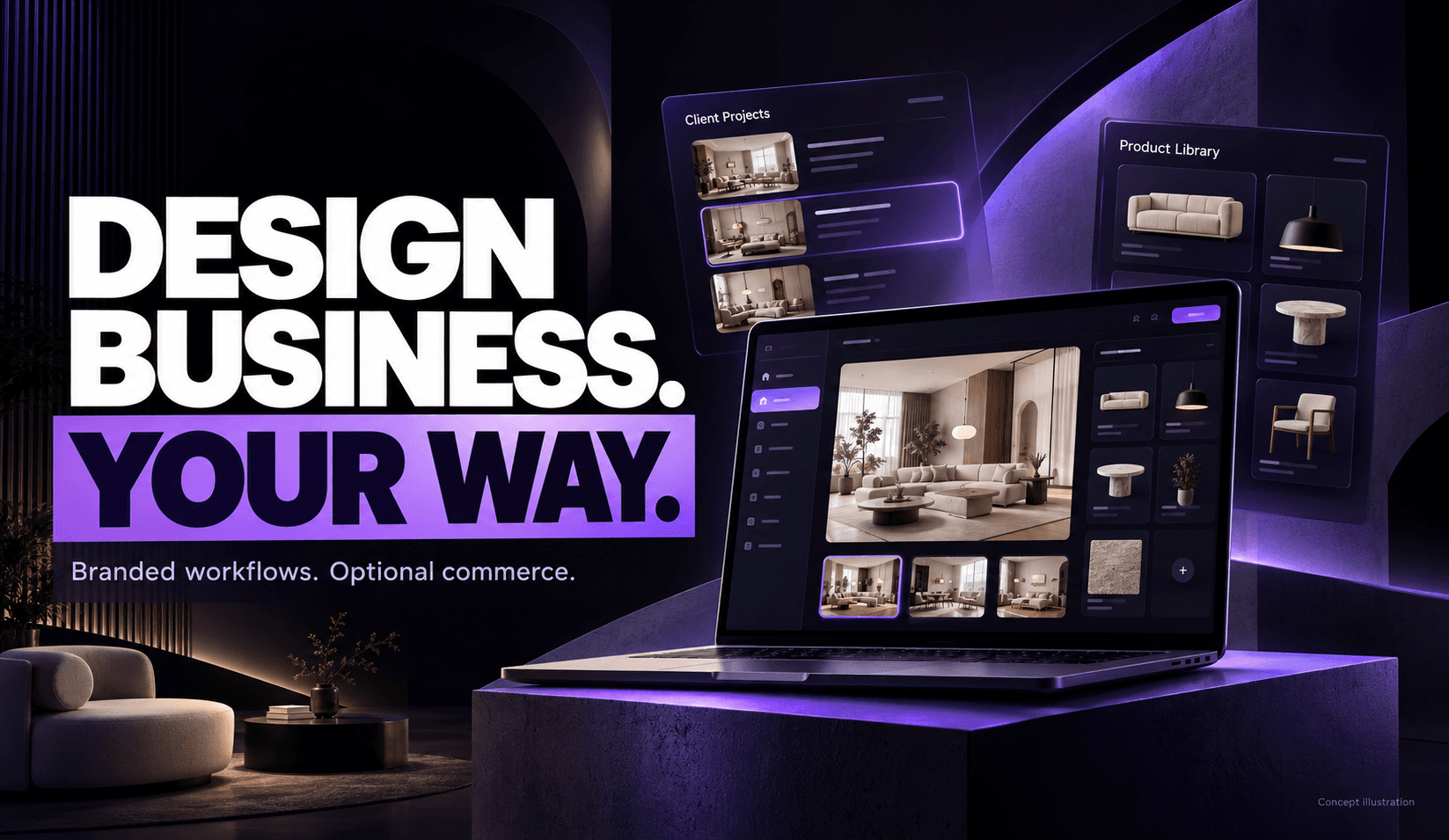
The supplied project account describes Mediusware’s involvement in site and dashboard development, customer access, shop branding, product workflows, and subscription-plan controls.
The team also demonstrated mood-board functionality and a browser extension for collecting vendor-page product information.
| Work area | Work described in the project account |
| Business workflows | Development and demonstrations involving projects, proposals, invoices, products, and orders |
| Branded customer access | Customer creation, credential messaging, and routing into a designer’s environment |
| Plan configuration | Controls for including or excluding storefront and order-management functionality |
| Visual tooling | Mood-board composition, image editing, saving, and export |
| Catalogue intake | A browser-extension workflow for collecting and reviewing product information |
These are reported development and demonstration activities. The final contractual scope, feature acceptance and current production status remain to be confirmed.
The clearest product decision was to separate operational access from storefront and order features.
In a demonstration described in the intake, project-management capabilities including proposals and invoices were available without e-commerce. Plan controls could determine which additional functions were included.
This addressed the audience's concern directly. A designer could be presented with software for managing their business without a public shop becoming the center of the experience.
The distinction can be expressed simply:
| Product configuration | Intended emphasis |
| Business operations | Customers, projects, proposals, and invoices |
| Operations with commerce | Operational tools plus storefront and order-management capabilities |
These describe demonstrated configurations, not confirmed final plan names or prices.
For the development team, configuration also creates questions beyond the pricing page. Navigation, permissions, and available actions need to reflect the selected plan.
A module being hidden in the interface does not by itself establish that every access path has been correctly restricted.
The materials support the plan-control demonstration. They do not establish completed testing of every entitlement or a proven customer-upgrade strategy.
Branding mattered beyond the storefront.
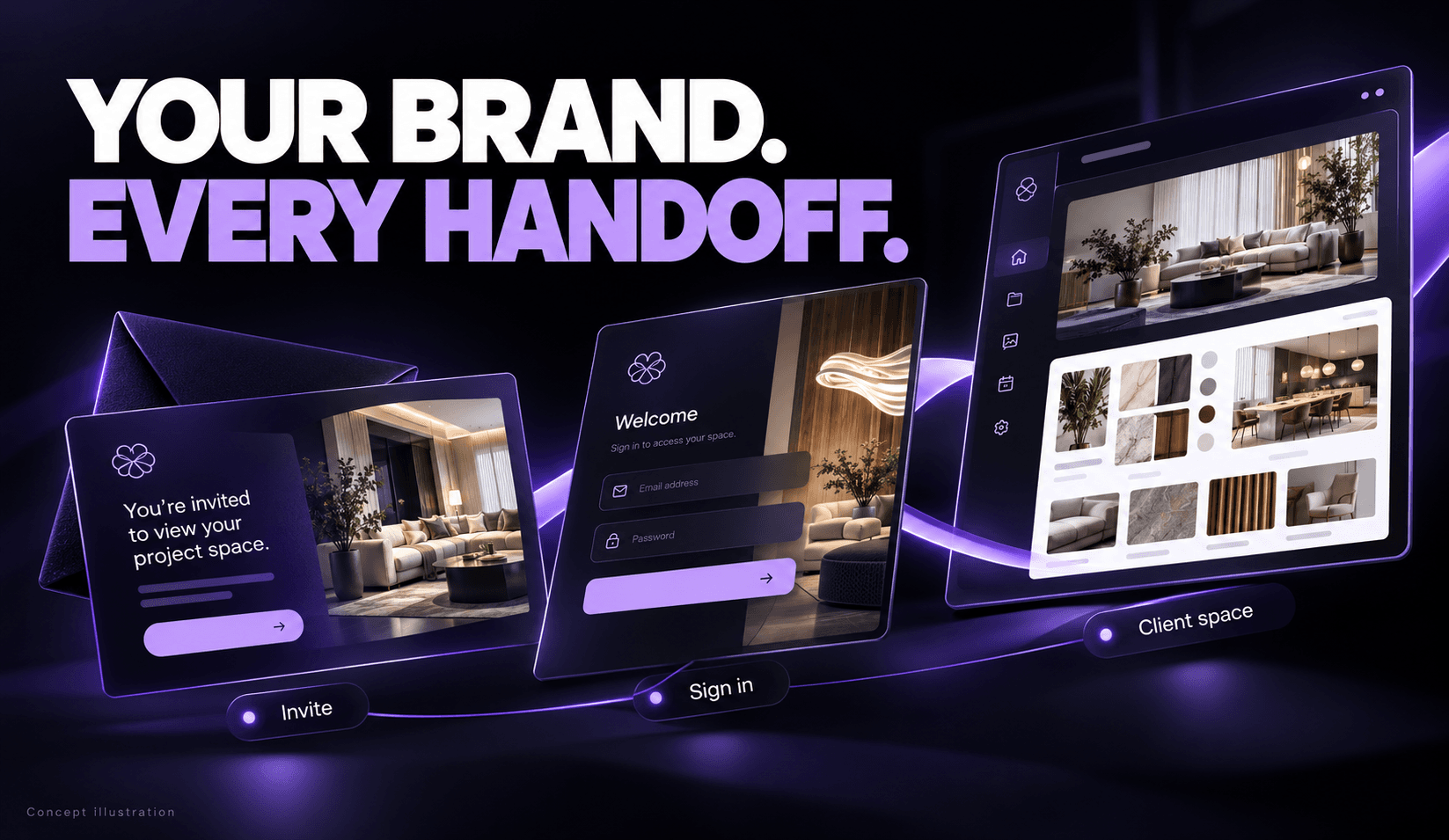
The demonstrated customer workflow allowed a designer to create a customer account and send credentials. The customer was then directed into the relevant designer-branded environment.
That sequence connected several touchpoints: who sent the invitation, what the customer understood they were accessing, and where they arrived after logging in.
A generic platform destination could interrupt that relationship. The product direction was to keep the designer’s identity present through the handoff.
The supplied account also notes that earlier demonstrations retained a customer self-signup route. These paths should be treated as distinct workflows rather than assuming that one replaced the other.
The evidence concerns branded access and routing. Secure separation of customer data, project permissions, and exceptional access cases requires its own implementation and testing evidence.
Designers also need a way to discuss visual choices with clients.
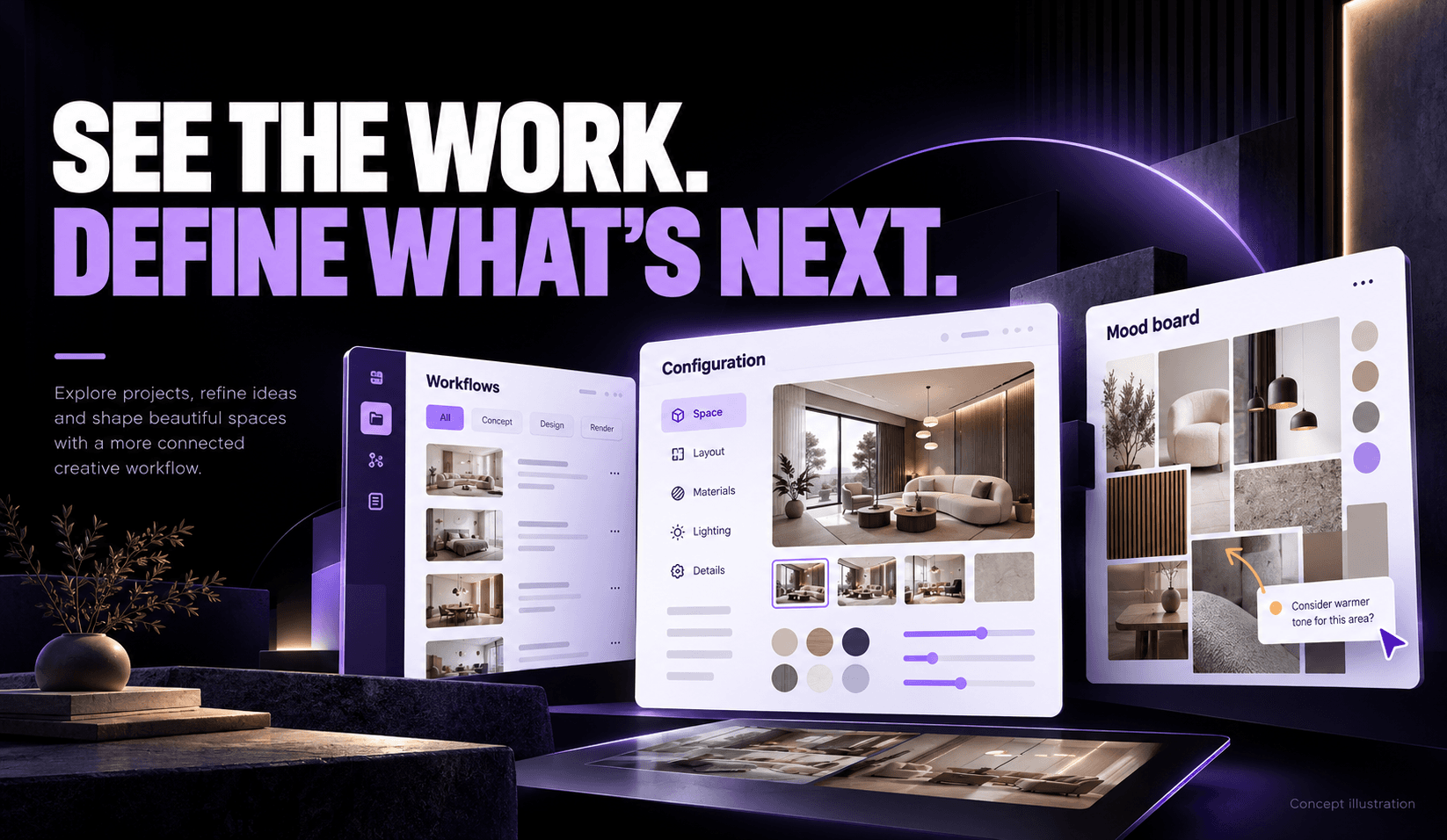
Mood-board demonstrations covered room backgrounds, product imagery, editing, saving, and export. The supplied PDF describes further controls for manipulating images and preparing a shareable composition, while the intake records positive client feedback during a feature review.
The useful distinction is the designer’s control over selected imagery. A manual board lets a user arrange particular product images within a composition.
That serves a different purpose from AI visualization. An AI-generated room may communicate an aesthetic direction without faithfully reproducing the exact furniture or product selected.
For the case study, those capabilities should remain separate:
| Workflow | Purpose |
| Manual mood board | Arrange selected imagery to communicate a design. |
| AI visualization | Generate or explore a visual concept. |
The demonstrated mood-board work provides a concrete example of product development. It does not establish improved client approvals, faster design work, or increased sales.
Large-image handling and broader content coverage were also identified as areas needing further attention in the supplied materials.
Preparing a catalogue introduces another task: bringing vendor product information into the platform.
The project account describes HB Clipper, a browser extension that collects product information and images from vendor pages. Users could review and edit the collected details before adding items to the catalogue.
This is a useful workflow boundary. Information captured from an external page still needs review before becoming a dependable product record.
The intake reports that the extension was published in the Chrome Web Store. However, the demonstrated connection still targeted a development server at that review.
Store publication and production integration therefore represent different milestones. The exact listing, production connection, and end-to-end release status have not been verified for this article.
The strongest evidence concerns specific product configurations and workflows.
| Area | What the supplied account supports | What remains open |
| Optional commerce | Plan controls separating operations from storefront and order features were demonstrated. | Final plans, production enforcement, and upgrade behavior |
| Branded customer access | Customer creation, credential messaging, and designer-specific routing were demonstrated. | Current release status and access-control testing |
| Mood board | Composition, editing, saving, and export were reviewed. | Full acceptance, performance coverage, and production status |
| Catalogue intake | Extension-based product capture and review were demonstrated | Verified listing and production integration |
| Mediusware’s contribution | Development work and demonstrations across these areas are described. | Final accepted scope and ownership boundaries |
The supplied records do not establish a completed public rollout or sustained commercial performance. No verified figures were available for paying designers, product sales, retention, time savings, or revenue.
Private meeting feedback is also not treated as a publication-approved testimonial.
The central lesson is to make product packaging reflect how customers work.
A broad platform can contain useful capabilities that some customers do not need or do not want presented as essential. In this project, the client’s audience insight led to a clearer distinction between business operations and commerce.
3 practical questions follow for teams building similar software:
These questions help turn a large feature list into a product that can accommodate different ways of doing business.
Building software for a specialist industry starts with understanding how its customers work and where their needs differ.
Discuss your customer journeys, optional modules, and development priorities with Mediusware to define a focused product milestone.
Customers, projects, proposals, invoices, products and collaboration.