- UX audits evaluate usability, design, and user behavior to improve conversions.
- Data insights and stakeholder input align product decisions with user needs and goals.
How to Conduct a UX Audit & Its Benefits
8 min read

In the fast-paced digital world, user experience or UX plays a crucial role in determining the success of a product or service. A UX audit systematically evaluates your product’s usability, design, and overall user experience. This blog aims to guide you through the process of conducting a UX audit and highlight its numerous benefits.
What is UX Audit?
A User Experience Audit or UX Audit is a way to pinpoint less-than-perfect areas of a digital product, revealing which parts of a site or app are causing headaches for users and stymying conversions. As with financial audits, a UX audit uses empirical methods to expand an existing situation and offer heuristics-based recommendations for improvements, in this case, user-centric enhancements. Ultimately, a UX audit should let you know how to boost conversions by making it easier for users to achieve their goals on your site or software.
If this sounds familiar and if you’re struggling with acquiring or retaining customers through your digital product, do yourself a favor, do a UX audit before you launch into an expensive redesign. Because if nothing else, these same challenges can easily arise in future releases as well.

The benefits of conducting a UX audit
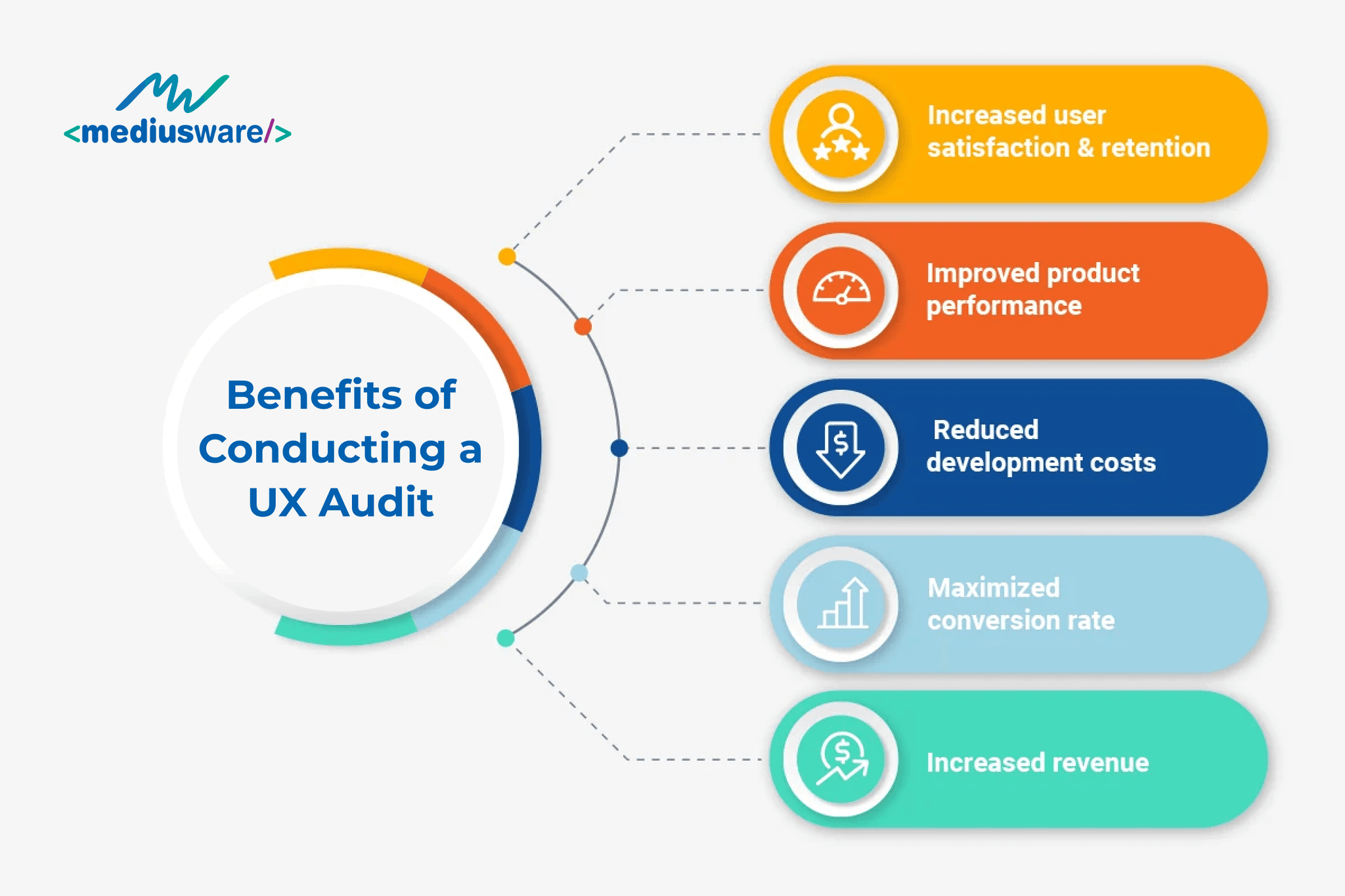
Conducting a UX audit offers numerous benefits that can significantly enhance the overall performance of a product. UX audits pinpoint troublesome features and underperforming aspects, allowing teams to implement targeted recommendations that pave the way for growth.
Businesses can expect a minimum 10% increase in website traffic and reduced drop-off rates, leading to heightened user loyalty through a smoother experience and ultimately boosting conversion rates. User observations are a crucial element of the UX audit process, providing valuable insights into how a digital product is used and revealing user needs and pain points.
By regularly conducting these observations, organizations can ensure that recommendations prioritize user needs, guiding future design decisions and potentially driving up website conversions. Additionally, regularly conducting UX audits is highly advantageous for assessing an organization’s position within the UX maturity spectrum, fostering its advancement. Consistent evaluations of factors like UX capabilities, the presence of UX objectives, the alignment of UX understanding among leadership, and the existence of UX strategies serve as a catalyst for inspiring organizations to enhance their UX practices, further boosting website conversions.
Ultimately, a UX audit not only improves usability by identifying pain points but also creates a deeper understanding of the target audience’s needs and preferences. This data-driven approach ensures that improvements are based on actual user behavior, resulting in higher engagement rates and strengthening brand perception. In summary, a UX audit is a vital tool for driving business success, fostering a positive user experience, and maximizing conversions.
Steps to Conduct a UX Audit
1. Define the Scope and Goals
Review Your Business Objectives: During the definition phase of the UX audit, the primary objective is to assess your business objectives and fully understand the aspirations of your organization. Involving team members from various departments, including stakeholders such as marketers, salespeople, product managers, developers, and others, provides a comprehensive perspective.
Determine what you want to achieve with the audit (e.g., improve conversion rates, reduce bounce rates) and specify the scope, such as which parts of the website or application to focus on.
2. Gather Data
Conduct a UX Maturity Survey: Early in the UX audit, a survey is conducted to assess the level of UX maturity within the organization. This survey involves questioning team members about their perceptions of the existing UX processes, how the organization utilizes UX methodologies, and the perceived importance of UX practices.
The score from the survey is translated into a level of ‘UX maturity’ based on the model developed by the Nielsen Norman Group, which identifies six positions of UX maturity:
- Absent: UX is disregarded or non-existent.
- Limited: UX work is uncommon, carelessly conducted, and of little significance.
- Emergent: UX work is valuable and promising but inefficient.
- Structured: The organization has a widely used scientific UX methodology with varying degrees of efficiency.
- Integrated: UX work is extensive, successful, and widespread.
- User-driven: Insights and outstanding user-centered design outputs result from a commitment to UX at all levels.
Understanding your UX maturity position helps ensure that user-driven design decisions minimize user-related risks during development and optimize resource utilization.
3. Analyze User Flows
Map out user journeys to understand how users interact with the product. Identify common paths and potential drop-off points.
4. Evaluate the Current Design
Assess usability through heuristic evaluation (e.g., Nielsen’s heuristics). Check for consistency in design elements (colors, typography, buttons) to ensure a cohesive user experience.
5. Conduct Competitor Analysis
Compare your product with competitors to identify best practices and areas for improvement. Highlight what works well for others and how you can adapt those strategies to your own product.
6. Carry Out a Stakeholder Workshop
The workshop stage serves as the foundation for the UX audit by establishing a connection between the organization’s business goals and its target users, their journeys, and the challenges they may encounter.
A one-and-a-half-hour workshop is conducted with key stakeholders to establish the following:
- Target users and their journeys
- Target users’ current challenges
- Standards such as accessibility and device support
- Competitors
- KPIs and metrics
These areas, particularly those concerning target users, are paramount in creating proto-personas, which are outputs of the UX audit.
7. Create an Actionable Report
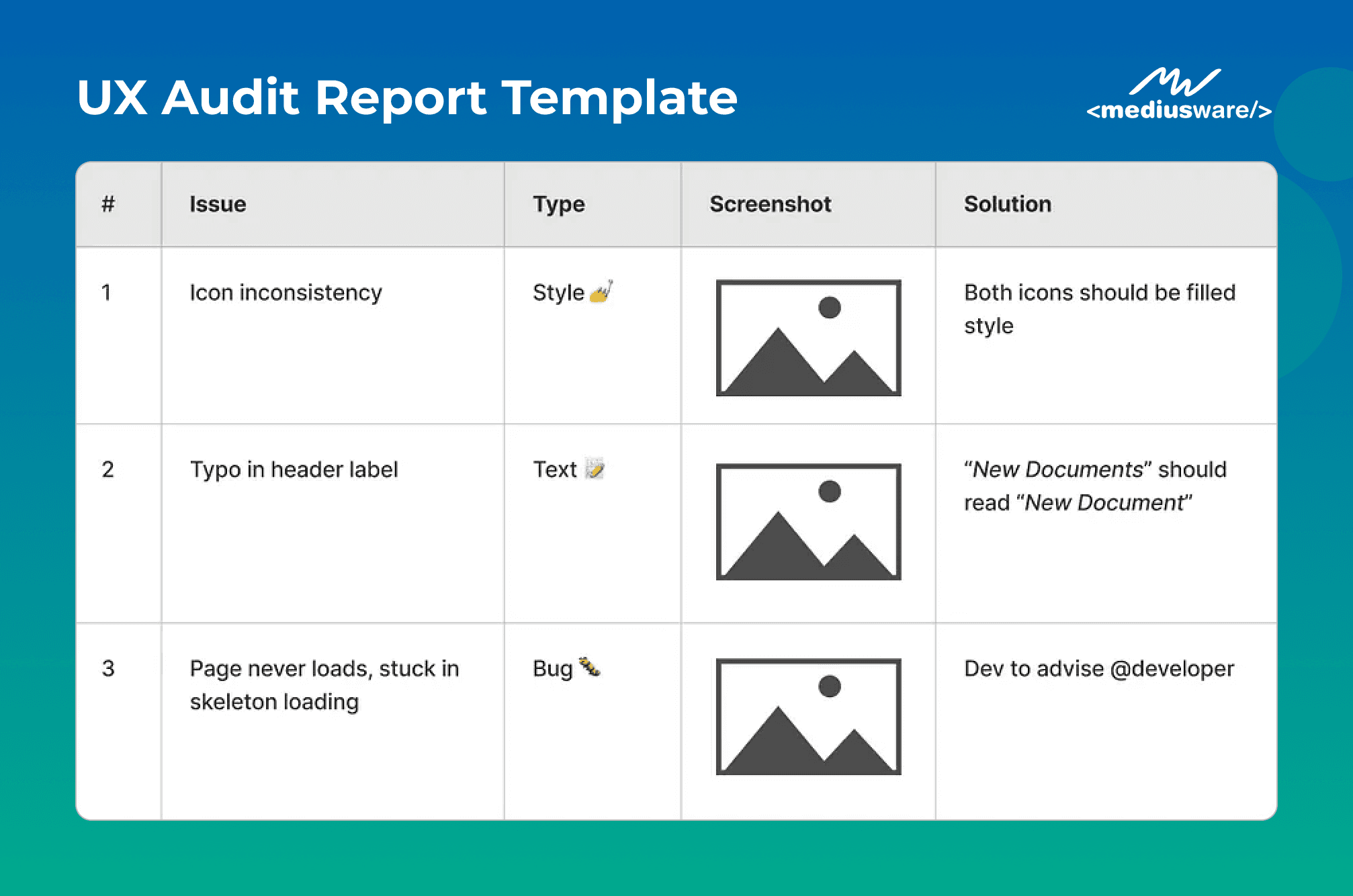
Summarize findings, highlighting key issues and areas for improvement. Prioritize issues based on their impact and ease of implementation. The final output of the UX audit is a report that includes insights from across activities and recommendations to improve the user experience of your product.
Final Thoughts
In conclusion, a UX audit is an invaluable process that not only identifies areas for improvement but also aligns your digital product with user needs and business objectives. By systematically evaluating usability, design, and user interactions, organizations can implement targeted enhancements that drive engagement, boost conversions, and foster customer loyalty.
Regularly conducting UX audits ensures that your product evolves with user expectations, ultimately leading to a more effective and satisfying user experience. Embrace the power of UX audits to elevate your digital offerings and stay ahead in today's competitive landscape.
Frequently Asked Questions
A UX audit aims to identify usability issues, design inconsistencies, and pain points that hinder a user's experience with a digital product. It helps organizations enhance their product’s usability, increase user satisfaction, and improve conversion rates by implementing targeted design improvements.

I work at the point where product decisions, system architecture, and engineering execution meet. At Mediusware, I’m accountable for how technology choices affect reliability, scale, and long-term delivery for our clients.
Featureblogs
Relatedblogs
01
The Role of Psychology in UI/UX Design: How 'Understanding Human Behavior' Shapes Better Experiences02
From Bugs to Beauty: Integrating UI/UX Testing into Software Quality Assurance03
Why We Should Begin Our Design Process with Wireframes?04
Emotional Design in UX05
Ultimate Guide to Color in UX/UI Design: Enhancing Experiences Through Visual HarmonyAuthorblogs
01
How Digital Agencies Can Deliver Custom Software Without Hiring Developers02
AI in FinTech: Build, Buy, or Integrate? A Founder's Decision Framework03
How to Choose a SaaS MVP Development Company04
How Seed-Stage SaaS Teams Add Engineering Capacity Without Hiring Chaos05
Why Seed-Stage SaaS Startups Struggle to Ship Fast