-
Duplicate IDs in React can cause browser conflicts and unpredictable UI behavior.
-
Lists that share the same index-based IDs often clash when rendered in multiple components.
-
Prepending a unique prefix for each list solves the ID collision problem cleanly.
-
A scoped handleChange function keeps each component’s state isolated and predictable.
Blog: Debugging Duplicate IDs in React Components
5 min read
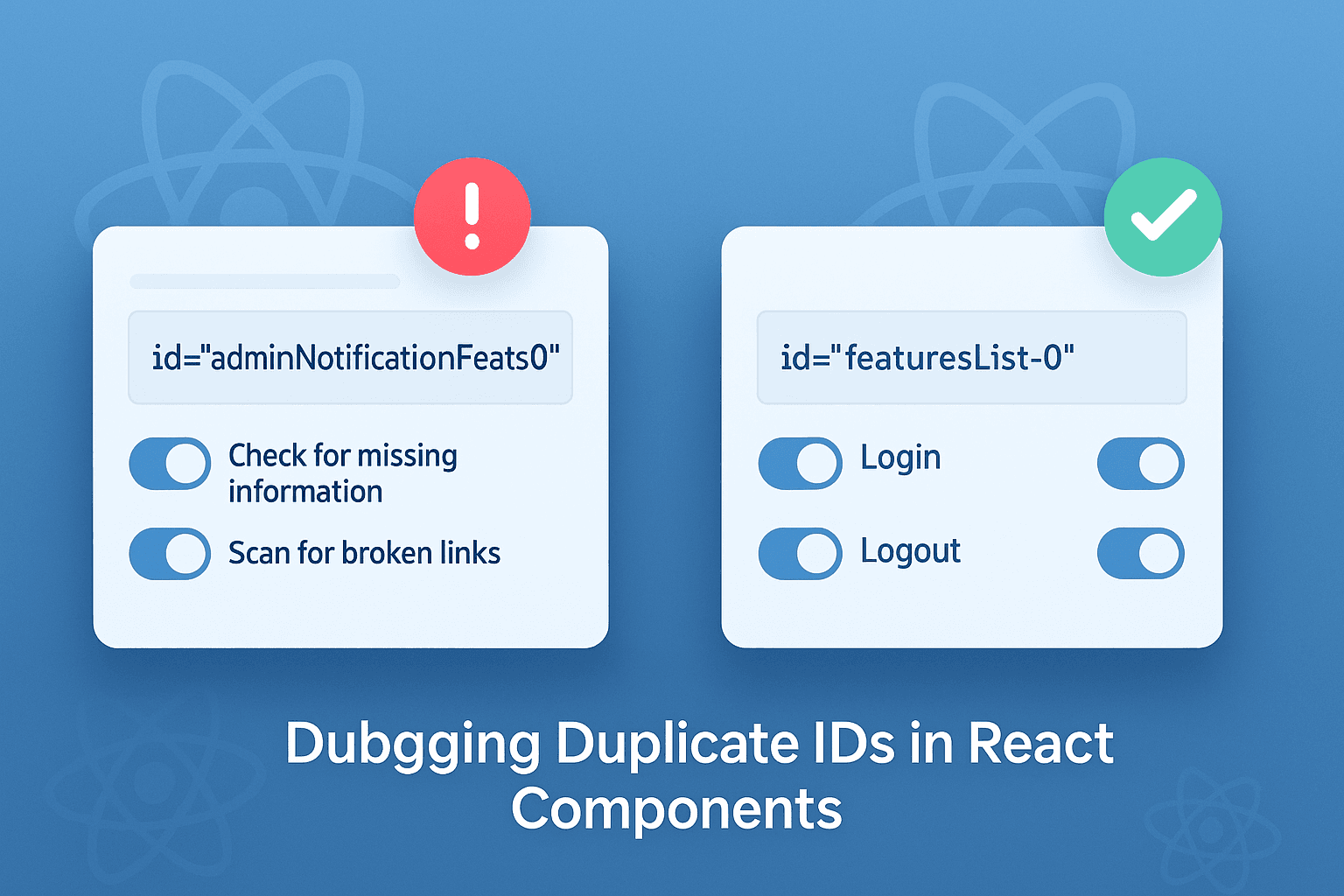
The Problem
Imagine you have two child components, each rendering a list of switches:
First Component (List A):
const [featuresList, setFeaturesList] = useState([
    { title: 'Check for missing information', checked: true },
    { title: 'Scan for broken links', checked: true },
]);

<Switch>
    <SwitchInput
        type="checkbox"
        id={`adminNotificationFeatures-${index}`}
        checked={data.checked}
        onChange={() => handleChange(index)}
    />
    <SwitchLabel htmlFor={`adminNotificationFeatures-${index}`}></SwitchLabel>
</Switch>;
Second Component (List B):
const [featuresLists, setFeaturesLists] = useState([
    { title: 'Login', checked: true },
    { title: 'Logout', checked: true },
]);

<Switch>
    <SwitchInput
        type="checkbox"
        id={`adminNotificationFeatures-${index}`}
        checked={data.checked}
        onChange={() => handleChange(index)}
    />
    <SwitchLabel htmlFor={`adminNotificationFeatures-${index}`}></SwitchLabel>
</Switch>;
While everything appears fine, the id for both lists will overlap (adminNotificationFeatures-0, adminNotificationFeatures-1, etc.).
This causes a conflict, as the browser associates multiple elements with the same id. Clicking on a switch in one list may trigger unintended behavior in the other.
The Solution
To fix this, make sure that each id is unique across the entire application. You can prepend a unique identifier for each list.
Updated First Component (List A):
<Switch>
    <SwitchInput
        type="checkbox"
        id={`featuresList-${index}`}
        checked={data.checked}
        onChange={() => handleChange(index, 'featuresList')}
    />
    <SwitchLabel htmlFor={`featuresList-${index}`}></SwitchLabel>
</Switch>;
Updated Second Component (List B):
<Switch>
    <SwitchInput
        type="checkbox"
        id={`featuresLists-${index}`}
        checked={data.checked}
        onChange={() => handleChange(index, 'featuresLists')}
    />
    <SwitchLabel htmlFor={`featuresLists-${index}`}></SwitchLabel>
</Switch>;
Enhanced Handle Change Function
To ensure each component’s state updates independently, pass a listType parameter to differentiate the lists:
const handleChange = (index, listType) => {
    if (listType === 'featuresList') {
        setFeaturesList(prev =>
            prev.map((item, i) => (i === index ? { ...item, checked: !item.checked } : item))
        );
    } else if (listType === 'featuresLists') {
        setFeaturesLists(prev =>
            prev.map((item, i) => (i === index ? { ...item, checked: !item.checked } : item))
        );
    }
};
Why Unique IDs Matter
HTML attributes like id must be unique within a page. React is declarative, but the DOM still follows this rule. Assigning duplicate id values creates conflicts when associating labels with inputs or processing DOM-based events.
Best Practices
- Avoid Overlapping Indexes: Use unique prefixes for dynamic
idvalues. - Use Context or Props: Pass a unique identifier for each component if needed.
- Test Behavior: Verify components in isolation to catch issues early.
Frequently Asked Questions
Duplicate id issues often arise when generating dynamic components with similar structures, like lists, without assigning unique id values. If two or more elements share the same id, it can cause unpredictable behavior, especially when associating labels with inputs or handling events.

I work at the point where product decisions, system architecture, and engineering execution meet. At Mediusware, I’m accountable for how technology choices affect reliability, scale, and long-term delivery for our clients.
Featureblogs
Relatedblogs
01
How to Create a Stunning WordPress Website in 2024: Step-by-Step Tutorial02
How Mediusware Empowered Protesters, Strengthened the Economy & Showcased Employee Resilience in the 2024 Movement03
Mastering Error Handling in Rust with Essential Techniques04
Best Practices for Writing Clean Code05
Let's Deep Dive Into Threads with RustAuthorblogs
01
How Digital Agencies Can Deliver Custom Software Without Hiring Developers02
AI in FinTech: Build, Buy, or Integrate? A Founder's Decision Framework03
How to Choose a SaaS MVP Development Company04
How Seed-Stage SaaS Teams Add Engineering Capacity Without Hiring Chaos05
Why Seed-Stage SaaS Startups Struggle to Ship Fast