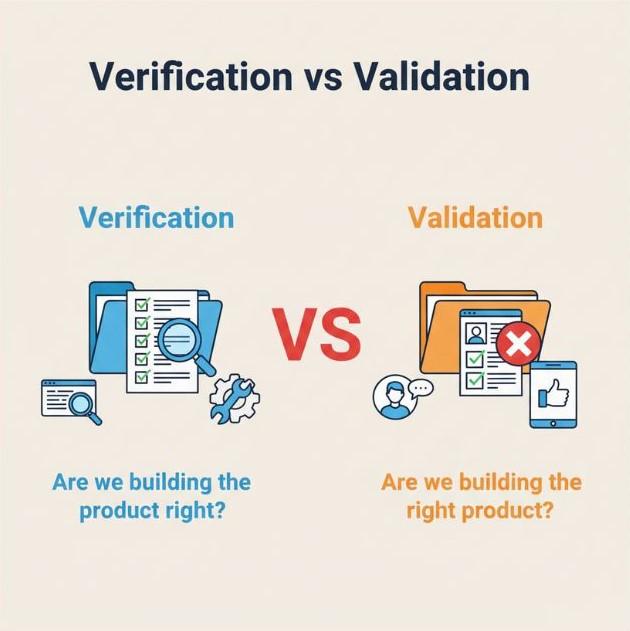
- Verification ensures software is built correctly according to specifications and design requirements.
- Validation ensures software meets user needs and works effectively in real-world scenarios.
Verification vs Validation: What’s the Difference?
1 min read
Imagine you're about to launch a new mobile app, and you’re excited to see it go live. But there's one question hanging over your head—
How can you be sure it will work as intended?
You’ve got great features, but will users actually love it? This is where verification and validation testing come into play.
These two testing processes might sound similar, but they serve different and crucial roles in ensuring your software works perfectly.
Verification ensures the software is built to specifications, while validation makes sure it does what users actually want.
Without both, you might end up with a technically sound product that no one enjoys using, or worse, a product that doesn't meet the user's needs at all.
Let’s take an example. Remember when you first used a new app that looked perfect on the surface, but when you tried to make a purchase or sign up, things didn’t work as expected?
That’s a failure in validation. On the other hand, if your app crashes due to a basic flaw in the UI or misalignment with the design, that’s a failure in verification. Both need to work together to ensure a flawless user experience.
What is Verification Testing?
Verification testing is like checking that everything is built to plan. It’s all about ensuring that the software is being developed according to the predefined specifications and design.
Verification asks the question: “Did we build this right?”
Verification has been a part of software development since the early days of structured programming. In the 1960s and 1970s, before formal testing was widespread, software engineers mainly focused on writing clean, error-free code. However, as systems became more complex, the need for systematic checks grew, and verification processes evolved to ensure that each phase of the development lifecycle met design requirements.
Today, verification typically involves code reviews, design walkthroughs, and static analysis tools to check for issues before the software is even executed.
Key Takeaway: Verification ensures that the software meets the technical requirements laid out at the beginning of development.
What is Validation Testing?
Validation testing, on the other hand, ensures that the software actually works for the end user. It focuses on checking if the product does what it’s supposed to do in real-world scenarios.
Validation asks: “Did we build the right thing?”
This practice has its roots in the shift towards user-centered design in the 1980s. As computers and applications became more user-friendly, developers began to prioritize the user’s experience, making sure that software not only functioned correctly but also met the user’s expectations and needs. Validation evolved to focus on testing the software from a user perspective, ensuring that it performs well in real-world conditions.
Key Takeaway: Validation confirms that the software works as intended and meets the user’s needs.
Key Differences Between Verification and Validation
Here’s a quick comparison of Verification vs Validation:
|
Verification |
Validation |
|
Focuses on meeting requirements and design |
Focuses on user needs and expectations |
|
Done early in the development process |
Done later, after development is complete |
|
Static process (reviewing designs, code) |
Dynamic process (testing real-world functionality) |
Example:
-
Verification: Checking if the app’s UI matches the design specs.
-
Validation: Testing if users can easily navigate the app and complete tasks without frustration.
Real-World Examples
To better understand how verification and validation play out in software development, here are some real-world examples:
-
Verification Example:
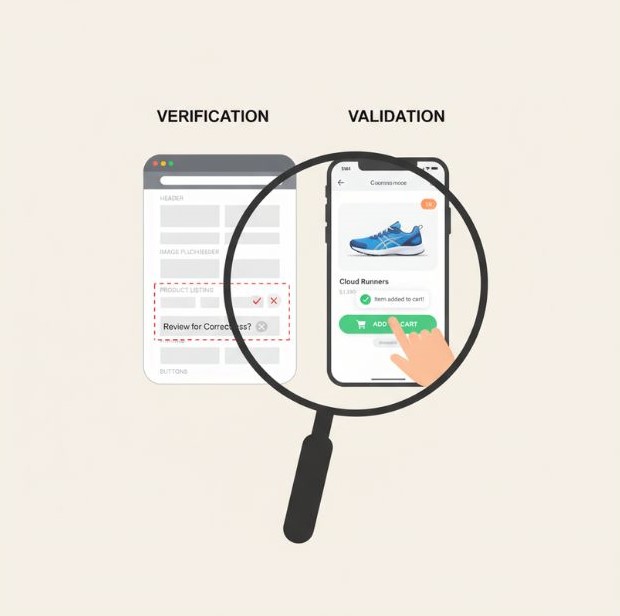
For a mobile app, verification might involve checking that the app’s user interface (UI) aligns with the wireframes and design documents to ensure consistency. -
Validation Example:
For the same mobile app, validation would involve testing whether users can easily navigate the app and complete key actions like signing up, making purchases, or interacting with the interface. User feedback and real-world performance are key here.
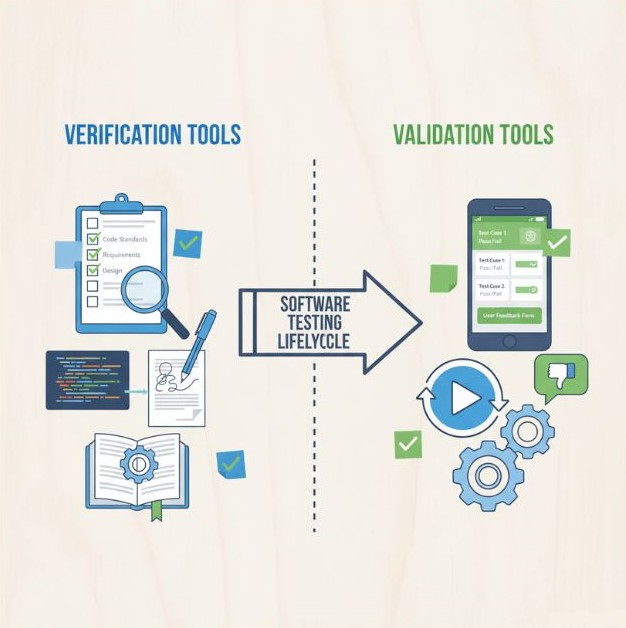
Tools for Verification and Validation
Verification Tools:
-
Checklists: To ensure all requirements are met before moving forward.
-
Walkthroughs: Team reviews to identify potential issues early in the development cycle.
-
Static Analysis Tools: These tools analyze the code without running it, detecting potential errors and coding violations.
Validation Tools:
-
Test Cases: Detailed scripts to validate functionality and performance in a live or simulated environment.
-
Prototypes: Early versions of the software to gather user feedback before full development.
-
Dynamic Analysis Tools: These tools monitor the software while it's running to detect issues like memory leaks or performance bottlenecks.
Both sets of tools play an integral role in ensuring software quality and helping teams detect issues early.
Why Understanding Both Matters
Understanding verification and validation is crucial for creating high-quality software. Here’s why:
-
Minimizing Errors: Verification catches mistakes early in the development process, saving time and resources down the line.
-
Ensuring User Satisfaction: Validation ensures that the software meets real user needs and provides a great experience.
-
Resource Efficiency: By understanding when and how to apply each process, developers can allocate their resources more effectively, reducing redundancy and optimizing testing efforts.
Both processes work together to ensure that the software is both reliable and user-friendly, giving teams the best chance for success.
Final Thoughts
Both Verification and Validation play a crucial role in software testing. While Verification ensures the product is built to specification, Validation ensures it’s truly meeting user expectations. By mastering both, you can deliver software that’s both reliable and user-friendly.
Frequently Asked Questions
Verification ensures the software aligns with requirements and specifications, ensuring that the product is built to the right standards.

I work with founders and leadership teams when growth moves faster than their systems, teams, or decisions. I’ve led 850+ projects for 750+ clients across 20+ countries, working across 100+ technologies and counting. I care about ownership, clarity, and building things that last beyond the launch.
Featureblogs
Relatedblogs
01
How to Create a Stunning WordPress Website in 2024: Step-by-Step Tutorial02
How Mediusware Empowered Protesters, Strengthened the Economy & Showcased Employee Resilience in the 2024 Movement03
Mastering Error Handling in Rust with Essential Techniques04
Best Practices for Writing Clean Code05
Let's Deep Dive Into Threads with RustAuthorblogs
01
SaaS MVP Development: A Founder’s Guide for 202702
Zero Clicks, Falling Traffic: How to Win Back Revenue03
Ranking on Google in 2026: What Matters in the Age of AI Search04
How to Choose an API Development Company for Your SaaS Product05
Why Software Companies Are Turning to Strategic Partnerships for Faster Growth