-
Learn how to set up a WordPress site from scratch, starting with domain selection and hosting.
-
Choose a theme and customize your site’s design without coding experience.
-
Install essential plugins to boost functionality and optimize your site’s SEO.
-
Create content, organize it efficiently, and launch your site for the world to see.
Step-by-Step Guide to Building Your First WordPress Site: From Zero to Hero
7 min read
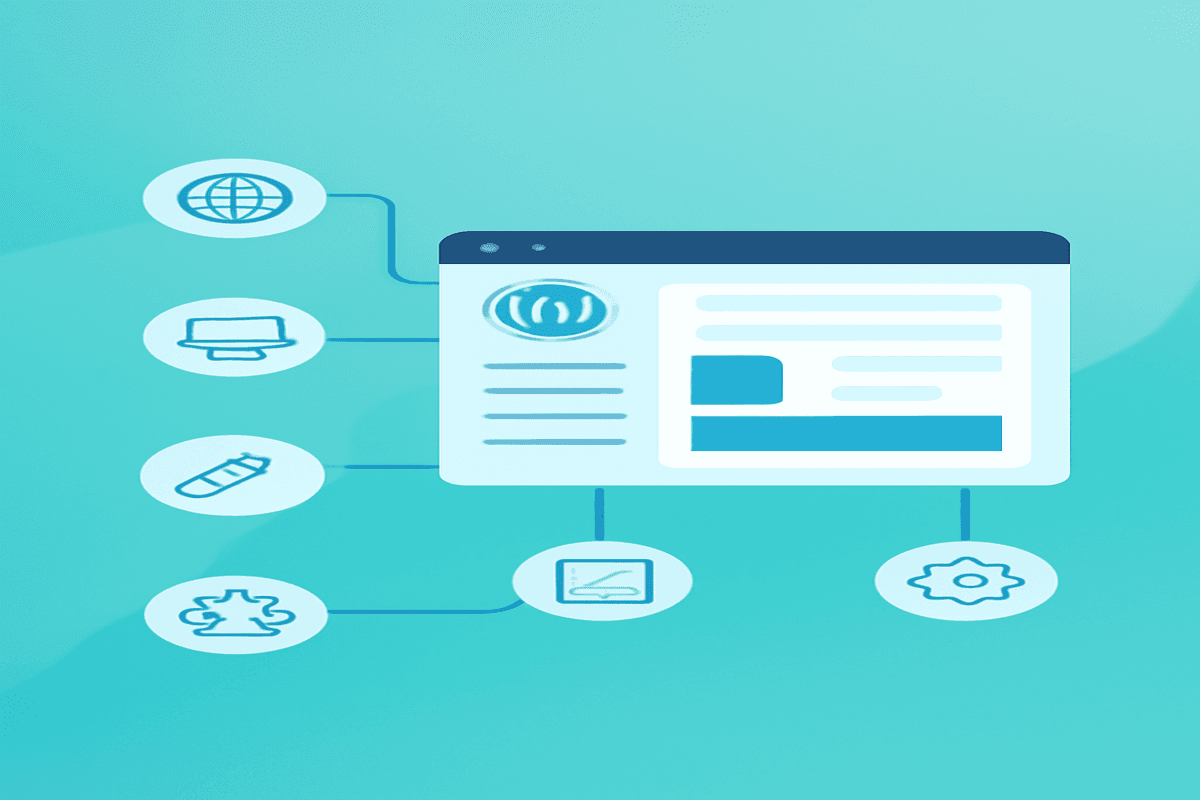
Discover the world of WordPress and learn how to build your first website without prior experience. This beginner-friendly guide walks you through every step, from setup to launch.
What is WordPress?
WordPress is a free, open-source content management system (CMS) that powers over 40% of the web. Learn why it's a favorite among beginners and professionals alike.
Key Points:
- WordPress.org vs. WordPress.com: Understanding the difference.
- Benefits: Flexibility, a wide range of themes and plugins, and community support.
Step 1 - Choose a Domain Name and Hosting
Start by securing a domain name and a reliable hosting provider.
Steps:
- Select a domain name that represents your brand or idea.
- Choose a hosting provider (e.g., Bluehost, SiteGround, or HostGator).
- Link your domain to your hosting provider.
Step 2 - Install WordPress
Set up WordPress on your hosting account. Most hosting providers offer a one-click installation process.
Steps:
- Log in to your hosting dashboard.
- Locate the WordPress installer and follow the on-screen instructions.
- Configure your site title and admin credentials.
Step 3 - Select a Theme
Customize your site’s appearance using a WordPress theme.
Tips:
- Start with free themes from the WordPress repository.
- Explore premium themes for more advanced features.
- Customize using the built-in WordPress Customizer.
Step 4 - Install Essential Plugins
Enhance your site’s functionality with plugins.
Must-Have Plugins:
- Yoast SEO: Optimize your content for search engines.
- Elementor: Design your pages with ease.
- Akismet: Protect your site from spam.
- WooCommerce: Set up an online store.
Step 5 - Create Content
Start adding pages and blog posts to your site.
Suggestions:
- Focus on essential pages: Home, About, Services, and Contact.
- Use high-quality images and videos to engage your audience.
- Organize content into categories for easy navigation.
Step 6 - Configure Settings
Adjust WordPress settings for better performance.
Tips:
- Update the permalink structure to "Post Name" for SEO-friendly URLs.
- Configure your timezone, language, and email address in General Settings.
Launch Your Site
Before launching, review every aspect of your site to ensure a seamless experience.
Checklist:
- Test your site’s speed using tools like Google PageSpeed Insights.
- Ensure mobile responsiveness.
- Double-check your SEO settings and analytics integration.
Frequently Asked Questions
WordPress.org is a self-hosted platform offering full control over your site, while WordPress.com is a hosted solution with limited customization.

I work at the point where product decisions, system architecture, and engineering execution meet. At Mediusware, I’m accountable for how technology choices affect reliability, scale, and long-term delivery for our clients.
Featureblogs
Relatedblogs
01
How to Create a Stunning WordPress Website in 2024: Step-by-Step Tutorial02
How Mediusware Empowered Protesters, Strengthened the Economy & Showcased Employee Resilience in the 2024 Movement03
Mastering Error Handling in Rust with Essential Techniques04
Best Practices for Writing Clean Code05
Let's Deep Dive Into Threads with RustAuthorblogs
01
How Digital Agencies Can Deliver Custom Software Without Hiring Developers02
AI in FinTech: Build, Buy, or Integrate? A Founder's Decision Framework03
How to Choose a SaaS MVP Development Company04
How Seed-Stage SaaS Teams Add Engineering Capacity Without Hiring Chaos05
Why Seed-Stage SaaS Startups Struggle to Ship Fast