-
Regular updates for WordPress core, themes, and plugins to ensure security.
-
Backup your site and verify it to prevent data loss.
-
Monitor and optimize site performance for faster load times.
-
Conduct monthly SEO audits and clean up unused themes/plugins.
WordPress Maintenance Checklist: What You Should Do Every Month
1 min read
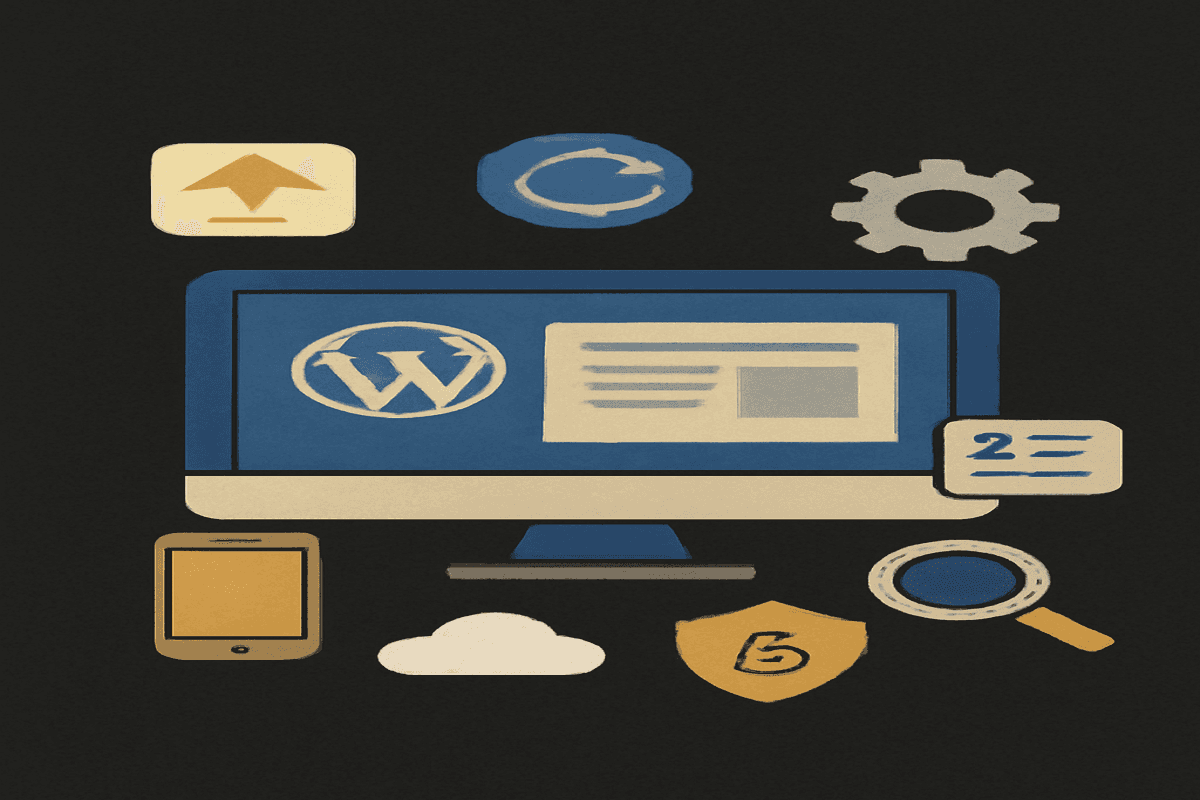
Maintaining a WordPress website is essential to ensure it runs smoothly, stays secure, and performs optimally.
While it might seem like a daunting task, following a simple monthly checklist can save you time and protect your site from issues down the line.
In this blog post, we’ll outline a comprehensive WordPress Maintenance Checklist that you should follow every month.
1. Update WordPress Core, Themes, and Plugins
Outdated software is a common vulnerability for WordPress sites. Check for and apply updates for:
- WordPress Core: Ensure your WordPress version is up to date for the latest features and security patches.
- Themes and Plugins: Update all installed themes and plugins, including inactive ones, to prevent potential security risks.
Tip: Always back up your site before performing updates.
2. Backup Your Website
Create and verify backups of your site, including:
- Files: Theme files, uploads, and custom code.
- Database: Store all post content, comments, and settings.
Recommended Tools: UpdraftPlus, VaultPress, or your web hosting provider's backup solution.
3. Monitor Website Speed and Performance
A slow website can lead to higher bounce rates and lower rankings. Use tools like:
- Google PageSpeed Insights
- GTmetrix
- Pingdom Tools
Check for issues like large images, unoptimized code, or unused CSS/JavaScript and resolve them.
4. Optimize Your Database
Over time, your WordPress database accumulates unnecessary data, such as post revisions, spam comments, and transient options. Use plugins like WP-Optimize to clean and optimize your database for better performance.
5. Review Security Settings
Protect your site from cyber threats with regular security checks:
- Run a Malware Scan: Use tools like Wordfence or Sucuri.
- Review User Accounts: Delete unused accounts and ensure admin roles are limited to trusted individuals.
- Enable Two-Factor Authentication (2FA): Add an extra layer of security for all user
6. Test Website Functionality
Ensure your website is functioning as expected:
- Test forms, contact pages, and interactive features.
- Check the responsiveness of your site on mobile and tablet devices.
- Confirm that all eCommerce functionalities (if applicable) work correctly.
8. Audit SEO Performance
Check your SEO strategy to ensure your site is performing well in search engines:
- Analyze Keywords: Use tools like Ahrefs, SEMrush, or Google Keyword Planner.
- Check Meta Descriptions and Titles: Ensure they are optimized for target keywords.
- Generate and Submit a Sitemap: Use plugins like Yoast SEO to keep your sitemap up to date.
9. Remove Unused Themes, Plugins, and Media
Clutter in your WordPress installation can slow down your site. Monthly, you should:
- Remove unused themes and plugins.
- Delete unused media files in the media library.
- Use tools like Media Cleaner to identify and remove orphaned files.
Key Takeaways
A well-maintained WordPress site is key to providing a seamless experience for your users and keeping your data secure. By following this monthly maintenance checklist, you’ll avoid common issues and keep your site performing at its best. Remember, proactive maintenance is always easier and cheaper than fixing problems later.
Do you have additional tips for WordPress maintenance? Share them in the comments below!
Frequently Asked Questions
Regular WordPress maintenance is crucial to ensure your website runs smoothly, stays secure, and performs optimally. Updates to WordPress core, themes, and plugins help patch security vulnerabilities, improve functionality, and enhance speed. Without maintenance, your site may become prone to hacks, errors, or poor user experience, which can affect traffic and SEO performance.

I work at the point where product decisions, system architecture, and engineering execution meet. At Mediusware, I’m accountable for how technology choices affect reliability, scale, and long-term delivery for our clients.
Featureblogs
Relatedblogs
01
How to Create a Stunning WordPress Website in 2024: Step-by-Step Tutorial02
How Mediusware Empowered Protesters, Strengthened the Economy & Showcased Employee Resilience in the 2024 Movement03
Mastering Error Handling in Rust with Essential Techniques04
Best Practices for Writing Clean Code05
Let's Deep Dive Into Threads with RustAuthorblogs
01
How Digital Agencies Can Deliver Custom Software Without Hiring Developers02
AI in FinTech: Build, Buy, or Integrate? A Founder's Decision Framework03
How to Choose a SaaS MVP Development Company04
How Seed-Stage SaaS Teams Add Engineering Capacity Without Hiring Chaos05
Why Seed-Stage SaaS Startups Struggle to Ship Fast